By Pradeep Pandey · Co-Founder · 20 min read · Updated
Best Nurse Scheduling App for Small Hospitals in 2026
"Nurse scheduling app" means two things: an app a nurse uses to track their own shifts, and a system a hospital uses to build them. This guide covers both, and reviews eight hospital-side options for a small hospital.

Key Takeaways
- The word “app” hides two different purchases: a staff-facing app nurses use to view and swap shifts, and a full scheduling engine that happens to have a mobile layer. Decide which one you are buying before comparing anything
- Three of the eight publish pricing. NurseGrid Manager charges $5 per staff member per month and Deputy $5 to $9 per user per month. SimpleScheduleAI charges a flat $1,000 to $1,500 per month by roster size. When we checked in September 2026, the other five either had no pricing page or blocked the check
- For staff-facing use at a small hospital, NurseGrid is the strongest nurse-built app, with one reviewer-flagged caveat: manager-side schedule edits now require a desktop login
- A polished general app like Deputy still leaves credential checks, healthcare overtime logic, and survey documentation on the manager’s desk. Enterprise suites like UKG bury a 25-nurse department in configuration instead
- SimpleScheduleAI takes the no-app route: an AI-native nurse scheduling service that sends each schedule as a PDF and an Excel file for the manager to approve, with nothing to install or log in to
- For a nurse tracking their own shifts, free personal calendar apps such as the NurseGrid app and MYDUTY do the job; they do not build a hospital’s schedule
Table of Contents
- Which Nurse Schedule App Do Nurses Use for Their Own Shifts?
- Do You Need a Scheduling App or Full Scheduling Software?
- What Makes a Nurse Scheduling App Different From a General Scheduling App?
- What Should You Look For in a Nurse Scheduling App?
- What Are the 8 Best Nurse Scheduling Apps?
- How Do the Apps Compare on Mobile Quality vs Nurse-Specificity?
- What to Do This Week
- Frequently Asked Questions
The phrase “nurse scheduling app” covers a wide range of products. Some are purpose-built for nursing departments. Others are generic workforce tools with a healthcare landing page. The difference is not visible on a feature list. It shows up when a nurse calls out at midnight and someone has to find a qualified replacement, on a phone, without triggering overtime.
Which Nurse Schedule App Do Nurses Use for Their Own Shifts?
If you are a nurse looking for an app to keep track of your own shifts, a free personal calendar app does that job. Two that come up most in app store searches are the NurseGrid app and MYDUTY. Neither builds a hospital’s schedule. They show the shifts you enter, or the shifts your hospital publishes if it uses the same vendor’s manager tool.
The NurseGrid nurse app is free. Its own page says: “Yep, 100% free for nurses and healthcare workers!” The same page lists what it does: “Manage your work calendar. Coordinate schedules with coworkers. Track credentials and get reminders for expiration dates. Earn CE credits.” If your hospital uses NurseGrid Manager, shifts the manager posts reach the app.
MYDUTY is listed on the App Store as “Free with in-app purchases.” Its group feature lets you “Create groups and invite your team - see everyone’s schedule at once.”
The rest of this guide is for the other half of the question: the manager or administrator choosing what the hospital runs.
Do You Need a Scheduling App or Full Scheduling Software?
Two buying intents get tangled under this keyword, and they lead to different shortlists. If you are choosing a full scheduling system for the hospital, desktop-first, with implementation and configuration, read our best nurse scheduling software guide instead. This guide covers the app intent: what nurses and managers actually use on a phone, which nurse-facing apps are genuinely good, and when an app alone is enough for a small hospital. There is real overlap in the vendor list, but the evaluation lens here is mobile-first.
| App / Platform | Best For | Built for Hospital Nursing | Mobile Experience | Callout Coverage | Pricing |
|---|---|---|---|---|---|
| SimpleScheduleAI | Small-hospital service; approve from any device | Yes, small rural hospitals | No app: PDF and Excel sent to you, approve by reply | Ranked shortlist with reasons | Flat $1,000 to $1,500/mo |
| NurseGrid Manager | Self-serve nurse scheduling | Yes, nurse-specific | Strong staff app; manager edits on desktop | Broadcast to qualified staff | $5/staff member/mo (published) |
| Aladtec | Public safety scheduling, per its own pages | No (built for public safety) | Functional mobile access | Manual overtime check | Pricing page blocked our check |
| SmartLinx | Senior care and post-acute, per its own pages | Senior-care focus (configurable) | Full mobile suite | Configurable automation | No pricing page |
| QGenda | Physician + nurse scheduling | Yes (enterprise) | Full mobile suite | Configurable | No pricing page |
| OnShift | Senior care facilities | Senior-care focus, not acute | Mobile-first design | Broadcast model | No pricing page |
| Deputy | General shift workforces | No (general workforce) | Polished general app | Broadcast model | $5 to $9/user/mo (published) |
| UKG (Kronos) | Large hospital systems | Yes (enterprise) | Full enterprise mobile | Full automation | Pricing page blocked our check |
One note on the pricing column. Three of the eight publish their rates: NurseGrid Manager lists $5 per staff member per month, Deputy lists $5 to $9 per user per month depending on plan, and SimpleScheduleAI publishes flat monthly pricing. When we checked on September 22, 2026, the other five either had no pricing page or blocked our check. An unpublished price is not a red flag by itself, but it can signal an enterprise sales process sized for bigger buyers, the same vendor size signals that tell a small hospital whether a product was built with it in mind. For per-user apps, do the math before the demo: $5 per user per month across a 25-nurse roster is $1,500 a year, an illustrative figure, before counting the manual work the app leaves behind.
What Makes a Nurse Scheduling App Different From a General Scheduling App?
A general scheduling app solves a coordination problem: who works when. For most industries that is the whole problem. For hospital nursing it is only the first of four layers.
Layer 1: Coordination
Who is working when. Every app on this list covers it.
Layer 2: Clinical credentials
Certifications, charge designation, unit-specific qualifications on the right shift. Most general apps miss it.
Layer 3: Compliance
Staffing documentation a surveyor can read, and the correct overtime threshold. Almost all apps leave this manual.
Layer 4: Operational intelligence
Callout ranking by skill match and overtime risk, fair distribution of weekends and holidays. Rare in self-serve apps.
The clinical layer means the right credentials on the right shift: a nurse without the required certification cannot staff a monitored bed, and a nurse without charge sign-off cannot be designated charge.
The compliance layer covers two things: staffing records and overtime rules. On staffing records, a critical access hospital must have a licensed nurse on duty whenever a patient is admitted, under 42 CFR 485.631, and its schedule records must be able to prove that to a surveyor. On overtime, the default federal rule is simple: overtime is owed after 40 hours in a week. A hospital that has formally adopted the optional 8-and-80 system owes it after 8 hours in a day or 80 in two weeks instead. Texas adds one more rule that surprises people: under Chapter 258, a hospital cannot force a nurse to work overtime except in narrow emergencies. So when a shift opens up, the schedule has to find a willing, qualified nurse. General apps know none of this out of the box.
The operational layer is where the midnight test lives. A callout at a small hospital means finding who is qualified, available, and safely below the overtime threshold, in that order. An app whose answer is “broadcast to all available staff” hands that entire calculation back to the manager.
What Should You Look For in a Nurse Scheduling App?
| Criterion | Why it matters at a small hospital | Priority |
|---|---|---|
| Credential checks at the shift level | Wrong credential on a shift is a care and survey problem | Critical |
| Overtime threshold logic (your FLSA setup) | Wrong threshold quietly misprices every extra shift | Critical |
| Callout ranking by credential + overtime risk | The midnight problem; broadcast-only apps leave it manual | High |
| Survey-ready staffing documentation | CMS surveyors can request staffing records without notice | High |
| Nurse-facing mobile access (view, swap, request) | Adoption fails when nurses cannot see schedules on their phones | Important |
| Implementation speed and IT burden | A three-month rollout is a real cost at a facility with limited IT | Important |
What Are the 8 Best Nurse Scheduling Apps?
1. SimpleScheduleAI
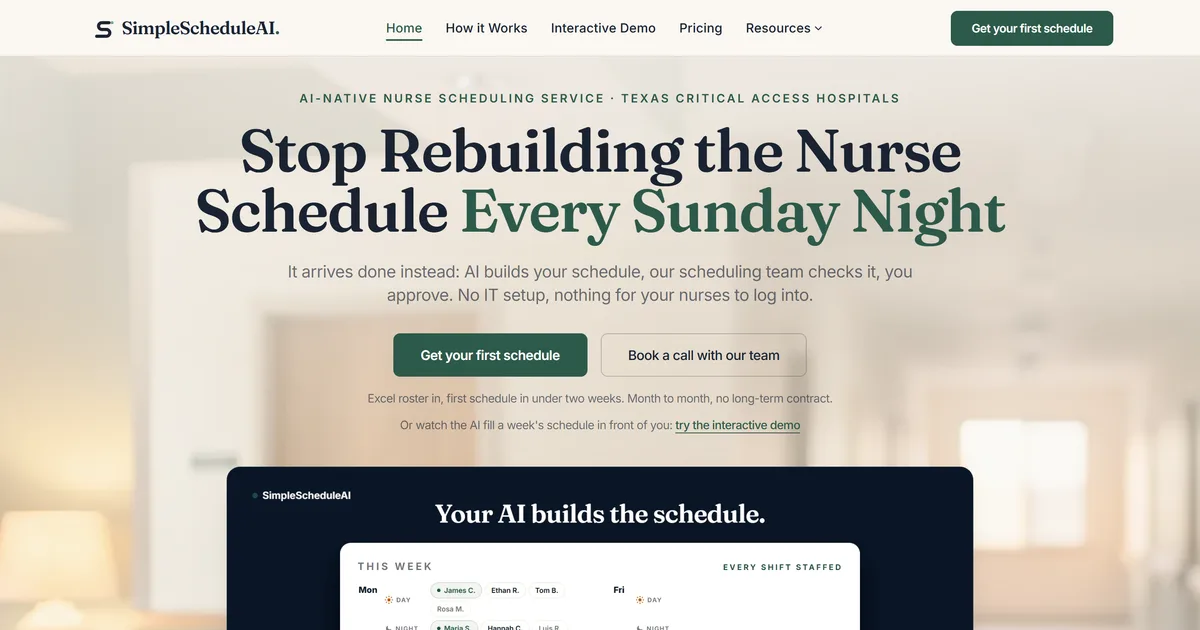
SimpleScheduleAI is not a traditional app, and the distinction is deliberate. It is an AI-native nurse scheduling service: the AI builds the schedule against your unit’s compliance and fairness rules, our scheduling team checks it, and the nurse manager approves. Each schedule arrives as a PDF and an Excel file, and you approve it by reply, so it works from a phone as easily as a desktop. Nobody at the hospital logs in to anything.
Best for: Small rural hospitals where the nurse manager is clinically active and wants scheduling handled, not another app to run.
Key advantages:
- Nothing to configure or maintain: rules are set up with you at onboarding, and your first schedule arrives inside two weeks
- When a nurse calls out, a ranked shortlist of qualified replacements arrives with the reasons visible: skills, role, charge coverage, and overtime risk
- Every schedule change lands in a timestamped audit trail, formatted for CMS survey readiness
- Applicable FLSA overtime thresholds are checked before an assignment is proposed, not after
Key limitations:
- Not a self-serve scheduling app. If your hospital wants to build and manage schedules internally, this is not the right fit
- Designed for small facilities. Not built for large hospitals or multi-site systems
Verdict: The strongest option for a small hospital that wants all four layers handled and minimal time in any scheduling tool. Walk the cycle on how it works.
Cost: Flat monthly price by roster size: $1,000/month for up to 20 nurses, $1,500/month for 21 to 40 nurses. No per-nurse fees, no setup fees.
2. NurseGrid Manager
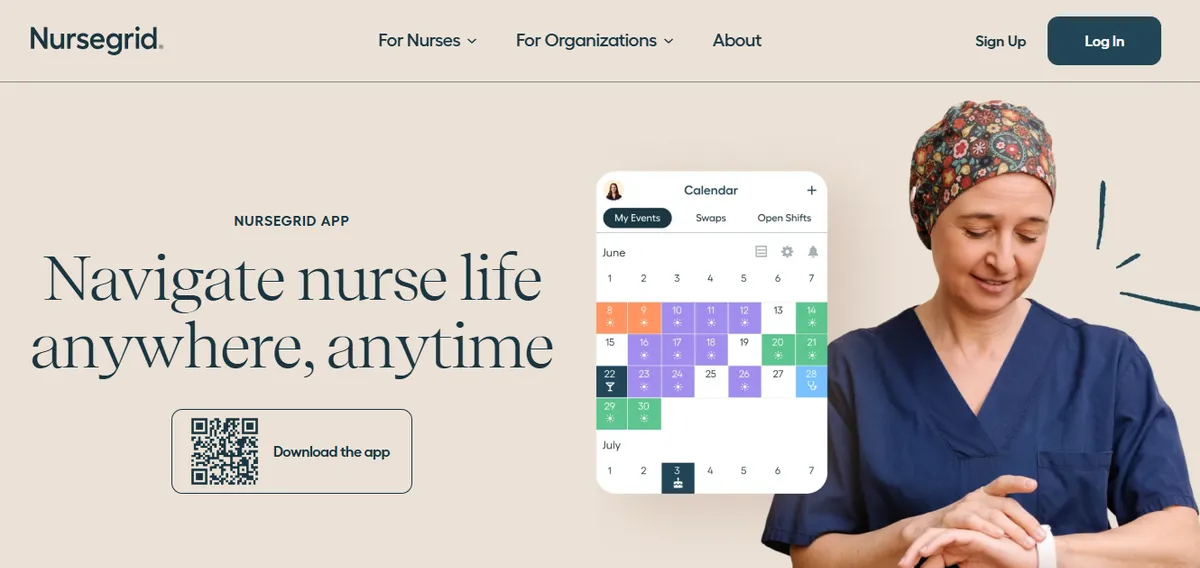
NurseGrid Manager is a scheduling platform designed specifically for nurses. The staff-facing app is where it shines: nurses use it to view schedules, pick up open shifts, request time off, and message the scheduling team.
Best for: Small hospitals that want self-serve scheduling with a genuinely nurse-focused mobile app and can handle compliance tracking manually.
Key advantages:
- Designed around nursing workflows rather than generic shift work
- Open-shift notification and pickup flow built for how nursing units actually fill gaps
- Routine swaps and time-off requests run without manager involvement
Key limitations:
- The manager-facing mobile app is no longer available: two reviewers report that schedule edits now require a desktop login (Capterra, June 2024). In an app-lens evaluation, that matters most for the manager herself
- Credential enforcement at the shift level is not automatic; the manager verifies coverage during review
- Healthcare overtime configuration should be verified against your FLSA setup, and survey documentation stays manual
Verdict: The strongest nurse-facing app in this list. The manager side now lives on desktop, and the compliance and credential layers remain the manager’s job. For what the manager tier documents on coverage alerts and callouts, see what NurseGrid Manager does; for a deeper comparison, see NurseGrid alternatives.
Cost: $5 per staff member per month, published on the vendor page (“Got 25 staff? That’s $125/month.”). Nurse app free.
3. Aladtec
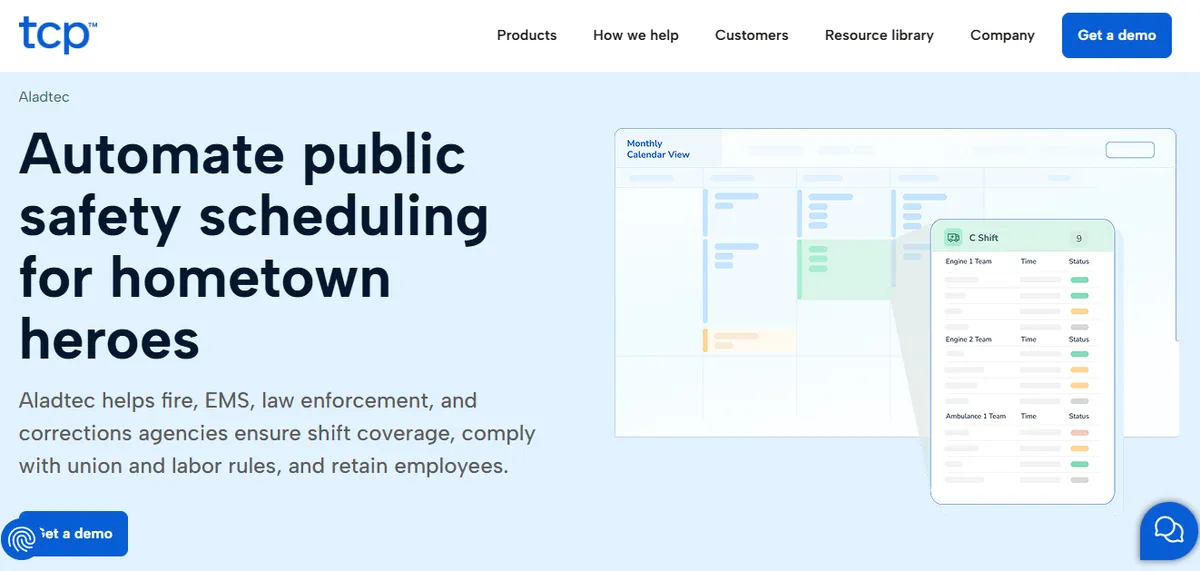
Aladtec, part of TCP Software, provides web and mobile scheduling access. As of September 2026, its own product pages market it to fire, EMS, law enforcement and corrections agencies, with no healthcare claim, although some hospitals use it. Staff use mobile access for schedule viewing, availability, time-off requests, and shift trades.
Best for: Facilities that want one self-serve scheduling tool across departments, and are comfortable with a product built for public safety agencies.
Key advantages:
- Reliable mobile access for schedule viewing and availability management
- One system across departments, which small facilities often prefer over per-department tools
Key limitations:
- Healthcare-specific rules (credentials, overtime thresholds, documentation) require configuration and upkeep
- Mobile experience is functional rather than app-store polished
Verdict: A solid multi-department choice once configured; the configuration is the cost. See the operating-model comparison in Aladtec vs a scheduling service.
Cost: Aladtec’s pricing page refused our automated check on September 22, 2026, so we could not confirm a price. Ask TCP for a quote.
4. SmartLinx
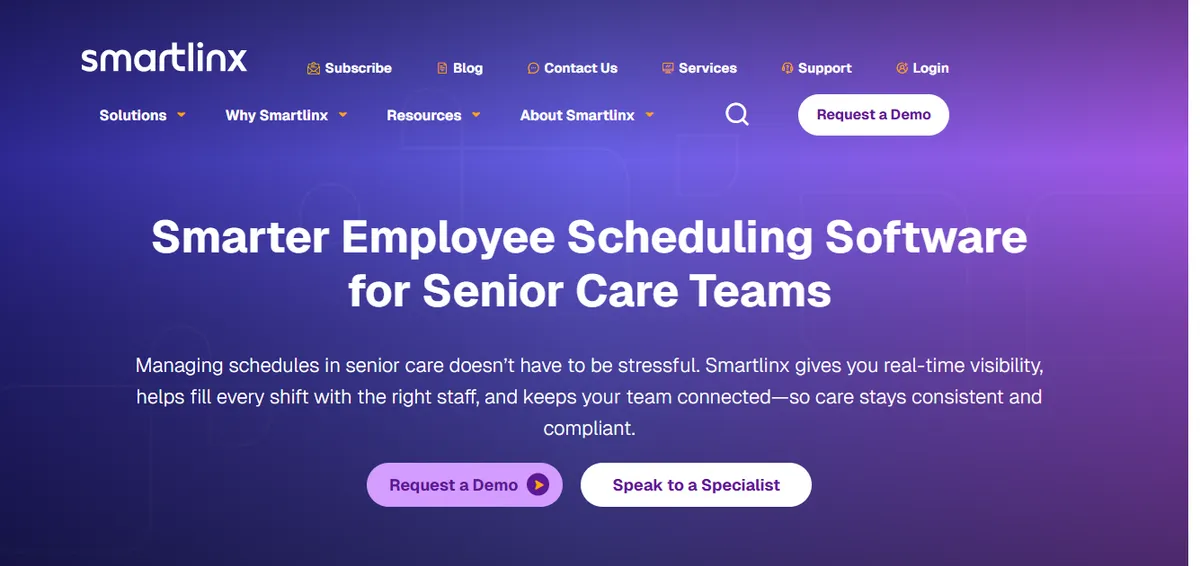
SmartLinx pairs its workforce platform with a full mobile suite: schedule viewing, open-shift response, time and attendance, and manager approval workflows all run on mobile.
Best for: Senior care, post-acute and behavioral health organizations with IT support that want mobile workforce management. Its own pages list no hospital category.
Key advantages:
- Full mobile capability for managers and staff
- Time and attendance integrates with scheduling, reducing payroll reconciliation
- Credential and coverage enforcement is configurable once implemented
Key limitations:
- Implementation is a project measured in months, not days
- Ongoing IT involvement is assumed
Verdict: A strong platform for the care settings it targets, with technical staff to run it. Heavy for a small facility with limited IT; see SmartLinx alternatives for lighter options.
Cost: Contact for pricing.
5. QGenda
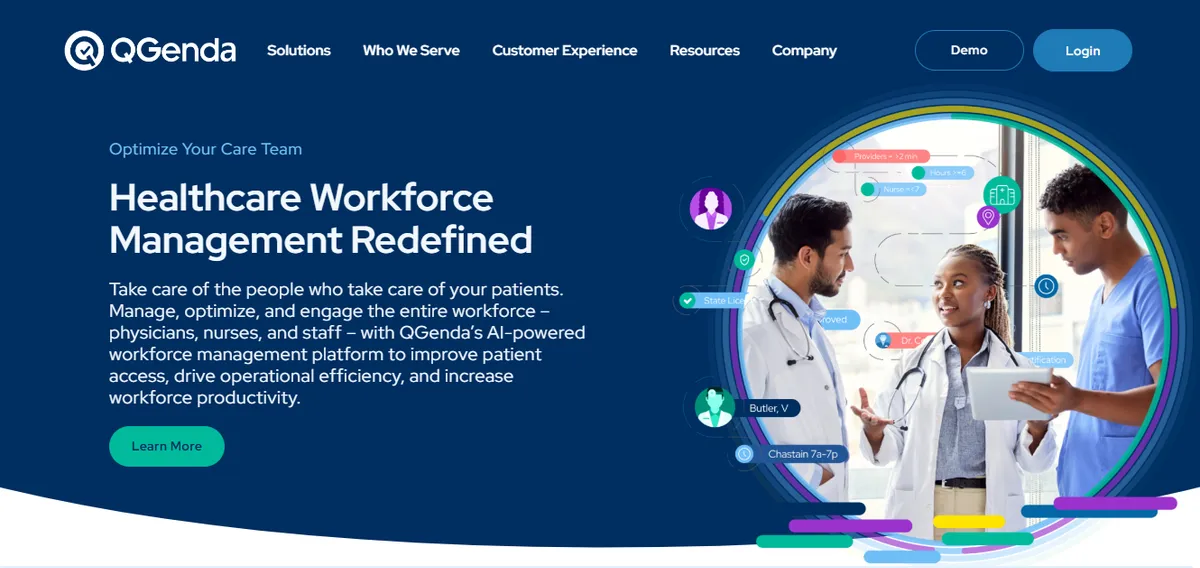
QGenda’s mobile app was built first for physician self-scheduling and on-call management, with nursing served through an additional module.
Best for: Health systems scheduling physicians and nurses in one system with mobile access for both.
Key advantages:
- Mature mobile app for provider self-scheduling and on-call visibility
- Credential-based rule enforcement once configured
Key limitations:
- Built for health systems; pricing and implementation reflect enterprise deployment
- The nursing module rides on a physician-first core
Verdict: Overbuilt for a small hospital’s nurse scheduling needs. See QGenda alternatives for the small-facility lens.
Cost: Contact for pricing.
6. OnShift (now part of ShiftKey)
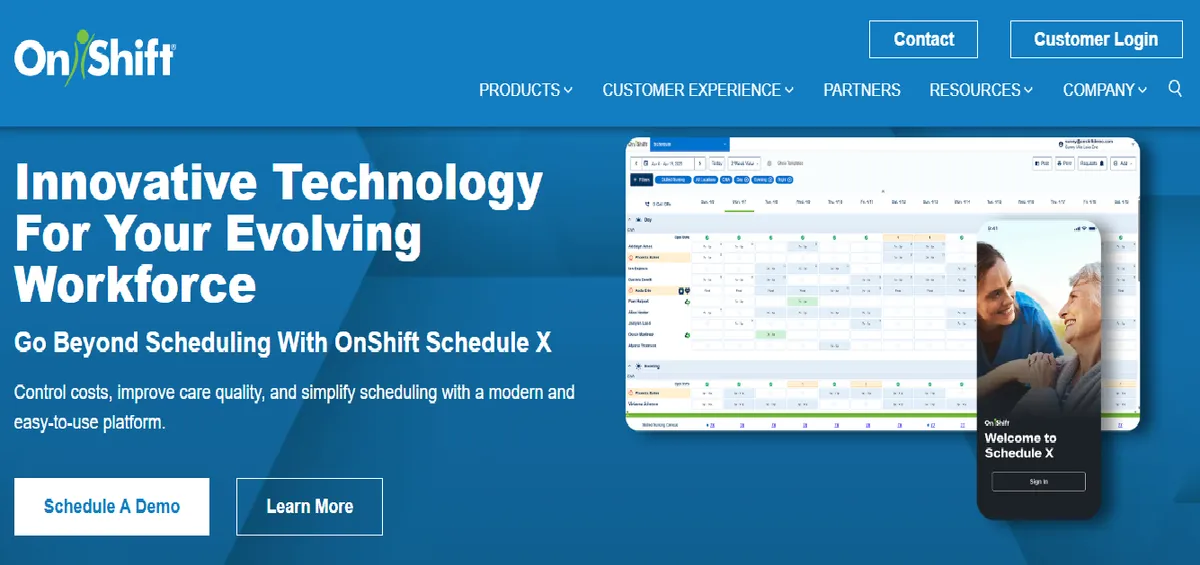
OnShift, acquired by ShiftKey and fully integrated into its platform in 2023, is a mobile-first workforce tool for senior care: skilled nursing, assisted living, and long-term care.
Best for: Senior care and long-term care facilities.
Key advantages:
- Mobile-first design with strong open-shift broadcast and engagement features
- Purpose-built for the senior-care staffing model it targets
Key limitations:
- Shift patterns, roles, and assumptions reflect long-term care, not acute hospital nursing
- Acute-care needs like charge designation and hospital survey documentation are outside its lane
Verdict: A good app for its intended market. A small acute-care hospital is not that market; see OnShift alternatives.
Cost: Contact for pricing.
7. Deputy
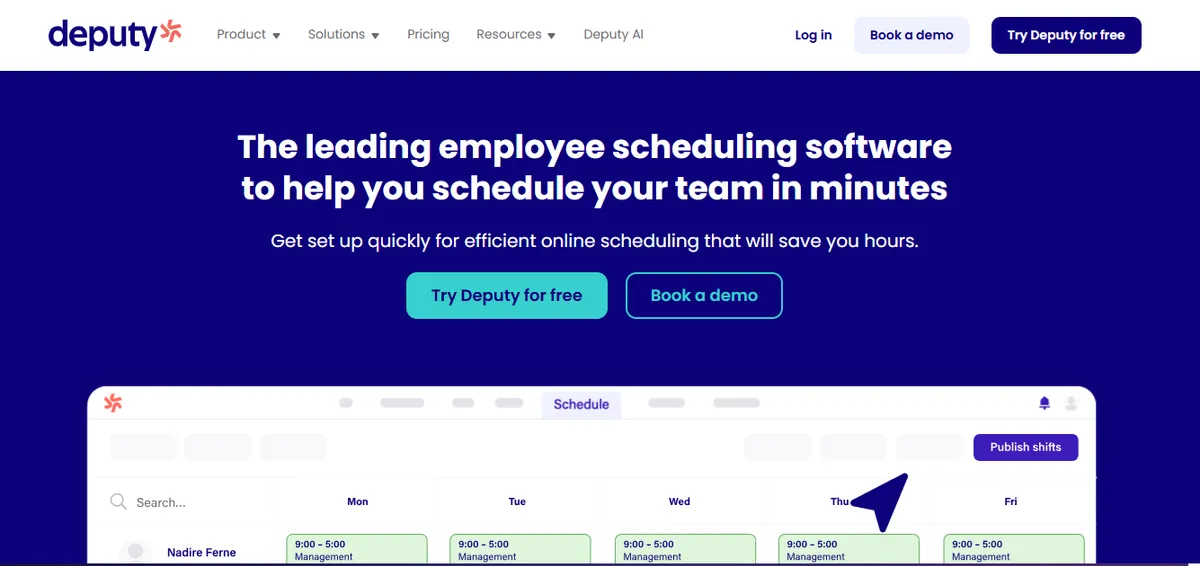
Deputy is a general workforce scheduling platform with one of the most polished mobile apps in the category, used across retail, hospitality, and parts of healthcare. Setup is fast and the staff-facing experience is clean.
Best for: Non-clinical and simple-shift environments, including healthcare reception and support staff.
Key advantages:
- Polished, easy-to-adopt mobile app
- Fastest setup on this list
- Smooth shift trade and open-shift pickup flows
Key limitations:
- Its healthcare page does not describe credential tracking or CMS audit-trail features as core capabilities; a hospital should verify both directly with Deputy before relying on them
- Overtime configuration for healthcare setups, including the optional 8-and-80 system, should be confirmed with the vendor
Verdict: Possibly the best general-purpose scheduling app, and the weakest fit on this list for licensed clinical scheduling. See Deputy alternatives for healthcare.
Cost: Published: Lite $5, Core $6.50, Pro $9 per user per month (verified on Deputy’s pricing page, August 2026).
8. UKG (formerly Kronos)
UKG offers a full enterprise mobile workforce app spanning scheduling, time and attendance, and compliance reporting, with the depth and complexity of the platform behind it.
Best for: Large hospital systems already running UKG enterprise-wide.
Key advantages:
- Comprehensive mobile access to scheduling, time tracking, and reporting
- Deep integration with UKG payroll and HR
Key limitations:
- Enterprise implementation; not built for a standalone small hospital
- The app’s complexity reflects a multi-thousand-employee platform, not a 25-nurse department
Verdict: The most capable enterprise option and the least applicable to a small hospital’s app question. If you are on UKG and it fits badly, see UKG alternatives for small hospitals.
Cost: Enterprise pricing. Contact for a quote.
How Do the Apps Compare on Mobile Quality vs Nurse-Specificity?
The two axes that decide this purchase rarely move together. The most polished apps are the least nurse-specific, and the most nurse-specific platforms often carry enterprise weight.
| Platform | Mobile experience | Nurse-specificity |
|---|---|---|
| SimpleScheduleAI | No app: PDF and Excel, approve by reply | Built for small-hospital nursing |
| NurseGrid | Staff app strong; manager edits on desktop | Nurse-specific by design |
| Deputy | Most polished general app | General workforce, minimal nursing logic |
| SmartLinx | Full mobile suite | Healthcare-configurable, IT required |
| QGenda | Mature provider app | Physician-first, nursing secondary |
| OnShift | Mobile-first | Senior care, not acute nursing |
| Aladtec | Functional access | Multi-department, configurable |
| UKG | Full enterprise mobile | Enterprise health systems |
A great app that knows nothing about nursing moves the coordination problem to your phone and leaves every other layer on the manager’s desk. A nurse-specific tool with a weaker app still beats a polished generic one for clinical scheduling, because the layers it covers are the expensive ones.
Our Take
The app question is usually the wrong first question. Decide who should be doing the scheduling work: a manager building schedules in an app she must also configure and audit, or a service that delivers a compliant draft for her to approve from wherever she is. Pick the operating model first. The app, or the absence of one, follows from that choice.
What to Do This Week
- Run the four-layer test on your current tool. Can it filter callout candidates by credential? Does it apply the overtime threshold your hospital actually uses? Could you hand a surveyor staffing records from it? Three noes means it covers Layer 1 only.
- Do the per-user math. Monthly rate times roster size times twelve, plus an honest estimate of the manager hours spent compensating for what the app does not do. Compare that total against flat-price alternatives, including nurse scheduling software and service models.
- Check the overtime threshold in your app’s settings. It should match your hospital’s actual FLSA setup: the 40-hour workweek by default, or the 8-and-80 system only if your hospital has formally adopted it. A mismatch in either direction misprices overtime.
- Ask three nurses to show you the app on their phones. If they check schedules through screenshots someone texts them instead, adoption has already failed, whatever the feature list says.
All four layers handled. No app to run.
SimpleScheduleAI builds compliant, fair schedules for your manager to approve from any device. Flat pricing, first schedule inside two weeks.
See how it works →Frequently Asked Questions
Q: Is NurseGrid Manager or Deputy better for a small hospital?
For nursing, NurseGrid. It was designed for nurses, and its defaults reflect nursing workflows. Deputy has the more polished general app, but its healthcare page does not describe credential tracking as a core capability, and treating all staff in a role as interchangeable does not fit a unit where credentials decide shift eligibility. Deputy fits non-clinical hospital staff well.
Q: Can a free nurse scheduling app work for a small hospital?
Free tiers and staff-facing apps cover schedule viewing and swap communication, and for that narrow job they work. They do not cover credential checks, healthcare overtime logic, or survey documentation, so those tasks land back on the manager, usually in a spreadsheet. The app is free; the manager hours compensating for it are not. Our guide to free nurse scheduling software works through what each free tier actually covers.
Q: Is SimpleScheduleAI an app I download from an app store?
No. SimpleScheduleAI is a scheduling service with nothing to install and nothing to log in to. Each schedule arrives as a PDF and an Excel file, and the manager approves it by reply from any phone or computer. The day-to-day shifts from building schedules in an app to approving schedules built for you.
Q: We are moving from long-term care to acute care. Does OnShift carry over?
OnShift, now part of ShiftKey, was built for senior care workflows: its shift patterns, roles, and coverage assumptions reflect skilled nursing and assisted living. Acute hospital nursing brings charge designation, different shift structures, and hospital survey documentation that sit outside that model. Most acute-care facilities end up evaluating hospital-specific tools rather than carrying OnShift over.
Q: What matters more, the app quality or the scheduling engine behind it?
The engine. Nurses touch the app a few minutes a day; the engine’s decisions, who covers, at what cost, with what credentials, run the unit around the clock. A weak engine with a beautiful app produces well-presented problems. Choose the engine and operating model first, then judge whether the app layer is good enough for your staff to adopt.
Sources
- U.S. Department of Labor, Fact Sheet #54: The Health Care Industry and Calculating Overtime Pay. DOL
- 42 CFR 485.631, Conditions of Participation: Staffing and staff responsibilities. eCFR
- Texas Health and Safety Code, Chapter 258: Mandatory Overtime for Nurses Prohibited. Justia
- ShiftKey, “ShiftKey fully integrates OnShift into core marketplace,” 2023. ShiftKey
- Deputy healthcare industry page. Deputy
- Deputy pricing page (Lite $5, Core $6.50, Pro $9 per user per month, verified August 2026). Deputy pricing
Pradeep Pandey is the co-founder of SimpleScheduleAI, an AI-native nurse scheduling service built for Critical Access Hospitals in Texas. He serves as Deputy General Manager of Operations at Apollo Hospitals and holds an MBA from IIM Trichy. LinkedIn →