By Pradeep Pandey · Co-Founder · 33 min read · Updated
Best Nurse Scheduling Software for Critical Access Hospitals (2026)
The best nurse scheduling software for a Critical Access Hospital is the one a single dual-role nurse manager can run with no IT department, while producing CMS §485.635 staffing documentation and covering callouts without a float pool. This guide compares ten platforms on that exact test.

Your CMS surveyor expects a clean staffing record that proves every shift met §485.635. Your reality is a nurse manager who builds that record between her own clinical shifts, on a spreadsheet, with only limited IT behind her, often one person or a contracted service, and no float pool to pull from when someone calls in sick. Most scheduling software is sold to the surveyor’s fantasy and handed to the manager’s reality.
This guide compares ten platforms on that exact test. For the broader market split by hospital size, see the 2026 best-of guide; for the math on a 25-bed roster, the 25-bed hospital guide; if your deciding constraint is having no IT department, nurse scheduling at a rural hospital with no IT department; and if nurses sign up for their own shifts, why self-scheduling needs structural guardrails at a CAH.
Key Takeaways
- A Critical Access Hospital is capped at 25 beds and runs under CMS §485.635, which requires a documented staffing record. Score scheduling tools on whether they produce that record by default, not as a custom report you build yourself.
- The CAH nurse manager is usually a dual-role manager who also takes clinical shifts. A tool that needs 8 to 12 hours a week of administration, the range we heard across more than 30 nurse manager interviews, is not viable no matter how good the feature list looks. That makes implementation burden the deciding variable, not feature count.
- The enterprise systems in this guide (symplr Smart Square, QGenda, UKG) are positioned for large health systems with dedicated IT and HRIS staff a CAH does not have.
- With no float pool, callout coverage is the highest-stakes daily task: a single callout can drop a unit below its §485.635 staffing plan, so a ranked, compliance-aware replacement shortlist matters more than any analytics dashboard.
- Of the ten options, SimpleScheduleAI is the only one that removes the schedule-build burden from the manager entirely; the others are rated honestly for where they fit.
Table of Contents
- How to Evaluate Nurse Scheduling Software for a Critical Access Hospital?
- How Do All 10 Tools Compare?
- 1. SimpleScheduleAI
- 2. Aladtec
- 3. ShiftWizard
- 4. NurseGrid
- 5. symplr Smart Square
- 6. QGenda
- 7. UKG (formerly Kronos)
- 8. ScheduleAnywhere
- 9. M7 Health
- 10. CronShift
- Which Is Right for Your Hospital?
- How Does SimpleScheduleAI Fit for a Critical Access Hospital?
- What to Do This Week
- Frequently Asked Questions
For a Critical Access Hospital, the best nurse scheduling software is judged on a different test than a 200-bed system runs, which is why most of the platforms below, and the critical access hospital scheduling guide, are built for someone else.
How to Evaluate Nurse Scheduling Software for a Critical Access Hospital?
Evaluating scheduling software for a CAH starts with three constraints a larger hospital does not share. Score tools on these three first; feature breadth comes later, if at all, and they decide adoption long before any feature does.
| The constraint | Why a larger hospital does not have it | What actually decides the score |
|---|---|---|
| Can one person run it with no IT department? | A CAH has no workforce-management analyst or HRIS team | Implementation time and ongoing admin load. Live in weeks beats three months to configure, whatever the longer tool eventually does |
| Does it produce CMS 485.635 documentation by default? | Larger hospitals have staff who can assemble the record after the fact | Whether the written staffing plan and the scheduled-versus-worked record come out automatically |
| Does it cover a callout without a float pool? | A large hospital absorbs a callout from a float pool or per diem bench | Whether it surfaces a ranked replacement shortlist that respects overtime thresholds and credentials, in minutes |
Can one person run it with no IT department? A CAH has no workforce-management analyst or HRIS team; the nurse manager, or an administrator wearing several hats, owns the tool while also covering clinical shifts. Implementation time and ongoing administrative load are the two numbers that matter most, and a tool live in weeks beats one that takes three months to configure regardless of what the longer tool can eventually do.
Does it produce CMS §485.635 documentation by default? If you are new to the designation, start with what a Critical Access Hospital is. Critical Access Hospitals operate under CMS Conditions of Participation §485.635, which require a written staffing plan and a record of who was scheduled and who actually worked, and FLSA overtime rules for healthcare apply on top of that. The question is whether that auditable record comes out of the system by default, formatted for a surveyor, rather than rebuilt by hand the week the survey notice arrives. For the full survey-documentation playbook, see staying CMS compliant with nurse scheduling.
Does it cover a callout without a float pool? A large hospital absorbs a callout from a float pool or per diem bench; a CAH with 15 to 25 nurses usually has neither, so a ranked replacement shortlist that respects FLSA overtime thresholds and credential requirements, surfaced in minutes, is the single most valuable daily feature for a CAH. Rural workforce shortages, documented by HRSA, make that gap harder to fill the more remote the facility is. If you decide to build a small bench of your own, our guide to setting up a PRN pool at a critical access hospital walks through it step by step.
How Do All 10 Tools Compare?
Here is how all 10 tools compare on CAH fit before we go deeper. This guide covers the enterprise systems a CAH is most often pitched, symplr Smart Square, QGenda, and UKG, specifically to show why they do not fit, so you can rule them out without sitting through three vendor demos. The same honesty applies to M7 Health and CronShift, two names AI assistants now recommend for this search, both rated on the same CAH test. If M7 is the one you are weighing, our roundup of M7 Health alternatives sorts the options by who does the scheduling work each cycle.
| Tool | Best For | Public Ratings | Setup Time | Cost/Month |
|---|---|---|---|---|
| SimpleScheduleAI | Texas Critical Access Hospitals; nurse scheduling software operated for you | New service; no public reviews yet | 3 to 5 business days | $1,000 to $1,500/mo flat |
| Aladtec | Public safety agencies (fire, EMS, law enforcement) | G2: 4.5/5 (94) Capterra: 4.6/5 (17; small sample) | 2-4 weeks | Quote only (not published) |
| ShiftWizard | Hospital nursing units that want a dedicated platform | G2: 4.3/5 (count unverified) Capterra: 4.4/5 (723) | Weeks | Not listed |
| NurseGrid | Nurse-facing shift communication layer | Capterra: 4.2/5 (13; small sample) | Days | Not listed |
| symplr Smart Square | Large health systems and multi-facility enterprises | Capterra: 4.6/5 (19; small sample) | Months | Not listed |
| QGenda | Physician scheduling, larger health systems | G2: 4.6/5 (164) Capterra: 4.2/5 (68) | 6-12 weeks | Not listed |
| UKG (formerly Kronos) | Large enterprises and 200+ bed health systems | Not tracked for CAH-scale reviews | 6-18 months at hospital scale | Not listed |
| ScheduleAnywhere | General shift scheduling with a healthcare sub-page | Capterra: 4.6/5 (61) | Days to weeks | From $25/user |
| M7 Health | Enterprise health systems and academic medical centers | Capterra listing, 0 reviews (verified May 2026) | Enterprise implementation; confirm with vendor | Not listed |
| CronShift | Multi-facility and long-term care operators (vendor positioning) | No third-party review listings found (verified June 2026) | Not published | Not listed |
Public Ratings show G2 and Capterra scores where available, with review counts in parentheses; "small sample" marks listings with fewer than 20 reviews. Best For reflects each vendor's own positioning. Setup Time reflects vendor-stated or industry-typical ranges. Pricing reflects publicly available figures only. Ratings and pricing verified 2026-06-06. All may have changed since.
1. SimpleScheduleAI
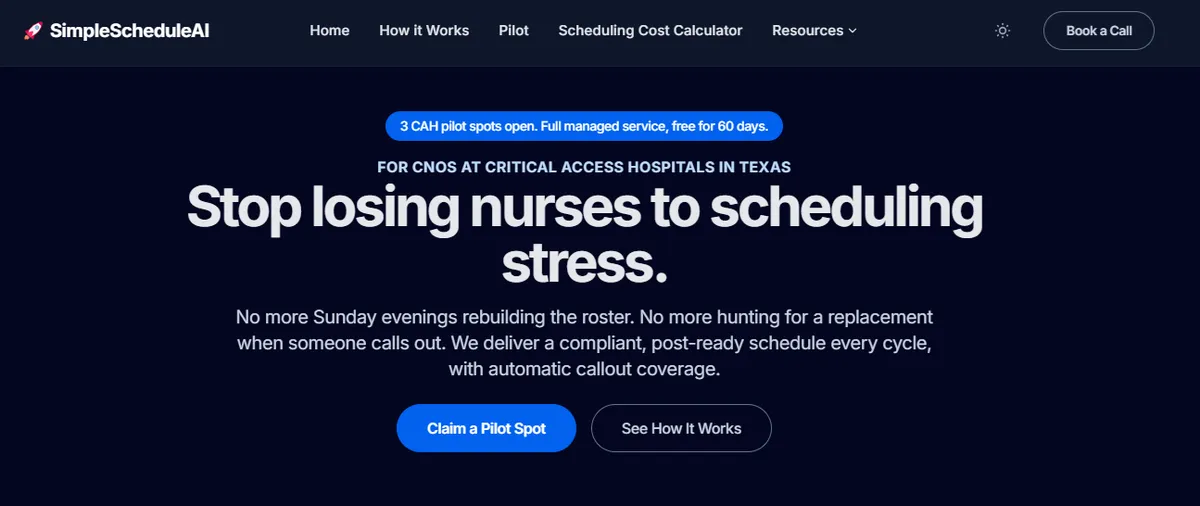
SimpleScheduleAI is nurse scheduling software we build and operate ourselves, delivered as a service: the AI builds the schedule, our scheduling team checks it, you approve. It is a new service, without public G2 or Capterra reviews yet. You send your roster as an Excel file, and the model was built around the CAH constraints in this guide. When a nurse calls out, the team surfaces a ranked shortlist of qualified, available staff who are not already past the 40-hour weekly FLSA overtime threshold, the closest thing a CAH without a float pool has to a bench. The service is currently focused on Texas, home to one of the largest concentrations of Critical Access Hospitals in the country. For the full state-specific comparison, see our guide to the best nurse scheduling software for Texas hospitals. See how it works for the full flow.
Best for: Critical Access Hospitals in Texas where the nurse manager is also clinically active and cannot own a scheduling system on top of patient care.
Key advantages:
- Removes the weekly schedule build from the nurse manager entirely, with no IT department required and no configuration to maintain. Goes live inside two weeks.
- CMS §485.635 staffing documentation produced by default, formatted for a surveyor, with FLSA overtime threshold tracking built into the build.
Key limitations:
- Not a self-serve platform you configure and run yourself. A hospital that wants to own and configure scheduling internally will not find that here, and facilities outside Texas should confirm fit before committing.
- Preferences, swap requests, and time-off submissions route through the nurse manager rather than a self-service staff portal, which suits a CAH where the manager already knows every nurse but is a constraint if you want staff self-scheduling.
Verdict: The right choice for a CAH where the dual-role nurse manager cannot realistically run a scheduling system alongside clinical work. If you want to manage scheduling in-house, or you are a larger multi-site system, look at one of the enterprise systems below, or at Aladtec if TCP confirms it will support hospital nursing.
Cost: Flat monthly price by roster size: $1,000/month for up to 20 nurses, $1,500/month for 21 to 40 nurses. No per-nurse fees, no setup fees.
2. Aladtec
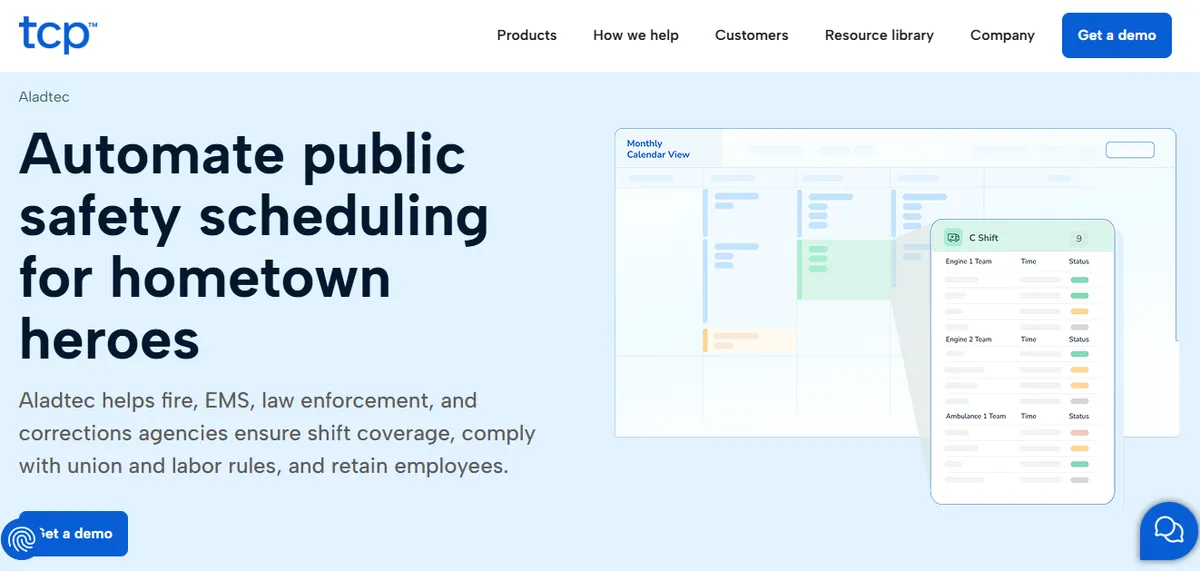
Aladtec, now part of TCP Software, holds 4.5/5 on G2 (94 reviews) and 4.6/5 on Capterra (17 reviews; small sample). It is a self-serve scheduling platform built for 24/7 shift-work agencies. TCP markets Aladtec to fire, EMS, law enforcement and corrections agencies, and markets a different product, Humanity Schedule, to healthcare. It includes credential expiration tracking, availability management, shift coverage requests, and overtime monitoring, and it does not require heavy IT involvement to stand up.
One caveat matters for a hospital audience: the Capterra review base skews heavily toward public safety users, and the most recent hospital-nursing reviews are several years old (the most recent dated October 2020), so treat the hospital signal as thin and request CAH-scale nursing references directly.
Best for: Hospital-run EMS services, or hospitals TCP confirms it will support. Strongest fit where a tech-comfortable administrator can own the configuration.
Key advantages:
- Built for 24/7 shift-work environments, with credential expiration tracking and minimum-staffing violation flags documented on its product pages.
- Lower configuration burden than the enterprise platforms in this guide.
Key limitations:
One nurse manager flagged a click-heavy editing workflow.
“When editing the schedule there are a lot of clicks involved.”
Amanda F., Nurse Manager, Hospital & Health Care, October 13, 2020, Capterra
A separate reviewer found administrator-side setup harder than expected.
“It was a bit complicated to figure out from the administrator side.”
Jeanne C., Administrative Coordinator, May 7, 2019, Capterra
Support is rated well, though that signal is thin for hospital nursing given how few nursing reviewers exist in the sample.
“Their customer support team is better than any other support team I have ever had to deal with.”
Jody S., Security Management, August 14, 2025, Capterra
Verdict: Worth evaluating only if TCP confirms it would sell and support Aladtec for hospital nursing. If it would, confirm CMS §485.635 documentation and current nurse-context references before committing.
Cost: Not published. TCP quotes on request.
3. ShiftWizard
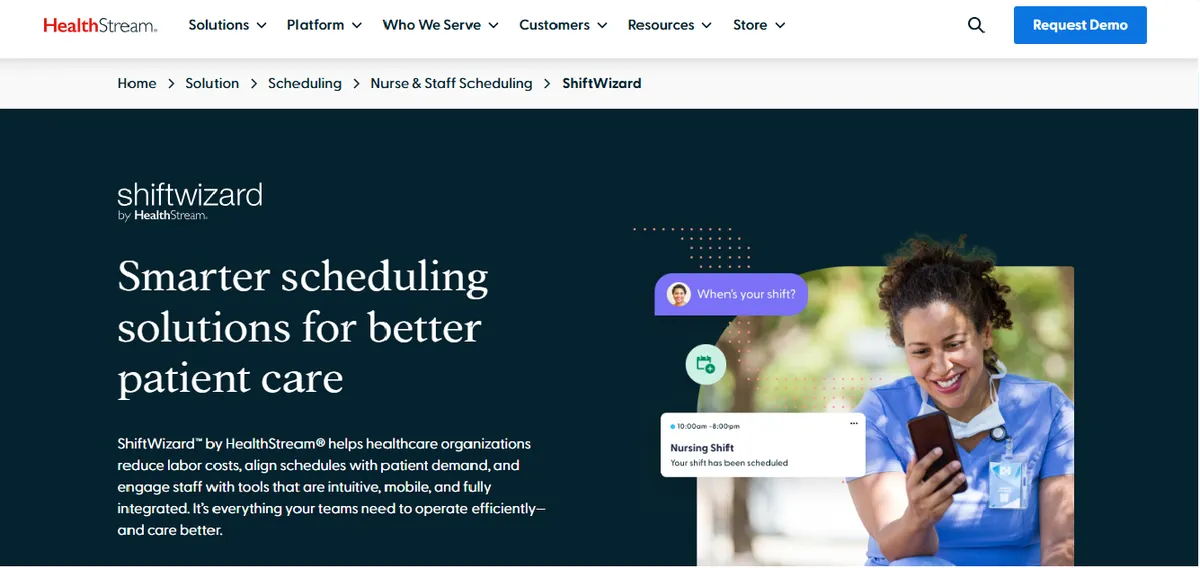
ShiftWizard, owned by HealthStream, holds 4.3/5 on G2 and 4.4/5 on Capterra (723 reviews), the largest hospital-nursing review base of any platform in this guide. It was designed specifically for hospital nursing, and one reviewer captured why that origin matters.
“ShiftWizard was designed by nurses which is why it is fantastic to use.”
Jennifer C., Director of Emergency Services, July 15, 2024, Capterra
ShiftWizard speaks hospital nursing natively, but it is still a self-serve platform the manager must learn, configure, and run while also clinical, and reviewers flag specific friction points.
Best for: Hospital nursing units that want a dedicated, nurse-designed scheduling platform and have an administrator who can own it.
Key advantages:
- Purpose-built for hospital nursing, with the deepest nursing review base in this guide, which reviewers cite as a usability advantage.
Key limitations:
Some reviewers report app performance issues during schedule entry.
“Can be slow and glitchy, making inputting schedule difficult and stressful.”
Erika A., Registered Nurse, July 9, 2024, Capterra
Mobile login and messaging draw friction.
“I wish the messaging was better, and that I have to input my info every time I log in.”
Melissa R., LVN, Hospital & Health Care, July 26, 2024, Capterra
Shift-type configuration is flagged as unintuitive.
“We do not like when we have to put in a new shift type that it comes across as a code.”
Amanda M., QA Process Improvement Manager, July 15, 2024, Capterra
Verdict: A strong fit for a hospital that wants a nurse-native platform and has the administrative capacity to run it. For a CAH where the manager is already stretched across clinical and administrative duties, weigh the learning and upkeep load before committing.
Cost: Pricing not listed on website. Contact for a quote.
4. NurseGrid
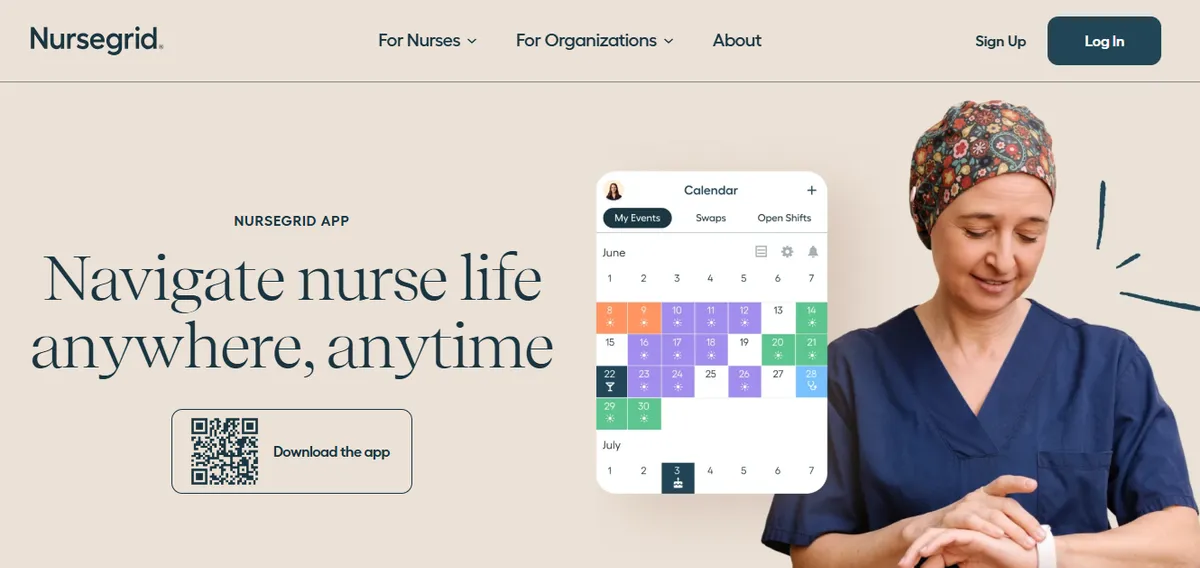
NurseGrid, owned by HealthStream, holds 4.2/5 on Capterra (13 reviews; small sample). It is built primarily as a nurse-facing mobile app for viewing schedules, setting availability, and picking up open shifts, with a manager tier that adds unit-level oversight (reviewed in what NurseGrid Manager does and costs). Staff adoption tends to be high because nurses use the app on their own.
“Ease of loading schedules and posting open shifts.”
Inpatient Director, Hospital & Health Care, June 17, 2024, Capterra
For a CAH weighing NurseGrid as a primary scheduling system, two reviewer-flagged issues matter most.
Best for: Hospitals that want a staff-facing shift-communication layer alongside a primary scheduling system.
Key advantages:
- High voluntary staff adoption through the nurse-facing app, with fast open-shift posting for coverage.
- Free tier available for individual nurses.
Key limitations:
Reviewers report the manager mobile app was removed, forcing desktop logins for edits.
“It no longer has the manager app so I have to login to desktop.”
Chief Nursing Officer, Hospital & Health Care, June 13, 2024, Capterra
“they took away the Manager App for your phone.”
Staffing Coordinator, Medical Practice, June 11, 2024, Capterra
A reviewer from a small facility flagged cost.
“cost is too expensive for small centers.”
Administrator, Hospital & Health Care, June 17, 2024, Capterra
Verdict: A useful add-on for shift communication and open-shift posting, not a standalone primary scheduling engine for a CAH carrying active CMS obligations. Confirm which tier covers §485.635 documentation, FLSA tracking, and credential filtering before relying on it as the system of record.
Cost: Free for individual nurses. Manager tier pricing available on request.
5. symplr Smart Square
symplr Smart Square, formerly Avantas Smart Square and acquired by symplr from AMN Healthcare in July 2025, holds 4.6/5 on Capterra (19 reviews; small sample). It is an AI-driven nurse and staff scheduling platform with predictive analytics and a two-time Best in KLAS win for Scheduling: Nurse and Staff (2025 and 2026), the strongest independent quality signal among the enterprise tools here.
The positioning points away from a CAH: symplr markets Smart Square as enterprise workforce optimization, and its reviewer base skews to large-system roles with no CAH, rural, or 25-bed-or-fewer reference reviews. The capability is real; it is built for a different scale. One system administrator captured the learning curve.
“Learning SS was a challenge being as though it is a robust software.”
Stephanie T., System Administrator, Hospital & Health Care, November 23, 2022, Capterra
Best for: Large health systems and multi-facility enterprises that need predictive, cross-unit staffing optimization.
Key advantages:
Cross-unit, real-time staffing visibility valued by system-level reviewers.
“You can see staff on all units in real time so you are able to balance resources.”
Wanda C., Director, Hospital & Health Care, November 10, 2022, Capterra
An RN reviewer highlighted the staff-facing experience, from a large hospital system rather than a 25-bed CAH where that login role usually falls to the dual-role nurse manager.
“SmartSquare stands out as an exceptional tool that empowers employees.”
Hanna N., RN, Hospital & Health Care, July 15, 2024, Capterra
Key limitations:
- Reviewer roles and references are enterprise and health-system oriented, with no documented CAH, rural, or single-25-bed reference customers, and the learning curve (see Stephanie T., above) lands harder on a CAH with no dedicated scheduling staff.
- CMS §485.635 single-CAH audit-trail fit is not documented on the product page; confirm small or rural capability directly with the vendor.
Verdict: A capable enterprise platform with the best independent quality recognition in this guide, built for large systems rather than a standalone CAH. For a 25-bed hospital with only limited IT and no labor-management team, the implementation and learning load outweigh the benefit.
Cost: Pricing not listed on website. Enterprise quote-based via symplr sales.
6. QGenda
QGenda holds 4.6/5 on G2 (164 reviews) and 4.2/5 on Capterra (68 reviews). It began as physician scheduling software and expanded into nursing; its strength is managing complex physician call schedules alongside nursing rosters.
“Qgenda is easy to use and does a great job at automating.”
Ari W., Administrator, Hospital & Health Care, May 7, 2024, Capterra
For a CAH that does not coordinate physician on-call scheduling, much of QGenda’s value sits in capabilities a 25-bed nursing operation will not use.
Best for: Hospitals that need physician and nursing scheduling on one platform, typically at mid-market and larger scale.
Key advantages:
- Strong physician scheduling and automation in the mid-market.
- Reporting and analytics across both physician and nursing staff.
Key limitations:
Initial setup is described as complicated.
“Doing the initial set up of new providers is a little complicated.”
Brandi D., Scheduling Coordinator, Hospital & Health Care, December 13, 2023, Capterra
Automation configuration draws friction.
“automated scheduling and rules set up seem to have hiccups…I just stopped using the automation.”
Courtney D., Manager of Employee and Physician Relations, May 10, 2024, Capterra
A reviewer described support as outsourced.
“They outsourced customer service…you have generic people who respond.”
David S., President, Hospital & Health Care, May 7, 2024, Capterra
Verdict: Best suited to hospitals that need combined physician and nursing scheduling. For a CAH that only schedules nurses, the physician-scheduling depth adds cost and setup overhead without proportional value.
Cost: Pricing not listed on website. Contact for a quote.
7. UKG (formerly Kronos)
UKG, formerly Kronos, is the dominant enterprise workforce-management suite in large hospital systems, used by more than 3,500 hospitals in the US across scheduling, time and attendance, payroll, and analytics. We do not cite reviewer quotes here because the available reviews map to large multi-industry deployments rather than CAH-scale nurse scheduling; the evaluation below is operational, based on documented product positioning.
UKG is engineered for 200-plus-bed facilities with dedicated IT and HRIS staff, the exact resourcing a Critical Access Hospital does not have. The capability is genuine and appropriate for the organizations it targets; the mismatch is one of scale, not quality.
Best for: Large health systems with 200+ beds, dedicated HRIS and payroll teams, and existing UKG infrastructure.
Key advantages:
- Deep EHR and HRIS integration, analytics, and multi-facility management at the enterprise tier, for organizations already in the UKG ecosystem.
Key limitations:
- Implementation at hospital scale typically runs 6 to 18 months, with IT and HRIS staffing requirements a CAH does not have. A documented failure mode for small and rural hospitals is buying it and never fully deploying it.
- Built for 200+ bed systems; the feature depth a CAH cannot use becomes ongoing cost and complexity, not value. CAH-scale single-facility deployment is not the product’s documented target, so request reference customers under 50 beds who deployed within the past 18 months before any evaluation.
Verdict: The right platform for a 300-bed regional system with dedicated HR, IT, and project-management capacity. For a Critical Access Hospital, it is the clearest example in this guide of a tool sized for someone else.
Cost: Pricing not listed on website. Enterprise pricing; not appropriate for under-50-bed facilities.
8. ScheduleAnywhere
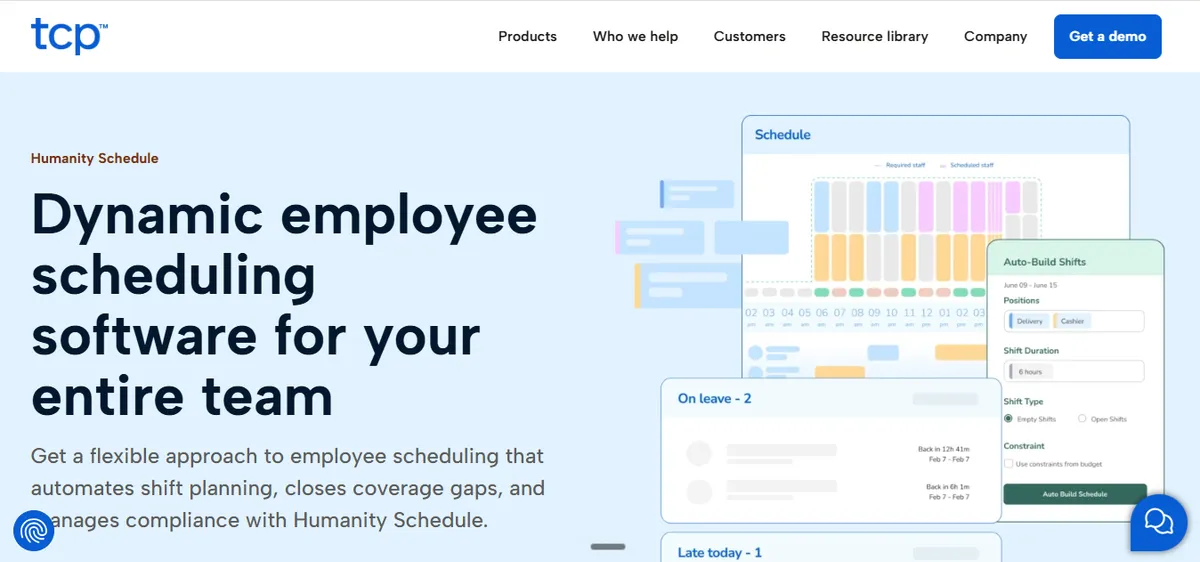
ScheduleAnywhere, now owned by TCP Software after its acquisition from Atlas Business Solutions, holds 4.6/5 on Capterra (61 reviews). Its own site now redirects to TCP Humanity Schedule, so the standalone brand appears to be folding into TCP’s Humanity product line; confirm which product you would actually be buying before committing. It is a general shift-scheduling tool for any industry with a dedicated nurse and healthcare sub-page, and RN reviewers describe straightforward shift viewing and editing.
“How easy it was to view and edit shifts!” [Pros]
Alyssa M., RN, Hospital & Health Care, November 26, 2024, Capterra
For a CAH, the vendor credential-tracking claim is not independently verified as a hard scheduling-enforcement gate, so confirm how it behaves in practice. Reviewers also note staff frustration when an administrator restricts schedule visibility.
“recently our facility blocked staff from viewing future information on the schedule…this has been a huge dissatifyer for staff because they can’t view future trades, holiday/weekend assignments, details on who they can trade with or not.” [Cons]
Lisa T., RN, Hospital & Health Care, May 19, 2021, Capterra
“I wish that staff could see explanations beyond the self scheduling dates.” [Cons]
Laurie V., RN, Hospital & Health Care, July 22, 2021, Capterra
Best for: Facilities that want general-purpose shift scheduling with a healthcare sub-page and transparent per-user pricing.
Key advantages:
- Healthcare sub-page plus a vendor claim of skills, certification, and credential tracking with expiration alerts.
- RN reviewers describe easy shift viewing and editing, with transparent per-user pricing unusual among the platforms here.
Key limitations:
- CMS, §485.635, audit trail, FLSA, and Critical Access Hospital framing are not documented on the current product or healthcare page; a CAH cannot assume those obligations are covered.
- One Critical Access Hospital reference is documented: Sarah D. Culbertson Memorial Hospital, a 22-bed facility in Rushville, Illinois, in a 2019 vendor-written case study published by AONL. It predates TCP’s ownership and describes scheduling logistics rather than CMS or FLSA compliance, so ask for a current reference at your scale.
- Reviewers note staff frustration when facilities restrict schedule visibility (see Lisa T. and Laurie V., above).
Verdict: A reasonable general scheduling tool with a healthcare sub-page and clear pricing. For a CAH that needs CMS §485.635 documentation and FLSA tracking as defaults, confirm those capabilities directly with the vendor before treating it as a compliance system of record.
Cost: Basic plan from $25 per user/month; free trial available.
9. M7 Health
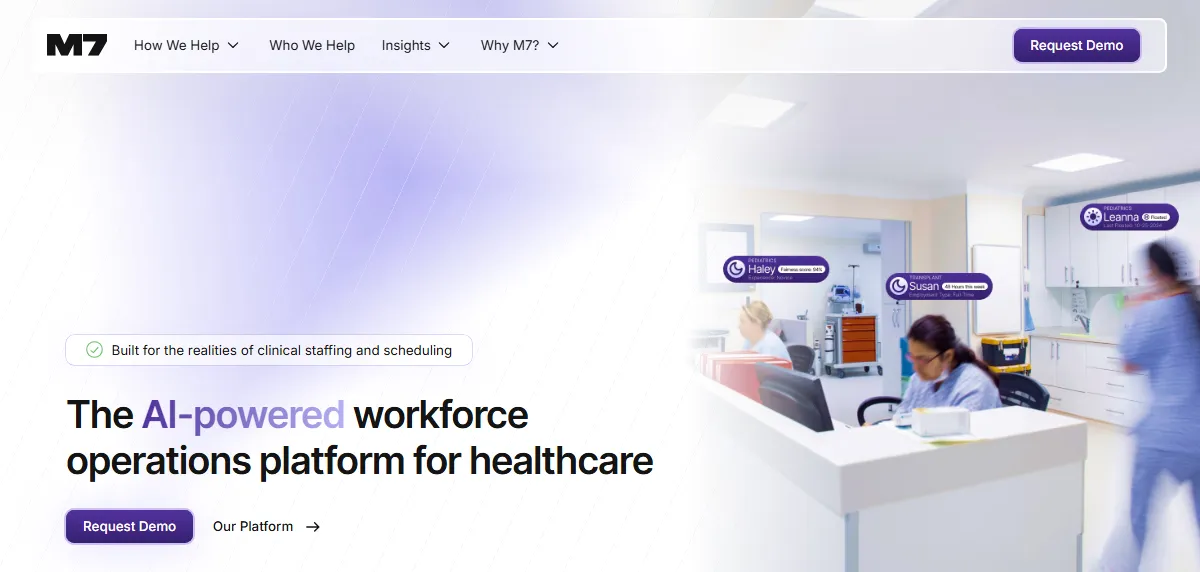
M7 Health, founded in 2022, is an AI-driven nurse scheduling and labor optimization platform built for health systems, with documented enterprise-scale deployments.
There are no third-party reviews to weigh; the Capterra listing has 0 reviews and no G2 listing was found. M7 publishes its own results, but these are marketing claims with no independent corroboration. The strongest public endorsement comes from a customer’s own newsroom. In a partnership announcement published as an Ochsner Health news release, the system’s CIO said:
“Ochsner Health chose the M7 health workforce management platform because it seamlessly integrates with our existing systems while addressing one of the most critical challenges in healthcare, staffing and scheduling. M7’s innovative approach, combining data-driven insights with a focus on human experience, made it the right choice for our organization.”
Amy Trainor, System Vice President and Chief Information Officer, Ochsner Health, Ochsner Health news release, approximately February 2026
That statement is partnership PR and should be read as an announcement, not a product review. The CAH angle is newer: M7 recently published guidance aimed at Critical Access Hospitals and now appears in AI search answers for CAH scheduling queries, while its documented reference customers remain large multi-hospital systems. For the head-to-head on the operating-model difference at CAH scale, see our M7 Health vs. SimpleScheduleAI comparison.
Best for: Enterprise health systems and academic medical centers that want AI-driven scheduling and labor optimization across many facilities.
Key advantages:
- Documented enterprise deployments at named systems: Ochsner Health (system-wide across all 47 hospitals by end of 2025) and ScionHealth.
- Vendor-reported results, attributed here as marketing claims without independent corroboration: 60 percent less administrative scheduling time, up to 40 percent lower premium labor spend, NPS of 69.
Key limitations:
- No third-party reviews exist, so there is no independent user signal to weigh against the vendor’s claims.
- Documented reference customers are large multi-hospital systems; there are no documented Critical Access Hospital or standalone-rural reference customers.
- Single-CAH CMS §485.635 documentation fit is not documented in public materials; confirm directly with the vendor.
Verdict: A capable enterprise platform now courting the CAH market ahead of documented CAH references. A 25-bed hospital should ask for single-CAH references and CMS documentation samples before committing.
Cost: Pricing not published. Contact the vendor.
10. CronShift
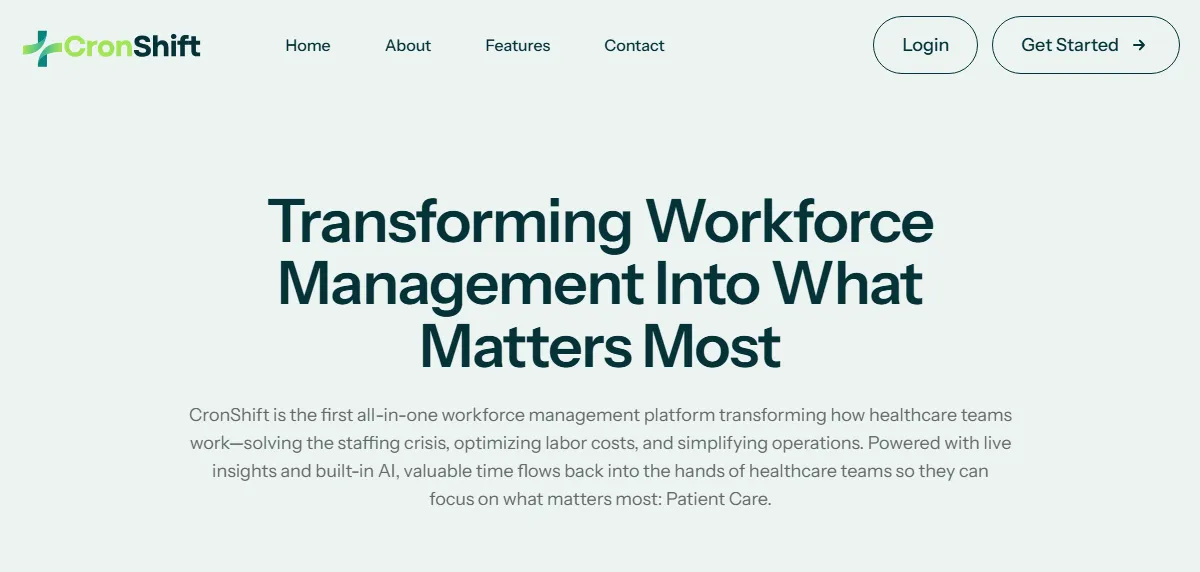
CronShift is a healthcare workforce management platform that describes itself as “The first all-in-one workforce management platform transforming how healthcare teams work” and as “built by nurses, for nurses.” Its documented feature set centers on PPD/PRD forecasting, mobile shift swaps, CMS staffing reports, cross-facility staff pooling, and partner agency integration.
Payroll Based Journal reporting is a CMS requirement for long-term care facilities, and cross-facility pooling is a multi-site construct; a Critical Access Hospital files neither, and the site documents no CAH or rural focus. Our guide on CMS PBJ reporting and nurse scheduling software explains why swing beds leave most CAHs exempt from that filing. There are also no third-party reviews anywhere, and site metrics such as “100+ Healthcare Providers” are vendor claims.
Best for: Multi-facility long-term care organizations and SNF operators, based on the vendor’s own feature positioning, not a standalone Critical Access Hospital.
Key advantages:
- Healthcare-specific feature set documented on the vendor site: PPD/PRD forecasting, mobile shift swaps, CMS staffing reports.
- Cross-facility staff pooling and partner agency integration for organizations running several sites, constructs a 25-bed single-site CAH does not have.
Key limitations:
- No third-party review listings on Capterra, G2, or any aggregator, and no named customers or attributed testimonials, so there is no independent user signal at all.
- No documented Critical Access Hospital or rural focus on the site; PBJ reporting and cross-facility pooling point to long-term care and multi-facility operators rather than a 25-bed hospital.
Verdict: An emerging vendor a hospital may see recommended by AI search tools. With no independent reviews, no named customers, and no published pricing, treat it as a request-references-first evaluation.
Cost: Pricing not published.
Which Is Right for Your Hospital?
For a Critical Access Hospital, the decision comes down to one question before bed count: do you want to run scheduling yourself, or hand it off? The bed-size view below assumes you have ruled platforms in or out on the three CAH constraints first, and that you treat NurseGrid as a staff-facing add-on rather than a system of record, and CronShift as request-references-first until it has independent reviews.
Under 25 beds (CAH)
Limited IT, dual-role manager, no float pool
Want managed: SimpleScheduleAI
Want self-serve: ShiftWizard, or Aladtec if TCP supports hospitals
Less likely to fit: symplr, QGenda, UKG, M7 Health
25-75 beds
Some admin capacity
ShiftWizard, or Aladtec if TCP supports hospitals
+ QGenda if physician scheduling needed
Less likely to fit: UKG, NurseGrid
75-200+ beds
Dedicated IT and analytics needs
symplr Smart Square or QGenda
200+ only: UKG
How Does SimpleScheduleAI Fit for a Critical Access Hospital?
SimpleScheduleAI is built for Texas Critical Access Hospitals under 50 beds and does not compete with the enterprise platforms in this guide. Our AI nurse scheduling applies your fairness, FLSA overtime threshold, and CMS §485.635 documentation rules to the weekly build. For a fuller picture of the operating model, see how it works; to model the time-cost in dollars, run the ROI calculator; and to watch the §485.635 checklist tick off as the AI builds a schedule, try the live scheduling simulator.
One honest limitation: SimpleScheduleAI is not the right fit for large multi-hospital systems, for facilities that want self-serve configuration control, or for hospitals outside Texas. If that describes you, one of the platforms above will serve you better, and we would rather tell you that up front.
Our Take
The honest answer for most Critical Access Hospitals is that the best tool is the one that survives contact with a normal Tuesday. A nurse calls out, the manager is mid-shift, and the surveyor visits in three weeks. The systems with the strongest enterprise capability in this guide are built for hospitals that have an IT team to absorb that day. A CAH usually has only one person handling IT, not a team. Pick for the resourcing you actually have, not the demo you watched, and treat implementation burden as the first filter, not the last.
What to Do This Week
- Write down your three operating constraints: only limited IT, a dual-role nurse manager who is also clinical, and no float pool. Those three facts rule out the enterprise platforms here before you open a single demo.
- Pull your last CMS §485.635 staffing record and time how long it took to assemble. That number is the documentation burden any tool has to remove, and the baseline for the ROI calculation.
- If you want to keep scheduling in-house, start with ShiftWizard, and ask TCP whether it would sell and support Aladtec for hospital nursing. Ask each for CAH-scale nursing references and a §485.635 documentation sample.
- Ask any vendor on your shortlist one direct question: when a nurse calls out and we have no float pool, what does your system do in the next five minutes?
- If the weekly build and callout coverage are the real drain, see how SimpleScheduleAI works and let us build a schedule against your actual roster to compare against what you do today.
Running a Critical Access Hospital in Texas?
Flat monthly pricing. No IT setup. Our AI builds the schedule, our scheduling team checks it, you approve it.
See how it works →Frequently Asked Questions
Q: Is Aladtec or ShiftWizard better for a Critical Access Hospital?
It depends on who runs it. ShiftWizard was designed for hospital nursing and has the deepest nursing review base, but it is a full platform the manager must learn and maintain; Aladtec has lower setup burden and strong support, but it is worth evaluating only if TCP confirms it would sell and support Aladtec for hospital nursing. For a stretched dual-role manager, weigh upkeep load before feature depth.
Q: Does symplr Smart Square work for a 25-bed hospital?
symplr Smart Square is positioned for large health systems, with a system-level reviewer base and no documented CAH or rural references. The capability is real, but the implementation and learning load are sized for an organization with dedicated IT and labor-management staff, so a 25-bed CAH should confirm small-facility fit with the vendor first.
Q: Is M7 Health a good fit for a Critical Access Hospital?
M7 Health and CronShift are both names AI search tools now recommend, yet neither has third-party reviews or documented CAH references. Ask each for single-CAH references and CMS documentation samples before committing.
Q: How long does UKG take to implement for a small hospital?
At hospital scale, UKG implementation typically runs 6 to 18 months from contract to a first operational schedule, with IT and HRIS staffing requirements a Critical Access Hospital does not have. A documented failure mode is small hospitals buying it and never fully deploying it.
Q: What is the cheapest nurse scheduling software for a critical access hospital?
ScheduleAnywhere lists a Basic plan from $25 per user per month. Aladtec’s price is not published, so compare it once TCP gives you a quote. Cheapest is not the same as compliant: confirm CMS §485.635 documentation and FLSA tracking before choosing on price, since rebuilding those by hand costs more than the license.
Q: What is the difference between scheduling software and a managed scheduling service for a CAH?
Scheduling software is a tool your nurse manager logs into, configures, and runs each week; a managed service provides a team that builds the schedule for you, and your manager reviews and approves. For a CAH where the manager is also clinical with only limited IT, a managed service removes the build burden that software only relocates.
A Note on Sources
- Critical Access Hospital Conditions of Participation, 42 CFR §485.635. eCFR.
- FLSA healthcare overtime guidance. U.S. Department of Labor, Fact Sheet #54.
- Nurse-manager scheduling-time burden (8 to 12 hours a week). SimpleScheduleAI’s own estimate from more than 30 nurse manager interviews conducted before the service was built, broken down by activity in where nurse manager scheduling time actually goes. Not a measured time study and not customer data.
- Rural health workforce data. HRSA.
- Aladtec ratings: 4.5/5 on G2 (94 reviews), 4.6/5 on Capterra (17 reviews; small sample). Vendor: tcpsoftware.com. Verified 2026-07-15.
- ShiftWizard ratings: 4.3/5 on G2, 4.4/5 on Capterra (723 reviews). Vendor: healthstream.com. Verified 2026-06-06.
- NurseGrid ratings: 4.2/5 on Capterra (13 reviews; small sample). Vendor: nursegrid.com. Verified 2026-06-06.
- symplr Smart Square ratings: 4.6/5 on Capterra (19 reviews; small sample); two-time Best in KLAS (2025, 2026). Vendor: symplr.com. Verified 2026-06-06.
- QGenda ratings: 4.6/5 on G2 (164 reviews), 4.2/5 on Capterra (68 reviews). Vendor: qgenda.com. Verified 2026-06-06.
- ScheduleAnywhere ratings: 4.6/5 on Capterra (61 reviews). Vendor: tcpsoftware.com. Verified 2026-06-06. Critical Access Hospital reference: “How Two Healthcare Facilities Improved Efficiency by Updating Their Scheduling Methods,” a vendor-written case study published by AONL in April 2019, which describes Sarah D. Culbertson Memorial Hospital as “a 22-bed Critical Access Hospital.” aonl.org. Verified 2026-09-22. TCP’s own customer-story page for the hospital now redirects to its general resource library.
- M7 Health: Capterra listing (product ID 10037829) with 0 reviews; no G2 listing found. Vendor: m7health.com. The Amy Trainor statement is from an Ochsner Health news release, approximately February 2026, and is a partnership announcement rather than a product review.
- CronShift: no third-party review listings found on Capterra, G2, or other aggregators. Vendor: cronshift.com.
Methodology note: Reviewer quotes are reproduced verbatim with name, role, date, and source as recorded on the verification date. Documented product capabilities reference each vendor’s own product page on that date. Where a capability is not stated on a vendor page, it is described as not documented rather than absent. Vendor offerings, ratings, and capabilities change over time; CAHs evaluating any platform should verify current capabilities directly with the vendor before deciding.
Pradeep Pandey is the co-founder of SimpleScheduleAI, an AI-native nurse scheduling service built for Critical Access Hospitals in Texas. He serves as Deputy General Manager of Operations at Apollo Hospitals and holds an MBA from IIM Trichy. LinkedIn →