By Pradeep Pandey · Co-Founder · 26 min read · Updated
Best Nurse Scheduling Software for Texas Hospitals in 2026
Texas hospitals face a specific compliance environment: FLSA overtime including the healthcare 8-and-80 option, Texas HHSC licensing, and CMS §485.635 requirements for the state's 93 Critical Access Hospitals. This guide compares eight scheduling platforms on Texas compliance fit, implementation burden, and operational match for small and mid-size hospitals across the state.

Key Takeaways
- Texas has 93 Critical Access Hospitals (CAHs), among the most of any state, concentrated in rural west Texas, the Panhandle, and south Texas border communities where rural isolation amplifies every scheduling challenge.
- Texas has no separate state overtime law; the federal FLSA governs, including the healthcare “8-and-80” option many hospitals elect. The scheduling question that matters is whether a tool tracks that 8-and-80 calculation, not a Texas-specific overtime layer, because there isn’t one.
- A nurse manager at a Texas CAH can lose a meaningful slice of the week to scheduling, on the order of 8 to 12 hours by our own directional estimate (not a published figure). That time cost is the baseline any tool needs to beat before it provides positive ROI.
- SimpleScheduleAI is an AI-native nurse scheduling service built specifically for Texas Critical Access Hospitals. FLSA overtime threshold tracking, CMS §485.635 audit documentation, and charge nurse coverage logic are defaults, not configuration options.
- For larger Texas hospitals (50-200 beds), SmartLinx is the strongest self-serve option. Aladtec is worth evaluating only if TCP confirms it would sell and support Aladtec for hospital nursing. For small community hospitals needing physician scheduling, QGenda enters the picture.
Table of Contents
- How Do the 8 Platforms Compare for Texas Hospitals?
- How to Evaluate Scheduling Software for a Texas Hospital?
- Which Are the 8 Best Options, Reviewed for Texas Hospitals?
- What Are the Texas-Specific Scheduling Compliance Requirements?
- Which Software Fits Your Texas Hospital?
- How SimpleScheduleAI Was Built for Texas?
- What to Do This Week
- Frequently Asked Questions
Texas is the second-largest state by hospital count and has one of the highest concentrations of Critical Access Hospitals in the country. The state’s geographic spread, from the Permian Basin to the Rio Grande Valley to the Panhandle, creates rural scheduling challenges that national nurse scheduling software vendors rarely account for. Add a Texas-specific compliance layer on top of federal requirements, and the case for purpose-built Critical Access Hospital scheduling tools gets stronger.
Here is how all 8 platforms compare for Texas hospitals before we go deeper:
How Do the 8 Platforms Compare for Texas Hospitals?
| Platform | Texas Fit | CMS §485.635 Ready | Cost/Month |
|---|---|---|---|
| SimpleScheduleAI | Built for TX CAHs | Yes, built in | $1,000-1,500 flat |
| Aladtec | Unclear; marketed to public safety agencies | Adequate | Quote only (not published) |
| SmartLinx | Good for TX community | Good | Not listed |
| QGenda | Mid-market TX hospitals | Moderate | $500+ |
| NurseGrid Manager | Add-on layer only | No | Low |
| OnShift | TX post-acute only | Post-acute only | Not listed |
| Deputy | Not for TX hospitals | No | $4-6/user |
| UKG | TX large systems only | Yes (overkill) | Not listed |
How to Evaluate Scheduling Software for a Texas Hospital?
Texas hospitals have a distinct evaluation context that national buyers’ guides miss.
Criterion 1: Does it handle the healthcare overtime calculation your hospital uses?
Texas has no separate state overtime statute; the federal FLSA governs overtime for Texas hospitals. (Texas Labor Code Chapter 62 is a minimum-wage statute and exempts FLSA-covered workers, so it adds no overtime layer.) Most scheduling software handles standard FLSA (time-and-a-half after 40 hours in a workweek) out of the box. The real nuance is the healthcare “8-and-80” option, an alternative calculation many hospitals elect that pays overtime after 8 hours in a day or 80 in a 14-day period; a tool that tracks only the weekly rule will miscalculate for staff on 8-and-80.
Ask any vendor: “Can your platform track the healthcare 8-and-80 overtime calculation at the shift level, not just the weekly 40-hour rule?”
Criterion 2: Is it realistic for your hospital tier?
Texas has three distinct hospital tiers that map to different scheduling needs:
- Texas CAHs (25 beds or fewer, rural designation): Need low implementation burden, CMS §485.635 compliance documentation, and a tool the nurse manager can operate without IT support.
- Texas community hospitals (25-200 beds, non-CAH): Need rule-based scheduling, credential tracking, and overtime controls. Mid-market platforms fit this tier.
- Texas regional systems (200+ beds): Need EHR and HRIS integration, multi-facility management, and enterprise analytics. Enterprise platforms justify their cost at this scale.
Most Texas small hospitals that struggle with scheduling have purchased a tool from the wrong tier.
Texas Critical Access Hospital
Under 25 beds, rural
- SimpleScheduleAI
- Aladtec (if TCP supports hospitals)
Priority: Texas compliance, low burden, fast setup
Texas Community
25 to 200 beds
- Aladtec (if TCP supports hospitals)
- SmartLinx
- QGenda
Priority: rule-based scheduling, credential tracking
Texas Regional System
200+ beds
- UKG
- Other enterprise WFM suites
Priority: EHR and HRIS integration, multi-site
Criterion 3: Does it produce documentation that satisfies Texas regulatory surveys?
Texas Critical Access Hospitals are surveyed by Texas HHSC as well as CMS. State licensing documentation for hospital nursing staff and federal CMS requirements are not necessarily the same, so the scheduling tool you use should produce documentation that satisfies both. Confirm the exact overlap with your state surveyor rather than assuming one output covers the other.
Which Are the 8 Best Options, Reviewed for Texas Hospitals?
1. SimpleScheduleAI
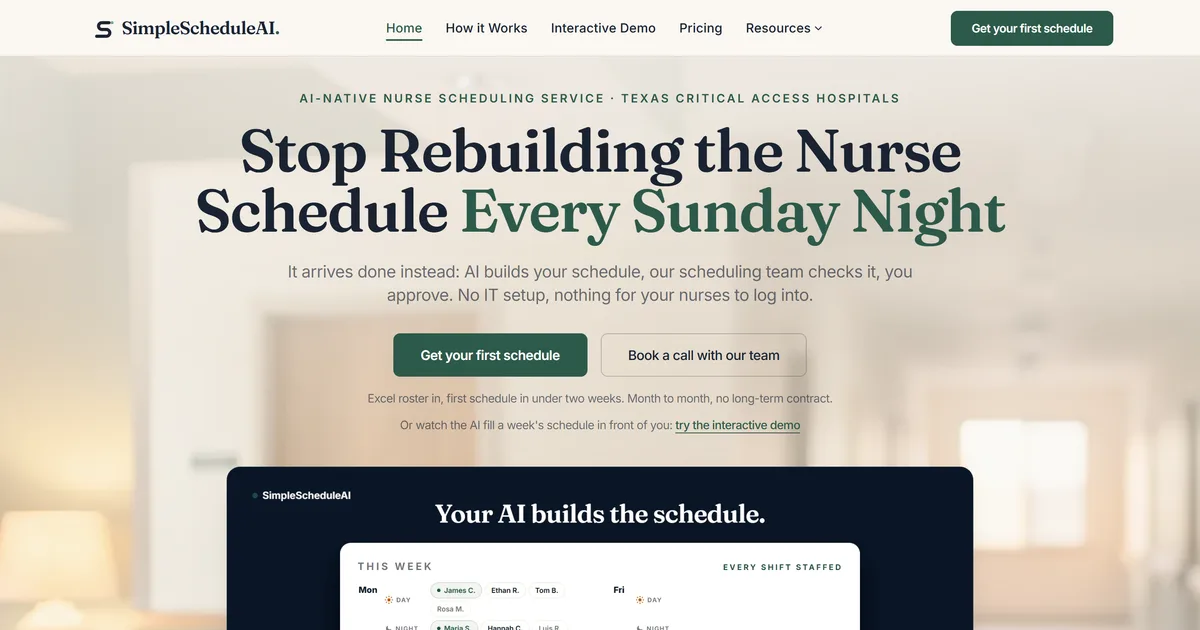
SimpleScheduleAI is an AI-native nurse scheduling service built specifically for Texas Critical Access Hospitals. It is a new service without public G2 or Capterra reviews yet. FLSA overtime threshold tracking, charge nurse coverage logic, and CMS §485.635 audit documentation are built into the scheduling logic, not configuration options. AI nurse scheduling drafts the weekly schedule from your Excel roster, a scheduling specialist checks it, and the nurse manager reviews and approves.
Setup is 100% remote and takes 3 to 5 business days. No IT involvement, no configuration burden, no training period at the facility. For a Texas Critical Access Hospital in a rural county, the fully remote model eliminates the need for on-site vendor support entirely.
Best for: Texas Critical Access Hospitals where the nurse manager is clinically active and scheduling is consuming a large share of the week.
Key advantages:
- Texas-specific compliance built into the scheduling logic from day one, no configuration required
- 100% remote setup in 3 to 5 business days from an Excel roster upload
- Callout coverage handled with a ranked, compliance-checked shortlist within minutes
Key limitations:
- Not a self-serve tool. If your Texas hospital wants to manage scheduling internally, this model is not the right fit.
- Specific to small hospitals under 50 beds. Not designed for larger Texas facilities.
- A new service with no independent G2 or Capterra reviews yet. Ask for a walkthrough and a sample CMS §485.635 audit output before deciding.
Verdict: The strongest operational fit for a Texas CAH. For self-serve scheduling at this size, Aladtec is the alternative covered next. For larger Texas community hospitals, SmartLinx or QGenda are the better fit.
Cost: Flat $1,000/month for up to 20 nurses, $1,500/month for 21-40 nurses. No per-nurse fees, no setup fees.
2. Aladtec
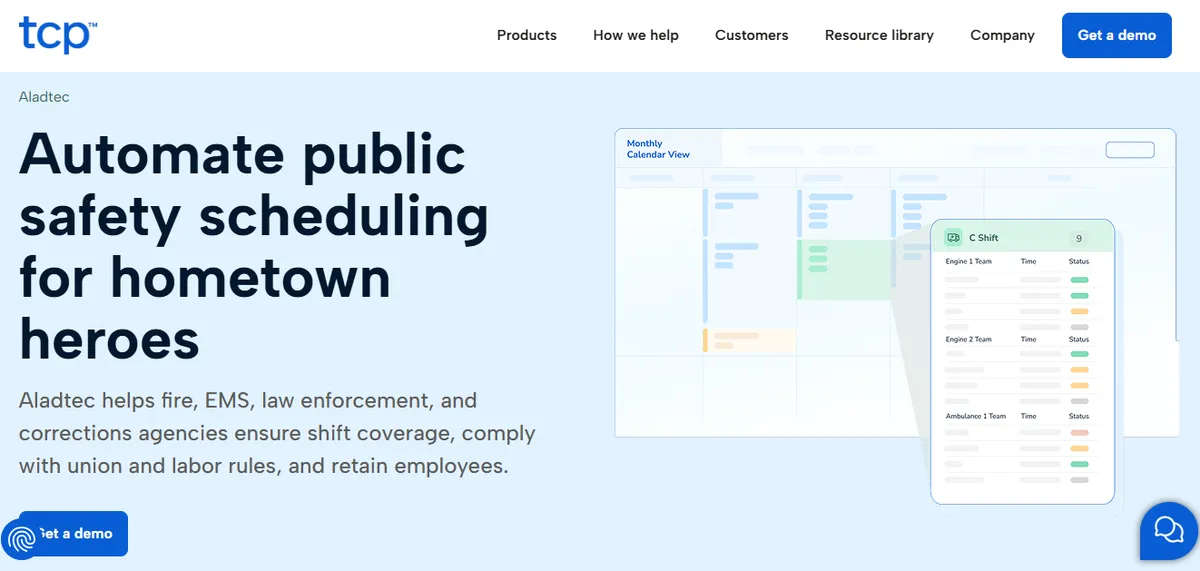
Aladtec by TCP is a self-serve scheduling platform built for 24/7 shift-work environments. TCP markets it to fire, EMS, law enforcement and corrections agencies, and markets a different product, Humanity Schedule, to healthcare. It holds 4.5/5 on G2 (94 reviews) and 4.6/5 on Capterra (17 reviews), as of April 2026. It is fully cloud-based and sets up entirely remotely. Credential expiration tracking, shift coverage tools, and basic overtime monitoring are included.
TCP’s Aladtec pages describe configurable work limits and overtime rules but do not mention the FLSA 8-and-80 method, so ask TCP to show it before you buy.
Best for: Hospital-run EMS services, or hospitals TCP confirms it will support.
Key advantages:
- Built for 24/7 shift-work environments at public safety agencies
- Credential expiration tracking included
- Fully remote setup with no IT involvement required
Key limitations:
- Overtime rules require manual configuration and are not a default. TCP’s pages do not mention the 8-and-80 method.
- The credential-tracking advantage carries a caveat for nursing: the Capterra reviewer base skews toward fire, EMS, and law enforcement, and the most recent hospital-nursing reviews are several years old, so nurse-specific rules such as charge nurse requirements may need workarounds. Request hospital-nursing reference customers at CAH scale directly from the vendor.
- Some reviewers describe click-heavy workflows for routine schedule edits.
“When editing the schedule there are a lot of clicks involved.”
Amanda F., Nurse Manager, Hospital & Health Care, October 13, 2020, Capterra
- A separate reviewer flagged setup as harder than expected.
“It was a bit complicated to figure out from the administrator side.”
Jeanne C., Administrative Coordinator, May 7, 2019, Capterra
Verdict: Worth evaluating only if TCP confirms it would sell and support Aladtec for hospital nursing. If you want the 40-hour weekly FLSA overtime threshold tracked without a configuration project, SimpleScheduleAI is the alternative.
Cost: Not published. TCP quotes on request.
3. SmartLinx
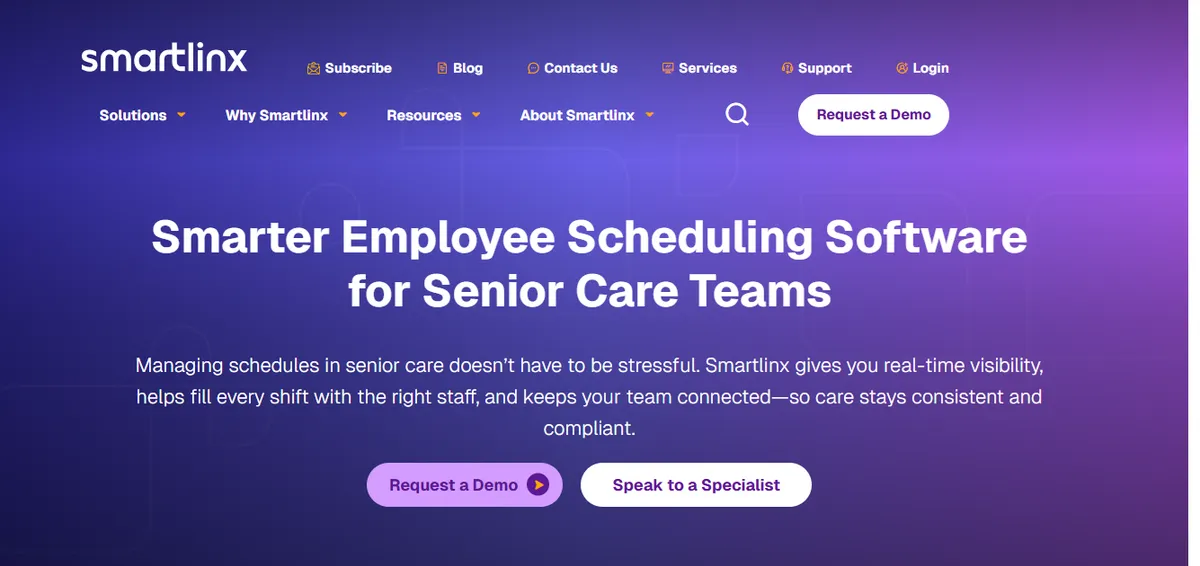
SmartLinx is a healthcare workforce management platform combining scheduling with time-and-attendance tracking and labor analytics. It holds 4.5/5 on Capterra (6 reviews; small sample), as of April 2026. The vendor’s documented focus is long-term care, post-acute care, senior care, and behavioral health, so a Texas community hospital should confirm acute-hospital fit before committing.
FLSA overtime rules are configurable within SmartLinx.
Best for: Texas community hospitals in the 50-200 bed range, and Texas LTC or SNF facilities.
Key advantages:
- Healthcare-specific platform for post-acute, LTC, and senior-care environments
- Scheduling and time-and-attendance integrated on one system
- Implementation includes project management and user training.
“Implementation was a breeze with resources helping and project management and user training are all included. Customer Support is very responsive and always delivers resolution quickly.”
Carol G., Director of IT Services, Hospital & Health Care, March 22, 2021, Capterra
Key limitations:
- Implementation experience varies, and some changes can only be made on the back end.
“Implementation was much more complex that expected and end result still was full of errors on first payroll. Some changes can only be made on the back end.”
Daniel C., CFO, Hospital & Health Care, March 16, 2021, Capterra
- PBJ-for-CMS reporting has been an issue for some users.
“Not the best at calculating PBJ for CMS - had some issues that cost money and star ratings.”
Rebecca K., HR, Hospital & Health Care, September 27, 2019, Capterra
- Vendor positioning skews toward post-acute care rather than acute small hospitals. Texas CAHs should request hospital-context reference customers before deciding.
Verdict: A good choice for mid-size Texas community hospitals with the admin capacity to manage a 4-8 week implementation. Too much overhead for a 25-bed Texas Critical Access Hospital.
Cost: Pricing not listed on website. Contact for a quote.
4. QGenda

QGenda is a mid-market scheduling platform that started in physician scheduling and has expanded into nursing. It holds 4.6/5 on G2 (164 reviews) and 4.2/5 on Capterra (68 reviews), as of April 2026. For Texas hospitals that need physician call schedule management alongside nursing scheduling, common at community hospitals with active medical staff, QGenda handles both on one platform.
Best for: Texas community hospitals that need physician and nursing scheduling managed together.
Key advantages:
- Physician call schedule management with strong analytics
- Mobile experience available for staff
“Qgenda is easy to use and does a great job at automating.”
Ari W., Administrator, Hospital & Health Care, May 7, 2024, Capterra
Key limitations:
- A 6-12 week implementation and pricing that starts at $500+/month make it impractical for Texas Critical Access Hospitals. Initial setup is described by some users as time-consuming.
“Doing the initial set up of new providers is a little complicated.”
Brandi D., Scheduling Coordinator, Hospital & Health Care, December 13, 2023, Capterra
“The initial setup was time-consuming…collating…digitize documents.”
Roger S., Practice Administrator, May 3, 2024, Capterra
- Some users report friction with the automated scheduling rules.
“automated scheduling and rules set up seem to have hiccups…I just stopped using the automation.”
Courtney D., Manager of Employee and Physician Relations, May 10, 2024, Capterra
- Customer support is described as outsourced by some reviewers.
“They outsourced customer service…you have generic people who respond.”
David S., President, Hospital & Health Care, May 7, 2024, Capterra
Verdict: Worth evaluating for Texas community hospitals (50-200 beds) with active medical staffs and physician scheduling needs. Not appropriate for Texas Critical Access Hospitals.
Cost: Pricing not listed on website. Typically starts at $500+/month.
5. NurseGrid Manager

NurseGrid is a nurse-facing mobile app for shift communication and open shift posting, with a Manager tier that adds unit-level oversight. It holds 4.2/5 on Capterra (13 reviews; small sample), as of April 2026. It is not a full scheduling engine, so you still need a separate platform to build the actual schedule.
For Texas rural hospitals with staff spread across large geographic areas, NurseGrid’s mobile-first approach to open shift communication has practical value as an add-on layer.
Best for: Texas hospitals that already have a scheduling platform and want a staff-facing communication layer.
Key advantages:
- Nurses use the app voluntarily, which helps adoption
- Mobile-first design works well for geographically dispersed Texas rural staff
- Free tier for individual nurses
“Ease of loading schedules and posting open shifts.”
Inpatient Director, Hospital & Health Care, June 17, 2024, Capterra
Key limitations:
- Not a scheduling engine and cannot replace a scheduling platform, with no Texas compliance documentation.
- Multiple Capterra reviewers describe loss of manager-side mobile functionality. Verify current manager-app capability directly with the vendor.
“It no longer has the manager app so I have to login to desktop.”
Chief Nursing Officer, Hospital & Health Care, June 13, 2024, Capterra
“they took away the Manager App for your phone.”
Staffing Coordinator, Medical Practice, June 11, 2024, Capterra
- Reviewers from smaller facilities have cited pricing as a barrier.
“cost is too expensive for small centers.”
Administrator, Hospital & Health Care, June 17, 2024, Capterra
Verdict: A useful add-on for Texas rural facilities with dispersed staff. Not a standalone scheduling solution.
Cost: Free for individual nurses. Manager pricing on request.
6. OnShift
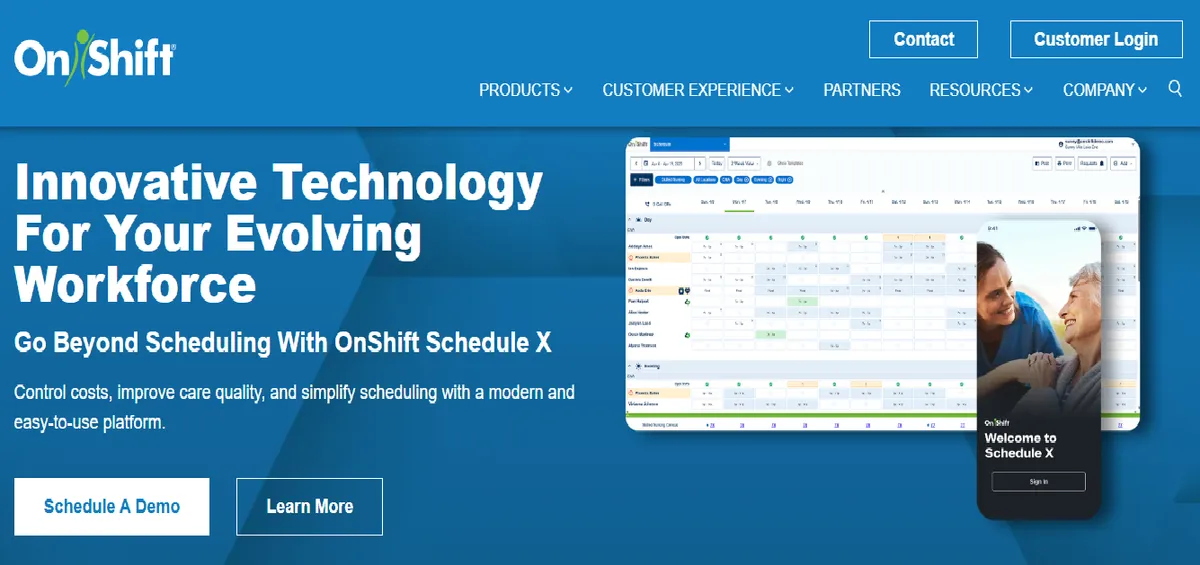
OnShift is positioned as a workforce management platform for post-acute care, with a documented feature set built for skilled nursing and long-term care rather than acute inpatient nursing. It holds 3.9/5 on Capterra, as of June 2026. Its corporate ownership has changed and sources do not agree on the current parent entity, so confirm which vendor you are contracting with directly before signing. Texas has a significant skilled nursing and LTC sector, and OnShift has features relevant to that context. For Texas acute care hospitals, the product and pricing are both mismatched.
Best for: Texas skilled nursing facilities and long-term care organizations.
Key advantages:
- Documented feature set built for post-acute care, SNF, and LTC environments
- Mobile experience oriented to LTC staff
Key limitations:
- Positioning targets post-acute and senior-care settings, not acute hospital nursing unit operations. No small-hospital or CAH reference customers are documented on the product page; verify acute-hospital fit with the vendor.
- Enterprise pricing is not documented for small Texas facilities; request a quote scoped to your bed count.
Verdict: Relevant for Texas SNF and LTC facilities. Not a fit for Texas acute care hospitals of any size.
Cost: Pricing not listed on website. Enterprise pricing.
7. Deputy
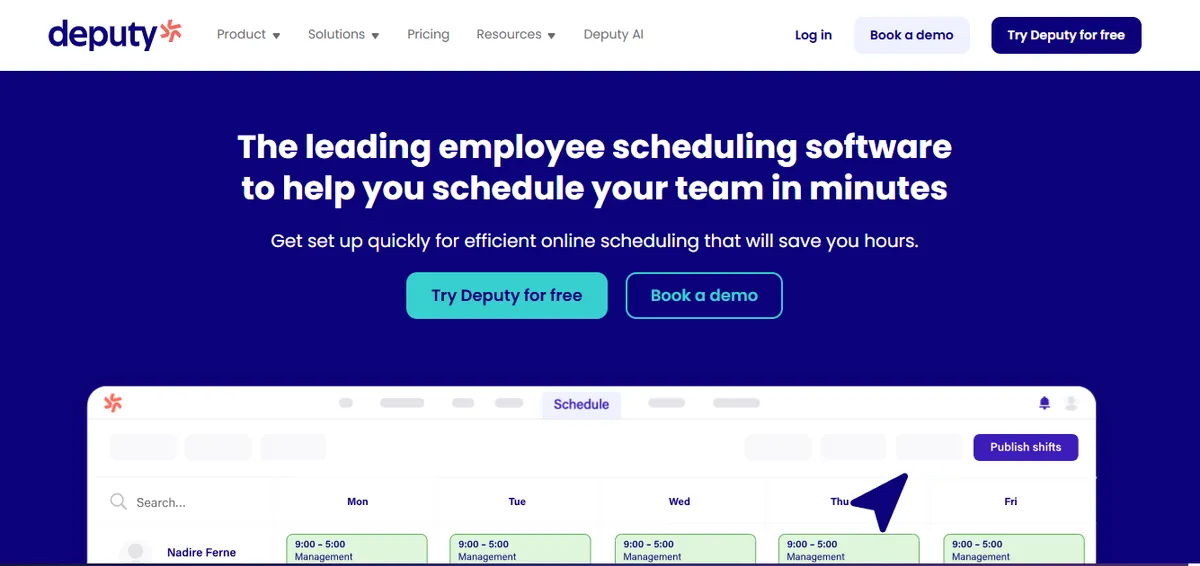
Deputy is a general workforce scheduling platform used across retail, hospitality, food service, and healthcare. It holds 4.6/5 on G2 (1,400+ reviews) and 4.6/5 on Capterra (765 reviews), as of April 2026, across a large general workforce sample, and markets a healthcare segment page. Its healthcare page does not document CMS §485.635 audit-trail, FLSA overtime tracking including the healthcare 8-and-80 calculation, or credential constraints, so a licensed Texas facility should verify those directly with the vendor.
Best for: Texas healthcare practices and clinics with simple shift scheduling needs and the tightest budgets.
Key advantages:
- Very fast to set up and low cost per user
- Clean staff-facing mobile app
“Deputy makes scheduling very easy and organised. It’s simple to use, and I like how I can see my shifts clearly and get updates quickly.”
Portia A., Nurse, Hospital & Health Care, April 8, 2026, Capterra
Key limitations:
- CMS §485.635 audit-trail, FLSA overtime tracking including the healthcare 8-and-80 calculation, and credential tracking are not documented on the healthcare page. A Texas CAH evaluating Deputy as a primary scheduling system should confirm each capability and request reference customers at similar scale.
- Some reviewers report the app can be slow when loading shifts.
“Sometimes the app can be a bit slow or glitchy, especially when trying to load shifts. Also, some features are not very clear at first.”
Portia A., Nurse, Hospital & Health Care, April 8, 2026, Capterra
- A CEO/DON reviewer flagged a feature change rolled out without the option to turn it off.
“…the time clock system is an important part of any rostering system - and they have just issued a new feature where staff can clock in and out from home, without any consultation or ability to turn off this feature. While this may suit some businesses it does not suit mine and I am sure I am not alone.”
Julie B., CEO/DON, Hospital & Health Care, January 18, 2022, Capterra
- Time-off setup drew a usability complaint.
“Setting up PTO and other time off requests is clunky and not easy to intuitively review.”
Jackie D., Practice Manager, Medical Practice, March 24, 2025, Capterra
Verdict: Strongly rated as a general workforce scheduling tool. For a licensed Texas clinical environment, verify HIPAA, credential-tracking, FLSA 8-and-80 handling, and CMS audit-trail capabilities with the vendor before deciding.
Cost: Approximately $4-$6/employee/month.
8. UKG (formerly Kronos)

UKG is an enterprise workforce management suite covering scheduling, time and attendance, HR, payroll, and analytics. It is built for 200+ bed facilities with dedicated IT departments and HRIS staff, and its own materials cite use across thousands of US hospitals at that scale. No independent small-hospital or CAH reviews are documented; verify small-facility fit directly with the vendor.
Best for: Large Texas health systems (200+ beds) with dedicated HRIS and IT teams.
Key advantages:
- Deep EHR and HRIS integration at the enterprise tier
- Enterprise workforce analytics and multi-facility management
Key limitations:
- A 6-18 month implementation at hospital scale and enterprise pricing require IT and HRIS capacity that small Texas hospitals rarely have.
- Built for 200+ bed systems, so a 25-bed Texas Critical Access Hospital would carry enterprise complexity without a matching feature need. Ask the vendor for hospital reference customers under 50 beds who completed deployment recently.
Verdict: The right platform for large Texas health systems. A poor scale fit for small and rural Texas hospitals.
Cost: Pricing not listed on website. Enterprise pricing.
| Platform | Texas Hospital Fit | Implementation Burden |
|---|---|---|
| SimpleScheduleAI | High | Low |
| Aladtec | Unclear; confirm TCP support | Low to moderate |
| SmartLinx | Moderate to high | Moderate |
| QGenda | Moderate | Moderate to high |
| NurseGrid Manager | Low (add-on only) | Low |
| OnShift | Low for acute care | Moderate to high |
| Deputy | Low (no clinical compliance) | Low |
| UKG | Low for small hospitals | High |
What Are the Texas-Specific Scheduling Compliance Requirements?
Texas hospitals operate under a layered compliance environment that generic scheduling software vendors rarely address explicitly.
Federal FLSA overtime (there is no Texas state overtime law): Overtime for Texas hospitals is governed entirely by the federal Fair Labor Standards Act, which requires time-and-a-half after 40 hours in a workweek. The healthcare “8-and-80” option allows an alternative calculation: time-and-a-half after 8 hours in a day OR 80 hours in a 14-day period. It requires a written agreement and must be tracked at the individual shift level. Most scheduling software supports standard FLSA but requires specific configuration for the 8-and-80 calculation.
Texas Labor Code Chapter 62 (minimum wage, not overtime): Texas Labor Code Chapter 62 is a state minimum-wage statute; it contains no overtime provision, and §62.151 exempts employees already covered by the FLSA. In other words, Texas adds no state overtime layer on top of the federal rule, so a “Texas overtime” configuration is not a real requirement to shop for.
CMS §485.635 for Texas Critical Access Hospitals: CMS Conditions of Participation §485.635 requires Texas Critical Access Hospitals to maintain a staffing plan, document compliance with that plan on each shift, and keep records that can be reviewed during a CMS survey or HHSC licensing inspection.
Texas HHSC hospital licensing: Texas Health and Human Services Commission (HHSC) licensing requirements for nursing staff documentation add a state layer on top of CMS requirements. Scheduling documentation must satisfy both.
Which Software Fits Your Texas Hospital?
Texas CAH (under 25 beds, rural):
Two options worth a look: SimpleScheduleAI (AI-native nurse scheduling service, Texas-specific compliance built in) or Aladtec, if TCP confirms it supports hospital nursing (self-serve; confirm which overtime rules it handles). Skip everything else.
Texas small community hospital (25-75 beds, non-CAH):
SmartLinx for nursing scheduling, or Aladtec if TCP confirms it will support hospital nursing. Add QGenda if physician scheduling is a real need. NurseGrid as a communication add-on.
Texas regional hospital or health system (75-200 beds):
QGenda, SmartLinx, or similar mid-market platforms. UKG becomes viable at 200+ beds.
Texas rural hospital with LTC component:
Evaluate OnShift for the LTC unit alongside one of the above for the acute unit.
How SimpleScheduleAI Was Built for Texas?
SimpleScheduleAI was built specifically for Texas Critical Access Hospitals, not adapted from a general scheduling platform. The founders’ background in hospital operations, including Apollo Hospitals, informed a product designed around what a 25-bed Texas CAH actually needs, not what a 300-bed suburban hospital needs.
FLSA overtime threshold tracking, CMS §485.635 audit documentation, charge nurse coverage logic for the rural Texas nursing workforce, and 100% remote implementation are defaults, not features you configure. The AI-native, done-for-you service model was chosen specifically because Texas rural nurse managers cannot realistically maintain a self-serve platform on top of clinical duties.
Flat monthly pricing, no long-term contract. No IT setup. We bring the schedule to you.
See how SimpleScheduleAI was built for Texas →
Our Take
Most Texas hospital buying processes start with a feature list, but the number that actually decides fit is your bed count. A 25-bed Critical Access Hospital in the Panhandle and a 200-bed regional system do not belong on the same shortlist. For a CAH where the nurse manager also covers clinical shifts, the win is not the longest feature list, it is FLSA overtime and CMS §485.635 documentation handled without a configuration project she has no time to run. The enterprise suites are real platforms for the systems they were built for, and a poor scale fit below 75 beds. Choose for the hospital you actually run on a normal Tuesday, and verify every compliance claim against your own surveyor before you sign.
What to Do This Week
- Confirm your compliance baseline: does your current scheduling tool track the FLSA 8 and 80 healthcare worker overtime exemption correctly? If you are not sure, ask your payroll team.
- Pull your Texas HHSC licensing documentation requirements for nursing staff. Compare them against what your current scheduling tool actually produces.
- If you are a Texas CAH under 25 beds, request information from SimpleScheduleAI this week, and ask TCP whether it would sell and support Aladtec for hospital nursing. Request the same information from each: how does the platform track the healthcare 8-and-80 overtime calculation, and what does CMS §485.635 audit output look like?
- If you are a Texas community hospital 50-200 beds, request demos from SmartLinx and QGenda. Ask each one specifically about Texas hospital customers and their compliance documentation for HHSC inspections.
- Calculate the weekly scheduling cost at your facility: nurse manager hours on scheduling multiplied by their effective hourly rate. That is the baseline ROI any tool needs to clear.
Running a Texas Critical Access Hospital?
Flat monthly pricing. Texas compliance built in. Our AI builds the schedule, our scheduling team checks it, you approve it.
See how it works →Frequently Asked Questions
Q: Is Aladtec or SimpleScheduleAI better for a Texas Critical Access Hospital?
It depends on whether your nurse manager can own a scheduling platform. Aladtec is the self-serve option to check, but it is worth evaluating only if TCP confirms it would sell and support Aladtec for hospital nursing. It sets up fully remotely. Ask TCP to show how it handles the healthcare 8-and-80 calculation, because its pages do not mention it. SimpleScheduleAI handles the 40-hour weekly FLSA overtime threshold and CMS §485.635 documentation automatically with no configuration at the facility, the better fit when the nurse manager is clinically active and cannot maintain a software platform.
Q: Is there a separate Texas state overtime law scheduling software has to handle?
No. Texas has no state overtime statute; overtime for Texas hospitals is governed by the federal FLSA. Texas Labor Code Chapter 62 is a minimum-wage law that exempts FLSA-covered workers, so there is no “Texas overtime” layer to configure. The overtime nuance that does matter is the federal healthcare 8-and-80 calculation, an option many hospitals elect. Ask any vendor whether they have Texas hospital customers and whether the platform tracks the 8-and-80 calculation at the shift level.
Q: How many Critical Access Hospitals are in Texas?
Texas has 93 certified Critical Access Hospitals (Rural Health Information Hub, 2026), making it one of the states with the highest CAH concentration. The full list of Texas critical access hospitals names each one. Most are in rural west Texas, the Panhandle, south Texas, and east Texas. For scheduling purposes, this means a large segment of the Texas hospital market has CAH-specific compliance requirements that most national scheduling software vendors do not address explicitly.
Q: What is the FLSA 8 and 80 rule for Texas hospital nurses?
The FLSA healthcare worker exemption allows hospitals and residential care facilities to use a 14-day pay period for overtime calculation instead of the standard 7-day week. Overtime is owed on hours past 8 in a day and on hours past 80 in the 14-day period. These are two separate triggers rather than a choice between them: 29 CFR 778.601(d) applies the daily one “whether or not more than 80 hours are worked in the period,” which is why the method costs more, not less, on a 12-hour roster. This requires a prior written agreement between employer and employee. Scheduling software that tracks only weekly FLSA overtime will miscalculate overtime for Texas nurses on the 8 and 80 plan.
Q: Does Texas HHSC require specific scheduling documentation from hospitals?
Texas Health and Human Services Commission (HHSC) hospital licensing requires hospitals to maintain staffing records that demonstrate adequate nursing coverage. State licensing documentation and federal CMS documentation for Critical Access Hospitals are not necessarily identical, so confirm the specifics with your surveyor. Your scheduling tool should produce records that satisfy both federal CMS surveys and state HHSC licensing inspections. Ask any vendor for a sample output and compare it against the Texas HHSC hospital licensing standards for nursing staff.
Sources
- Aladtec by TCP ratings: 4.5/5 on G2 (94 reviews), 4.6/5 on Capterra (17 reviews; small sample). Vendor page: aladtec.com. Verified 2026-07-15.
- SmartLinx ratings: 4.5/5 on Capterra (6 reviews; small sample). Vendor page: smartlinx.com. Verified 2026-04-30.
- QGenda ratings: 4.6/5 on G2 (164 reviews), 4.2/5 on Capterra (68 reviews). Vendor page: qgenda.com. Verified 2026-04-30.
- NurseGrid ratings: 4.2/5 on Capterra (13 reviews; small sample). Vendor page: nursegrid.com. Verified 2026-04-30.
- OnShift rating: 3.9/5 on Capterra. Vendor page: onshift.com. Verified 2026-06-15.
- Deputy ratings: 4.6/5 on G2 (1,400+ reviews), 4.6/5 on Capterra (765 reviews). Vendor page: deputy.com. Verified 2026-04-30.
- UKG (formerly Kronos): enterprise workforce management suite; no independent small-hospital reviews documented. Vendor page: ukg.com. Verified 2026-04-30.
- FLSA overtime rules and the healthcare 8-and-80 calculation. U.S. Department of Labor, Fact Sheet #54.
- Texas Labor Code Chapter 62 (minimum wage; §62.151 exempts FLSA-covered workers; no state overtime provision). Texas Statutes.
- CMS Conditions of Participation for Critical Access Hospitals (§485.635). CMS.
- Texas Health and Human Services Commission hospital licensing. Texas HHSC.
- Texas CAH count (93): Rural Health Information Hub, Texas state guide, 2026. ruralhealthinfo.org.
Methodology note: Reviewer quotes are reproduced verbatim from Capterra with the reviewer’s name or role, date, and source shown. Ratings reflect the figures captured on the verification dates above and may have changed since. Documented product capabilities reference each vendor’s own product page. Texas hospitals evaluating any specific platform should verify current capabilities directly with the vendor before deciding.
Related: the 2026 Texas nurse staffing numbers show why small hospitals need a tighter tool.
Pradeep Pandey is the co-founder of SimpleScheduleAI, an AI-native nurse scheduling service built for Critical Access Hospitals in Texas. He serves as Deputy General Manager of Operations at Apollo Hospitals and holds an MBA from IIM Trichy. LinkedIn →