By Pradeep Pandey · Co-Founder · 22 min read · Updated
4 Best ShiftWizard Alternatives for Critical Access Hospitals (2026)
Ready to move off ShiftWizard? The four realistic alternatives for a Critical Access Hospital, compared on setup burden, callout coverage, and what switching actually involves.

ShiftWizard is built specifically for hospital nursing, which makes it a stronger fit than general workforce tools at 25-bed scale. The question is whether the configuration capability you would use justifies the configuration work you would do. Hospitals at 50-200 beds typically have a scheduling coordinator to absorb that work. Critical Access Hospitals typically do not, which is why SimpleScheduleAI offers a managed-service alternative built for Texas CAHs where the nurse manager cannot sustain platform administration alongside clinical duties.
This guide compares 6 ShiftWizard alternatives for a Critical Access Hospital evaluating whether feature depth or administrative bandwidth is the actual constraint.
Key Takeaways
- ShiftWizard is a hospital scheduling platform owned by HealthStream, Inc. (acquired). It holds 4.3/5 on G2 and 4.4/5 across 723 Capterra reviews,[1] with over 88% of Capterra reviews rating 4 stars or higher.
- For a Critical Access Hospital, the right comparison is not feature-by-feature. It is which operating model fits a 25-bed facility with no dedicated scheduling coordinator and a nurse manager who also takes clinical shifts.
- The main platform alternatives are TCP Scheduling / Aladtec (self-serve, public-safety heritage with hospital expansion), NurseGrid (nurse-facing, manager tier available), and QGenda (physician scheduling, positioned for larger health systems). For facilities where the core issue is scheduling labor rather than platform fit, a managed service is a different operating model.
- The critical question before any evaluation: does your nurse manager have 4-6 hours per week available for scheduling administration after go-live? If not, the operating model matters more than which platform you choose.
- For a CAH staying on a self-serve platform, TCP/Aladtec is the closest healthcare-specific alternative at comparable cost and setup time. For a facility where the nurse manager cannot sustain weekly scheduling administration alongside clinical shifts, SimpleScheduleAI removes that work entirely rather than swapping one platform for another.
Table of Contents
- Why Hospitals Switch Away from ShiftWizard?
- Quick Comparison: ShiftWizard vs. The Alternatives
- What Are the 4 Best ShiftWizard Alternatives for Hospital Scheduling?
- 1. SimpleScheduleAI
- 2. TCP Scheduling (Aladtec)
- 3. NurseGrid
- 4. QGenda
- When to Stay with ShiftWizard?
- How SimpleScheduleAI Compares to ShiftWizard?
- What to Do This Week
- Frequently Asked Questions
ShiftWizard is a hospital-specific scheduling platform designed for nursing workflows rather than adapted from a generic workforce-management tool. For a Critical Access Hospital evaluating alternatives, the decision comes down less to features than to operating model: which approach fits a facility where the nurse manager is also a charge nurse and the scheduling work competes directly with clinical responsibilities. This guide profiles four alternatives based on public review data and current vendor product information. It assumes you have already decided to look beyond ShiftWizard. If you are still working out what ShiftWizard does and whether the self-serve model suits your facility, start with our review of what ShiftWizard is and how it compares to a managed scheduling service instead.
If your priority is critical access hospital scheduling compliance and CMS documentation, review what those requirements actually demand before evaluating platforms. For the broader treatment of how AI-built nurse schedules work, see AI nurse scheduling. Our nurse scheduling software for critical access hospitals guide covers the specific features a 25-bed hospital needs that general scheduling tools do not provide.
Why Hospitals Switch Away from ShiftWizard?
Hospitals switch away from ShiftWizard when the scheduling administration burden exceeds what one nurse manager can sustain alongside clinical duties. ShiftWizard is a capable hospital scheduling platform, but it is still self-serve: the nurse manager builds every schedule, handles callout coverage manually, and maintains configuration as staff changes. When the nurse manager is also covering clinical shifts, that weekly 4-6 hour scheduling overhead becomes unsustainable over time.
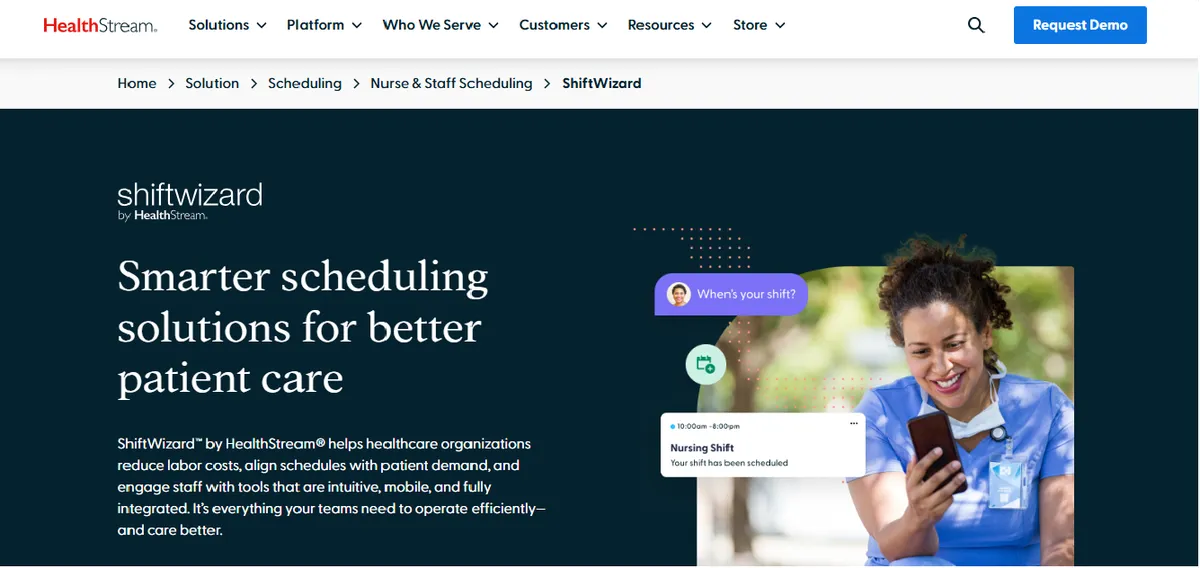
ShiftWizard’s overall rating is high: 4.3/5 on G2 and 4.4/5 across 723 Capterra reviews,[1] with over 88% of Capterra reviewers rating 4 stars or higher. ShiftWizard is named a G2 Spring 2026 Leader and the product is positioned as designed by nurses for hospital nursing. A representative positive review:
“ShiftWizard was designed by nurses which is why it is fantastic to use.”
Jennifer C., Director of Emergency Services, July 15, 2024, Capterra
The minority of negative reviews cluster around a handful of themes that CAH-scale users raise when evaluating an alternative.
App Performance Complaints. Some reviewers report slow load times and glitches during schedule input.
“Can be slow and glitchy, making inputting schedule difficult and stressful.”
Erika A., Registered Nurse, July 9, 2024, Capterra
Mobile App Login Friction. Reviewers describe needing to re-enter credentials and limited mobile messaging.
“I wish the messaging was better, and that I have to input my info every time I log in.”
Melissa R., LVN, July 26, 2024, Capterra
For a CAH nurse manager who moves between the floor and her office, mobile workflow parity is worth asking the vendor to demo directly: which manager tasks are available on mobile vs. desktop, what the cross-department schedule view looks like on a phone, and how date-range navigation works in the app.
Shift-Type Configuration Complaints. Some reviewers describe friction setting up new shift types in the system.
“We do not like when we have to put in a new shift type that it comes across as a code.”
Amanda M., QA Process Improvement Manager, July 15, 2024, Capterra
Shift-Increment Limitations. A small number of reviewers mention granularity limits.
“Not being able to sign up for 4 hour increment shifts.”
Michalina W., RN, August 13, 2024, Capterra
For a CAH evaluating ShiftWizard, ask the demo to walk through swap workflows from both perspectives (the requesting nurse and the approving manager), shift-type configuration for non-standard increments, and the cross-department mobile view.
Quick Comparison: ShiftWizard vs. The Alternatives
| Platform | Best For | Public Ratings | Setup Time |
|---|---|---|---|
| ShiftWizard (current) | Hospital nursing, self-serve | G2: 4.3/5 Capterra: 4.4/5 (723 reviews) | 2-4 weeks |
| SimpleScheduleAI | CAHs, no IT, NM on clinical shifts | New service; no public reviews yet | 3 to 5 business days |
| TCP Scheduling (Aladtec) | Public safety, EMS, small hospital self-serve | G2: 4.5/5 (94 reviews) Capterra: 4.6/5 (17 reviews) | 2-4 weeks |
| NurseGrid | Nurse-facing app, small rosters | Capterra: 4.2/5 (13 reviews; small sample) | Days |
| QGenda | Physician groups, larger health systems | G2: 4.6/5 (164 reviews) Capterra: 4.2/5 (68 reviews) | Months |
What Are the 4 Best ShiftWizard Alternatives for Hospital Scheduling?
The four alternatives below cover the range a CAH is likely to encounter: a managed service built specifically for 25-bed facilities, a self-serve platform with a hospital-nursing track record, a nurse-facing app with a manager tier, and a provider scheduling platform designed for larger organizations. Each is reviewed against the operational constraints of a CAH.
Which one to shortlist depends on the constraint you are actually under, rather than on the feature count.
| If this is your constraint | Shortlist |
|---|---|
| The nurse manager cannot absorb configuring and running a platform, and you are a Texas critical access hospital | SimpleScheduleAI, which builds the schedule rather than handing you a tool |
| You want to stay on self-serve software but need healthcare credential handling | TCP Scheduling (Aladtec), 4.5/5 across 94 G2 reviews |
| The main need is nurses seeing and swapping shifts on a phone | NurseGrid Manager, 4.2/5 across 13 Capterra reviews |
| You schedule physicians and on-call alongside nursing | QGenda, 4.6/5 across 164 G2 reviews |
1. SimpleScheduleAI
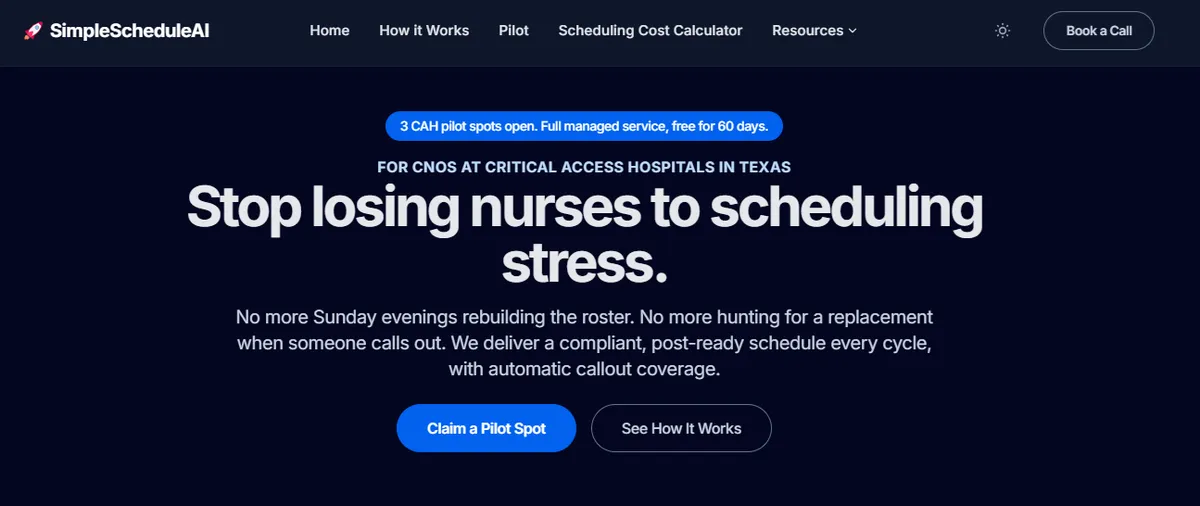
SimpleScheduleAI is an AI-native nurse scheduling service built specifically for Critical Access Hospitals in Texas. Unlike a self-serve platform, SimpleScheduleAI requires no configuration work from the nurse manager: the AI builds draft schedules each cycle, while a scheduling specialist handles setup from an Excel roster upload, checks each draft, and maintains the system as the roster changes.
The service is a new offering, without public G2 or Capterra reviews yet. CMS §485.635 staffing documentation is logged automatically throughout each scheduling cycle. Callout replacement generates a ranked shortlist cross-referenced against current-week hours and FLSA overtime thresholds. FLSA overtime threshold tracking is built in as a default.
Best for: Critical Access Hospitals leaving ShiftWizard because the weekly scheduling administration load exceeds what one nurse manager can absorb while also taking clinical shifts.
Key advantages:
- Eliminates configuration maintenance: the service maintains scheduling rules as staff and policies change
- CMS §485.635 documentation is automatic, not a manual export before each survey
- Callout shortlist is ranked by overtime risk without manual calculation from the manager
- Excel-based roster upload means no IT involvement during transition
- Flat monthly pricing with no IT setup; our AI builds the schedule, our scheduling team checks it, you approve it
Key limitations:
- Managed service model means less direct manager control than ShiftWizard; schedule changes go through the service rather than being adjustable in real time
- No staff-facing mobile app; nurses do not view schedules or submit shift trades directly through the system
- Not designed for hospitals with complex multi-department or physician scheduling needs beyond nursing
Verdict: The strongest alternative for a CAH nurse manager who leaves ShiftWizard primarily because the scheduling administration burden has exceeded what one person can manage while covering clinical shifts. SimpleScheduleAI eliminates that specific constraint by design. Watch the AI build a compliant schedule and rank a callout shortlist live in the interactive simulator, or see how it works.
Cost: Flat monthly price by roster size: $1,000/month for up to 20 nurses, $1,500/month for 21 to 40 nurses. No per-nurse or setup fees.
2. TCP Scheduling (Aladtec)
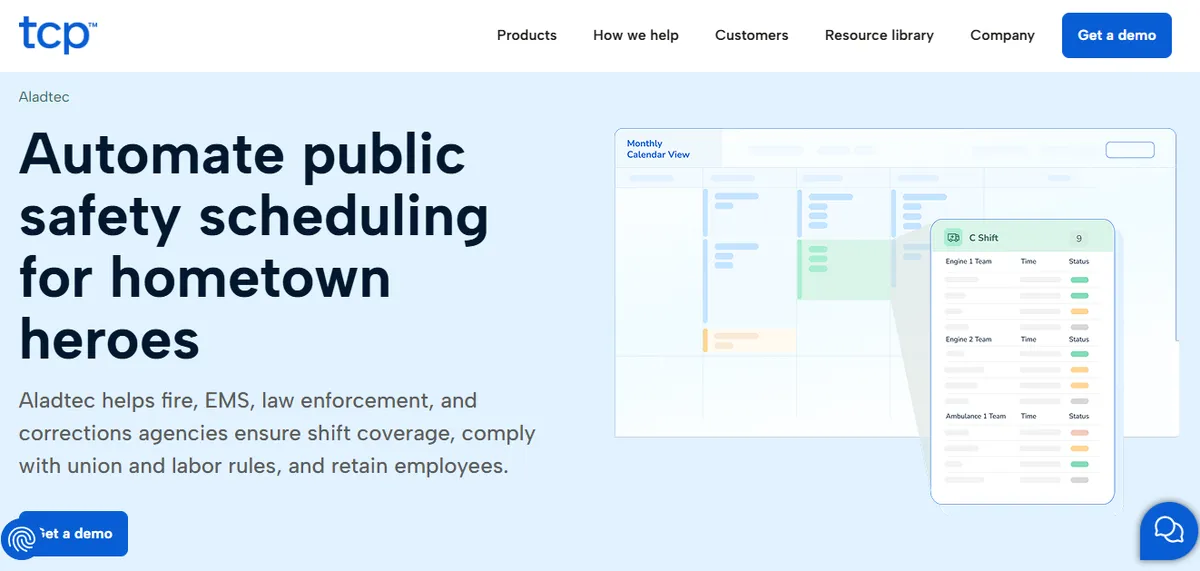
TCP Scheduling Software (formerly Aladtec, acquired by TCP Software in 2021) holds 4.5/5 across 94 G2 reviews and 4.6/5 across 17 Capterra reviews (Verified 2026-07-15); small Capterra sample, larger G2 sample. The platform covers shift management, time and attendance, overtime tracking, certification tracking, and reporting across fire, EMS, law enforcement, and hospital settings. The product’s heritage is in 24/7 shift-work environments; its hospital-nursing deployment is a more recent expansion of the original use case.
A representative positive review from a public-safety user:
“Their customer support team is better than any other support team I have ever had to deal with.”
Jody S., Security Management, August 14, 2025, Capterra
Best for: CAHs with a designated scheduling coordinator or administrator who has time to configure and maintain a self-serve system and can sustain 4-6 hours of weekly scheduling work.
Key advantages:
- Self-serve configuration gives the nurse manager direct control over every scheduling rule
- Setup runs 2-4 weeks with minimal IT involvement, faster than most mid-market alternatives
- Broader feature set for certification tracking and time and attendance than general scheduling tools
Key limitations:
Click-Heavy Workflow. Some reviewers describe high click counts for routine schedule edits.
“When editing the schedule there are a lot of clicks involved.”
Amanda F., Nurse Manager, Hospital & Health Care, October 13, 2020, Capterra
Setup Complexity. Some administrators report initial configuration as harder than expected.
“It was a bit complicated to figure out from the administrator side.”
Jeanne C., Administrative Coordinator, May 7, 2019, Capterra
TCP/Aladtec’s Capterra customer base skews toward fire, EMS, law enforcement, and security users rather than hospital nursing. The most recent hospital-context reviews are several years old; ask the vendor for a current hospital-nursing reference customer at CAH scale before deciding.
Verdict: A reasonable self-serve alternative for a CAH that wants direct platform control and has the administrative bandwidth to configure and maintain the system. CAHs leaving ShiftWizard because of scheduling burden should weigh whether a different self-serve platform solves the underlying capacity problem. See our deeper Aladtec alternatives guide for Critical Access Hospitals.
Cost: Pricing not listed publicly. Typically positions in the mid-market range.
3. NurseGrid
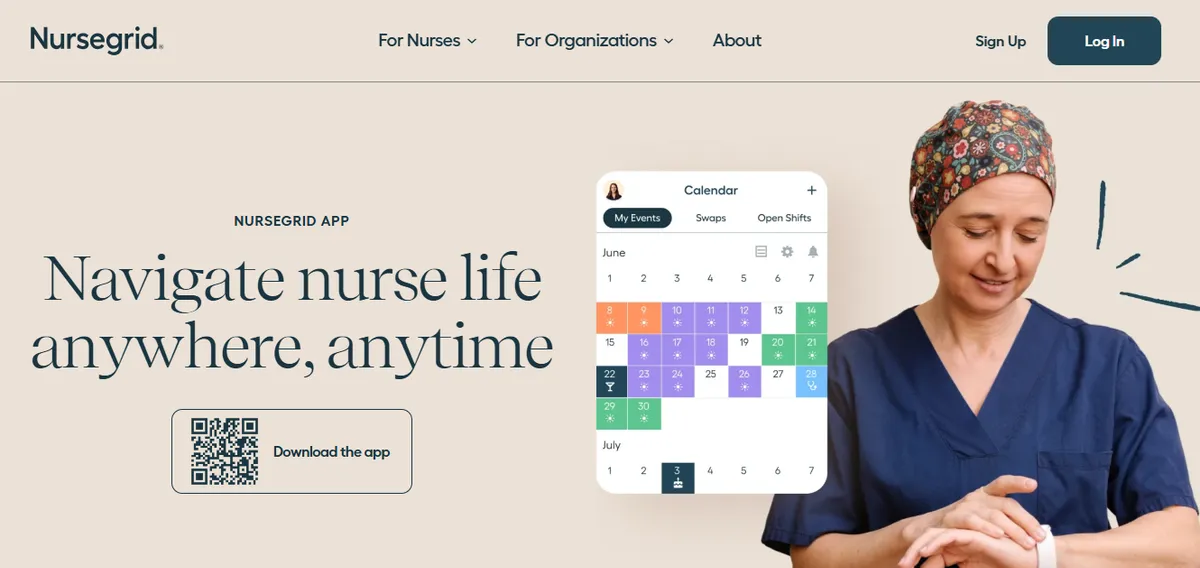
NurseGrid Manager is the manager-tier product of NurseGrid, owned by HealthStream, Inc. It holds 4.2/5 across 13 Capterra reviews.[3] The Capterra sample is small; reviews on the iOS App Store and Google Play are typically a more meaningful signal for a nurse-facing app.
NurseGrid is built primarily for individual nurses managing their own schedules. The standard product covers mobile schedule visibility, shift trade requests, and availability management. A NurseGrid for Managers tier extends this with unit-level oversight. For CAHs evaluating NurseGrid as a primary scheduling system rather than a staff-facing layer, capabilities like CMS §485.635 audit-trail export, proactive FLSA overtime flagging, and credential-based callout filtering are critical; tier coverage of these features may differ from the standard product. Confirm directly with NurseGrid sales before relying on it as your primary system.
A representative positive review:
“Ease of loading schedules and posting open shifts.”
Inpatient Director, Hospital & Health Care, June 17, 2024, Capterra
Best for: Nurses who want a mobile experience for viewing their personal schedule and trading shifts. Tier-dependent for CAH primary scheduling; verify with the vendor before relying on NurseGrid as the system of record.
Key advantages:
- Nurse-facing mobile experience is the core product, which is well-reviewed for simplicity
- Fast setup; no IT involvement required for the standard tier
- Freemium model for individual nurses lowers the evaluation barrier
Key limitations:
Manager Mobile App. The manager-side mobile app was removed, requiring desktop login for schedule edits (Capterra, June 2024).
“It no longer has the manager app so I have to login to desktop.”
Chief Nursing Officer, Hospital & Health Care, June 13, 2024, Capterra
“they took away the Manager App for your phone.”
Staffing Coordinator, Medical Practice, June 11, 2024, Capterra
Android Compatibility. Some reviewers describe device-specific issues.
“Does not work well with androids. The texting function doesn’t work.”
Inpatient Director, Hospital & Health Care, June 17, 2024, Capterra
Cost for Small Facilities. Reviewers from smaller facilities describe organizational pricing as a barrier.
“cost is too expensive for small centers.”
Administrator, Hospital & Health Care, June 17, 2024, Capterra
Verdict: Strong nurse-facing mobile experience. For a CAH evaluating NurseGrid as a primary scheduling system, verify manager-side capabilities and clinical compliance features directly with the vendor before relying on it as a system of record. The loss of manager-side mobile functionality documented by reviewers is significant for a nurse manager who moves between the floor and her office. See our deeper NurseGrid alternatives guide for Critical Access Hospitals.
Cost: Freemium for individual nurses; organizational tier pricing on request.
4. QGenda
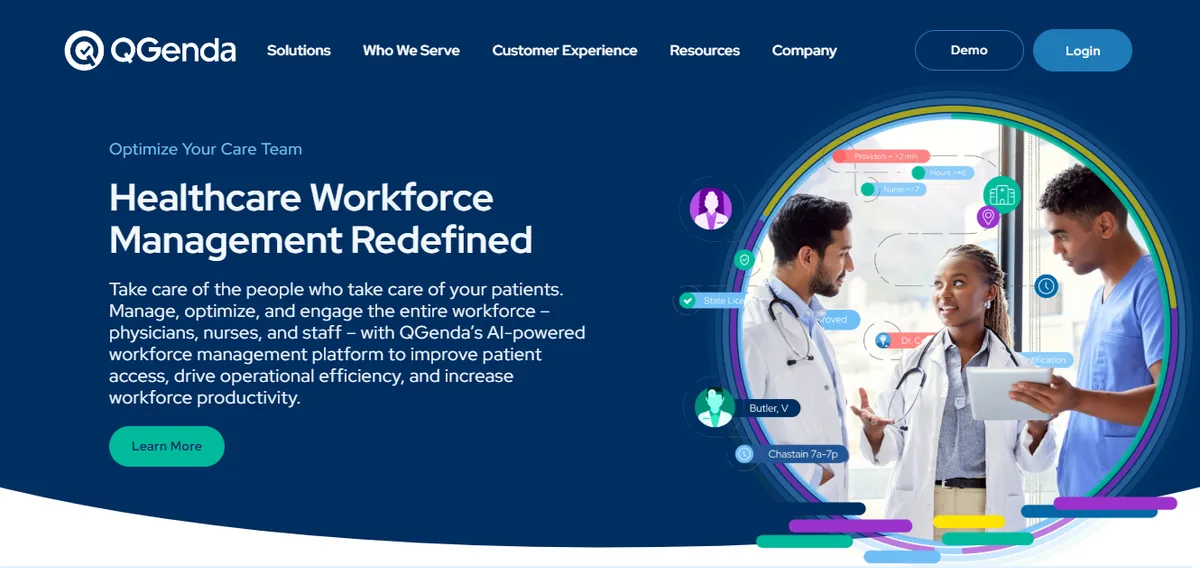
QGenda holds 4.6/5 across 164 G2 reviews and 4.2/5 across 68 Capterra reviews (verified 2026-04-30). The platform covers provider scheduling, on-call management, credentialing, time tracking, and analytics for healthcare organizations. QGenda’s customer base skews toward physician group practices and larger health systems; reviews from smaller-scale customers and reviews from larger-scale customers describe meaningfully different experiences, which is typical of platforms serving multiple market segments.
A representative positive review:
“Qgenda is easy to use and does a great job at automating.”
Ari W., Administrator, Hospital & Health Care, May 7, 2024, Capterra
Best for: Multi-site health systems and physician groups managing complex credentialing across 100+ providers.
Key advantages:
- Strong overall G2 rating (4.6/5) across a meaningful review sample
- Purpose-built for healthcare scheduling, not adapted from a general workforce tool
- Provider credentialing and on-call management features for complex physician rosters
Key limitations:
Automation Setup. Some reviewers describe friction when configuring automated scheduling rules.
“automated scheduling and rules set up seem to have hiccups…I just stopped using the automation.”
Courtney D., Manager of Employee and Physician Relations, May 10, 2024, Capterra
Setup Time. Initial configuration is described as time-consuming by some reviewers.
“Doing the initial set up of new providers is a little complicated.”
Brandi D., Scheduling Coordinator, Hospital & Health Care, December 13, 2023, Capterra
“The initial setup was time-consuming…collating…digitize documents.”
Roger S., Practice Administrator, May 3, 2024, Capterra
Customer Support. A subset of Capterra reviewers describe support as outsourced.
“They outsourced customer service…you have generic people who respond.”
David S., President, Hospital & Health Care, May 7, 2024, Capterra
Verdict: QGenda is positioned for physician groups and larger health systems rather than 25-bed CAH nursing rosters. For a CAH evaluating QGenda, ask the vendor for the smallest hospital they’ve implemented in the past 12 months and a reference contact at that facility before committing to an evaluation. See our deeper QGenda alternatives guide for Critical Access Hospitals.
Cost: Pricing not published. Quote-based; reviews indicate it sits at the higher end of the market.
When to Stay with ShiftWizard?
Stay with ShiftWizard when the nurse manager or a designated scheduling coordinator has 4-6 hours per week of protected scheduling time and actively uses the platform features. ShiftWizard is worth keeping when hospital-specific capabilities are working well, the primary pain point is not compliance documentation or overtime calculation burden, and staff-facing mobile shift trading is a hard requirement that a managed service cannot replace.
If the decision is still open between ShiftWizard and QGenda rather than settled, our comparison of who each product is built for covers that head-to-head choice.
ShiftWizard is worth keeping if:
- The nurse manager or a designated scheduling coordinator has 4-6 hours per week for scheduling administration and actively uses the platform features
- Hospital-specific capabilities (credential management, self-scheduling for staff, mobile shift swaps) are working well for your unit
- The primary pain point is not compliance documentation, overtime calculation during callouts, or configuration maintenance burden
- Staff-facing self-scheduling and mobile shift trading are a hard requirement for your nursing team
If all of these conditions apply, the switch cost and learning curve of an alternative are unlikely to produce a better outcome than optimizing the current ShiftWizard setup.
How SimpleScheduleAI Compares to ShiftWizard?
| Feature | ShiftWizard | SimpleScheduleAI |
|---|---|---|
| Schedule construction | Manager builds, platform assists | 3 drafts: AI builds, specialist-verified, in 48 hrs |
| CMS §485.635 documentation | Platform-assisted, manager-driven export | Automatic, always current |
| Callout overtime ranking | Manual check by manager | Automated, built into shortlist |
| Configuration maintenance | Manager / IT responsibility | Service responsibility |
| FLSA overtime thresholds (Texas) | Configurable (requires setup) | Built in as default |
| Implementation time | 2-4 weeks typical | Excel upload, first draft inside two weeks |
| IT requirement | Minimal | None |
| Staff-facing mobile app | Yes | No |
| Manager direct schedule control | Full, real-time | High-level, via draft approval |
| Pricing | Not listed publicly, contact vendor | Flat monthly, $1,000-1,500 by roster size |
The core tradeoff is control versus overhead. ShiftWizard gives the nurse manager full control over every scheduling decision but requires her to maintain the system and build each schedule. SimpleScheduleAI delivers the scheduling outputs without the maintenance burden, but the manager selects from drafts rather than building the schedule herself.
For a nurse manager at a 25-bed CAH who also takes clinical shifts, the self-serve overhead model typically accumulates over time because there is no spare capacity for configuration maintenance. For a nurse manager with dedicated scheduling time and a preference for direct platform control, ShiftWizard’s self-serve model is the stronger fit.
Leaving ShiftWizard? Built for what a CAH actually needs.
SimpleScheduleAI eliminates the configuration burden, automates CMS §485.635 documentation, and ranks callout replacements by overtime risk. Designed for CAH nurse managers who cannot maintain a scheduling system while also taking clinical shifts.
For more context on nurse scheduling at CAH scale, see our nurse scheduling software hub and our critical access hospital scheduling guide.
Our Take
ShiftWizard is built for hospital nursing and that focus shows in the feature set. For a 25-bed CAH, the question is whether the configuration capability you would use justifies the configuration work you would do. Hospitals at 50-200 beds typically have a scheduling coordinator to absorb that work. CAHs typically do not. The right alternative depends on whether the scheduling problem is feature coverage or administrative bandwidth. They are different problems with different solutions.
What to Do This Week
If you are currently evaluating hospital scheduling options for your CAH, these five steps will move you from research to a real decision.
Log your nurse manager’s actual scheduling hours this week. Ask her to track real time spent: building the schedule, handling callouts, managing swap requests, and doing any manual reconciliation. If the total is more than four hours in a typical week, switching to another self-serve platform adds tool administration to that load, not in place of it.
Run three specific questions in your next vendor demo. Ask: “What is your typical setup timeline for a 25-bed hospital with limited IT?” Ask: “How many hours per week does the nurse manager spend operating this platform after go-live?” Ask: “Can you show me a reference hospital at 25-bed scale who completed onboarding in the past 12 months?” The answers tell you more about operational fit than any feature overview.
Ask for a current hospital nursing reference customer at your size. Any platform you are seriously evaluating should be able to name a current 25-bed hospital nursing customer within 48 hours of your request. If they cannot, treat that as a signal about market fit.
Build a full cost comparison, not just licensing. Add setup fees, configuration services, and estimated internal staff time for onboarding to the annual licensing cost. Compare that aggregate figure across every option you are considering, including a managed service.
If the managed service operating model fits your constraints, see how it works. SimpleScheduleAI runs on flat monthly pricing with no IT setup; the AI builds the schedule, our scheduling team checks it, and you approve it. See how it works →
Sources
[1] ShiftWizard ratings: 4.3/5 on G2, 4.4/5 on Capterra (723 reviews). Vendor: HealthStream. Verified 2026-04-30.
[2] Aladtec by TCP ratings: 4.5/5 on G2 (94 reviews), 4.6/5 on Capterra (17 reviews; small sample). Vendor page: tcpsoftware.com. Verified 2026-07-15.
[3] NurseGrid Manager: 4.2/5 on Capterra (13 reviews; small sample). Vendor page: nursegrid.com. Verified 2026-04-30.
[4] Deputy ratings: 4.6/5 on G2 (1,400+ reviews), 4.6/5 on Capterra (765 reviews). Vendor page: deputy.com. Verified 2026-04-30.
[5] CMS Conditions of Participation §485.635 for Critical Access Hospitals. eCFR.
[6] FLSA healthcare overtime guidance. U.S. Department of Labor, Wage and Hour Division.
Methodology note: Reviewer quotes were cross-checked against AllNurses.com, Reddit (r/nursing), the iOS App Store, Google Play, GetApp, and SoftwareAdvice on the verification date. Documented product capabilities reference each vendor’s own product page on that date. Vendor offerings, ratings, and product capabilities change over time; CAHs evaluating any specific platform should verify current capabilities directly with the vendor before deciding.
Frequently Asked Questions
Is ShiftWizard a good fit for a 25-bed Critical Access Hospital?
ShiftWizard’s healthcare-specific design makes it a more appropriate option for hospitals than generic workforce-management tools. The fit at CAH scale depends on whether your facility has the administrative capacity to operate a self-serve platform. Ask specifically for reference customers at 25-bed scale who completed onboarding in the past 12 months, and ask the vendor how many hours per week the nurse manager spends on scheduling after go-live.
How does ShiftWizard compare to TCP/Aladtec for a small hospital?
Both are self-serve hospital scheduling platforms with overlapping feature sets. ShiftWizard is built specifically for hospital nursing; TCP/Aladtec has a deeper history in 24/7 shift-work environments including EMS and law enforcement, with a more recent expansion into hospital settings. The choice between them is less important than the choice between any self-serve platform and a managed service if administrative burden on your nurse manager is the actual constraint.
Can I switch from ShiftWizard to a managed service mid-contract?
Most scheduling software contracts run annually. A managed service can typically onboard while you finish out a platform contract, running parallel for one scheduling cycle before full cutover. Confirm contract terms with your current vendor before starting any transition.
Does SimpleScheduleAI have a nurse-facing mobile app?
No. SimpleScheduleAI is a manager-facing managed scheduling service; nurses do not view schedules or submit shift trades through our system directly. If staff-facing mobile features are a hard requirement, the right architecture is to use a self-serve platform with a staff app, or pair a separate staff-communication tool with a managed scheduling service.
What is the difference between a self-serve scheduling platform and a managed service?
A self-serve platform gives the nurse manager direct control and requires her to configure, build, and operate the system week to week. A managed service handles configuration, schedule generation, and system maintenance on her behalf; she reviews and approves the outputs. The choice depends on how much administrative bandwidth the nurse manager has beyond her clinical responsibilities, not on which approach has better features.
See how the managed service model works in practice →
Pradeep Pandey is the co-founder of SimpleScheduleAI. He serves as Deputy General Manager of Operations at Apollo Hospitals and holds an MBA from IIM Trichy (Operations and Marketing). His work focuses on workforce optimization and scheduling operations for small and rural hospitals. LinkedIn →