By Pradeep Pandey · Co-Founder · 22 min read · Updated
Best TCP Scheduling Alternative for Critical Access Hospitals (2026)
TCP TimeClock+ is a time and attendance platform with basic scheduling built in. For Critical Access Hospitals where the nurse manager builds schedules on top of clinical duties, the best alternative is one that reduces operating burden, not just changes the interface.

TCP Software sells three products: TimeClock+, Humanity Scheduling, and Aladtec. Your CAH probably bought one of them, and your nurse manager is being asked to make it cover the jobs the other two were built for. The right TCP alternative depends on which gap you are actually trying to close: unified time-and-attendance, advanced scheduling depth, or hospital-nursing fit at small scale.
This guide compares the alternatives for a Critical Access Hospital that does not have a workforce-management analyst on staff and cannot run TCP-style configuration as a part-time responsibility.
Key Takeaways
- The best TCP TimeClock+ alternative depends on one question: do you want better scheduling software to build schedules yourself, or do you want the scheduling work done for you?
- For better self-serve software, ShiftWizard is the strongest hospital-specific option: purpose-built for nurse scheduling, modern interface, comparable setup time.
- For structural burden reduction, SimpleScheduleAI is the managed service alternative: a specialist builds, the nurse manager approves, and the first schedule arrives inside two weeks.
- TCP TimeClock+ has a staff-facing mobile app for clocking in, viewing schedules, and requesting time off. SimpleScheduleAI does not. This is the main reason to stay with TCP over a managed service.
- TCP Software owns three separate products: TimeClock+ (time and attendance), Humanity Scheduling (advanced scheduling), and Aladtec (healthcare and public safety scheduling). This post covers TimeClock+ specifically.
Table of Contents
- Why Do Critical Access Hospitals Look for TCP Alternatives?
- What Is TCP TimeClock+?
- What Does TCP TimeClock+ Cover and What Does It Miss?
- What Is the Best TCP Alternative for Each Scenario?
- Scenario 1: Better Self-Serve Software
- Scenario 2: Scheduling Work Done for You
- How Do the Main TCP Alternatives Compare?
- ShiftWizard
- Aladtec by TCP
- NurseGrid
- SimpleScheduleAI
- What Are the Four Questions to Ask Any TCP Alternative?
- What to Do This Week
- Frequently Asked Questions
TCP TimeClock+ is a time and attendance platform that includes basic employee scheduling. For critical access hospital scheduling, it is often chosen by facilities that want a single platform for time tracking, payroll, and scheduling rather than managing separate systems. For the broader treatment of how AI-built nurse schedules work, see AI nurse scheduling. The problems arise when the scheduling side of the platform cannot keep pace with a nurse manager who also carries clinical responsibilities. For the full range of nurse scheduling software options at the CAH scale, see our dedicated guide.
Why Do Critical Access Hospitals Look for TCP Alternatives?
TCP TimeClock+‘s documented limitations for hospital scheduling fall into three areas: the scheduling capability is secondary to the time and attendance function, configuration requires more setup effort than a small hospital without IT support has available, and the self-serve operating model keeps ongoing scheduling labor on the nurse manager’s plate.
Scheduling as a secondary feature. TCP TimeClock+ is built around time and attendance. Its scheduling capability is included but is not the platform’s primary design focus.
“The scheduling aspect leaves a bit to be desired.”
Karen L., Payroll, Hospital & Health Care, June 2025, Capterra [2]
For a CAH nurse manager who needs credential-aware scheduling, overtime-optimized drafts, and compliance documentation built into the scheduling workflow, a time-and-attendance platform with scheduling as a secondary function may not be the right tool.
Configuration burden. TCP TimeClock+ requires entering staff profiles, payroll configurations, scheduling rules, and credential requirements before the first operational schedule. The platform’s depth adds to setup time.
“Because TCP is highly customizable, configuring features may be complicated and/or confusing.”
Donna L., April 2026, Capterra [3]
At a CAH without IT support, this configuration work falls to the nurse manager.
Ongoing operation. Even after setup, TCP TimeClock+ requires the nurse manager to build each schedule using the platform. The scheduling function stays on her plate. For a nurse manager also covering clinical shifts, that distinction matters.
Advanced callout backfill. TCP TimeClock+‘s standard callout workflow requires the nurse manager to check availability and make replacement calls manually. The automated callout backfill feature is in TCP Humanity Scheduling, a separate product that costs extra. CAH evaluators should confirm which TCP product covers the workflows they need before signing a contract.
TCP TimeClock+ Covers
- Time tracking and payroll integration
- Basic employee scheduling
- Overtime monitoring with configurable thresholds
- Staff-facing mobile app: clock in/out, schedule viewing, time-off requests
- Leave and absence management
TCP TimeClock+ Misses
- Proactive OT flagging before schedule publishes
- CMS §485.635 audit trail documentation (not confirmed as built-in feature)
- Ranked replacement lists with constraint logic (requires Humanity Scheduling add-on)
- Hospital-specific scheduling templates for CAH compliance
For a CAH operating under CMS Conditions of Participation, these gaps create manual compliance work on top of the operational burden.
What Is TCP TimeClock+?
TCP TimeClock+ is a time and attendance platform made by TCP Software that includes employee scheduling as a secondary feature. It handles time tracking, payroll integration, overtime monitoring, and leave management for small and mid-size employers. Scheduling is configurable but not the platform’s primary design focus. TCP Software also owns Aladtec and Humanity Scheduling as separate products; hospitals should confirm which product they are being sold before committing.
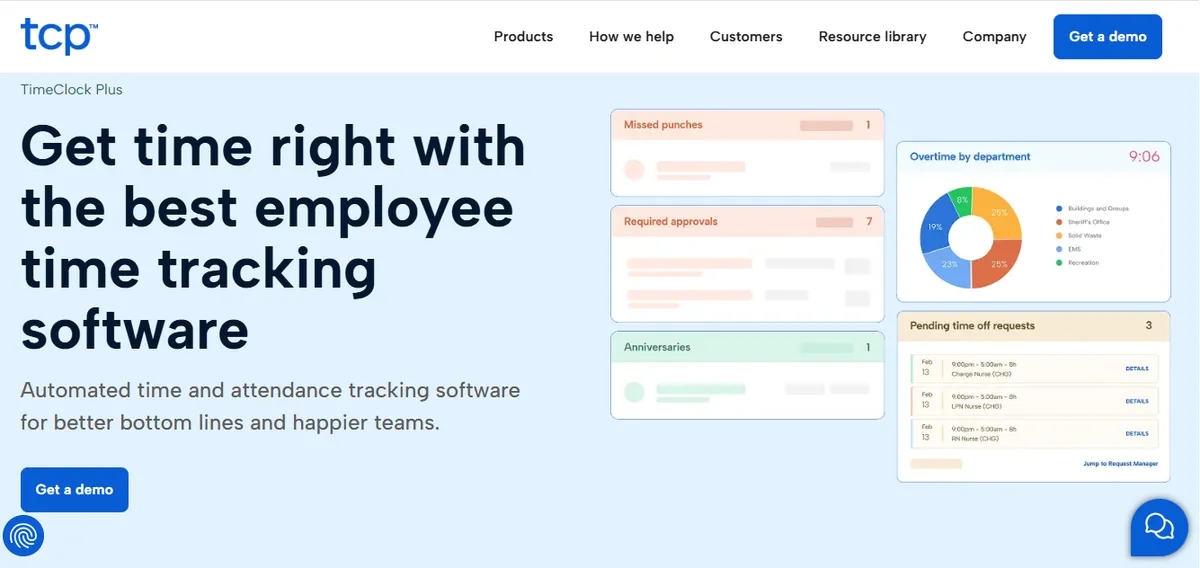
TCP TimeClock+ is a time and attendance platform made by TCP Software that includes employee scheduling as a secondary feature. Its primary strengths are time clock management, payroll integration, leave tracking, and overtime monitoring. Scheduling is part of the platform but not its primary design focus. TCP Software also owns two separate scheduling-focused products: Aladtec (designed for healthcare and public safety scheduling) and Humanity Scheduling (enterprise employee scheduling). A Critical Access Hospital evaluating any TCP product should confirm which one is being proposed and what it covers before committing.
TCP TimeClock+ is a self-serve platform. That means a person at your facility, typically the nurse manager or a scheduling coordinator, configures it, maintains it, and uses it to build every schedule. The platform provides the structure; your staff provides the labor to operate it. It carries a 4.4/5 rating on Capterra from 271 reviews as of May 2026.[1]
If you are specifically looking for Aladtec by TCP alternatives, see our dedicated Aladtec alternatives post, which covers that product’s specific feature set and limitations.
What Does TCP TimeClock+ Cover and What Does It Miss?
TCP TimeClock+ covers time and attendance with basic scheduling capabilities. For a Critical Access Hospital, it handles what a general workforce management platform handles: shift assignment, time tracking, overtime visibility, and a staff-facing mobile app. Where it falls short is in scheduling depth: the hospital-specific workflows that a dedicated nurse scheduling tool or managed service handles as a primary function.
What TCP TimeClock+ does not cover well for CAH nurse scheduling:
- Hospital-specific credential-aware scheduling as a built-in workflow
- Proactive overtime flagging before the schedule publishes (the platform surfaces hours; the manager must calculate risk manually)
- CMS §485.635 audit trail documentation built into the scheduling workflow (not confirmed as a product feature; verify directly with TCP)
- Ranked callout replacement lists that apply certification, overtime, and availability rules automatically (this is in TCP Humanity Scheduling, not TimeClock+)
These gaps matter most at understaffed CAHs where the nurse manager has no scheduling coordinator to absorb the manual work between the platform and the compliance record.
What Is the Best TCP Alternative for Each Scenario?
The right TCP TimeClock+ alternative depends on which problem you are solving. Frustration with the scheduling interface and frustration with the total scheduling labor burden look similar from a distance but have different solutions. Identifying which one is driving the evaluation determines which alternative will actually help.
Scenario 1: Better Self-Serve Software
If you want to keep building schedules yourself but with a platform designed for hospital nursing specifically, ShiftWizard is the strongest alternative to TCP TimeClock+. It is built for hospital scheduling rather than adapted from general workforce management, has a more modern interface, and covers hospital-specific credential fields and department-level workflows. Setup time is comparable, so the lift to switch is similar; the upside is a scheduling-first design instead of a time-and-attendance platform with scheduling added on.
Switching from TCP TimeClock+ to another self-serve platform makes sense when the complaint is interface, scheduling workflow depth, or click count. It does not reduce the hours your nurse manager spends building schedules each week. The operating model is the same.
Scenario 2: Scheduling Work Done for You
If the goal is structural burden reduction rather than a better tool, SimpleScheduleAI is the managed service alternative to TCP TimeClock+. It does not replace TCP with a different platform; it replaces the self-serve model entirely. The AI generates the weekly schedule; a scheduling specialist handles configuration and roster maintenance and checks the schedule, and the nurse manager reviews drafts and approves. Our breakdown of TCP scheduling software versus a managed service lays out that model difference in full.
The trade-off is the staff-facing experience: TCP TimeClock+ has a nurse-facing mobile app for clocking in, schedule viewing, and time-off requests. SimpleScheduleAI does not. The full SimpleScheduleAI profile, including limitations, is in the comparison section below.
| Dimension | TCP TimeClock+ | SimpleScheduleAI |
|---|---|---|
| Setup | Nurse manager configures; timeline not published - contact TCP | 3 to 5 business days (specialist configures) |
| Weekly scheduling | Nurse manager builds in platform | 1-2 hrs (nurse manager reviews) |
| Callout coverage | Manager checks platform manually; advanced backfill requires Humanity add-on | Pre-ranked shortlist delivered |
| Overtime tracking | Configurable thresholds; manager checks manually | Proactive, before draft presented |
| Staff mobile app | Yes: clock in/out, schedules, time-off | No |
How Do the Main TCP Alternatives Compare?
Most Critical Access Hospital nurse managers evaluating TCP TimeClock+ alternatives are looking at three categories: hospital-specific self-serve scheduling platforms, a different TCP product designed specifically for healthcare scheduling, and managed services. Here is how the main options line up against each other and against TimeClock+.
ShiftWizard
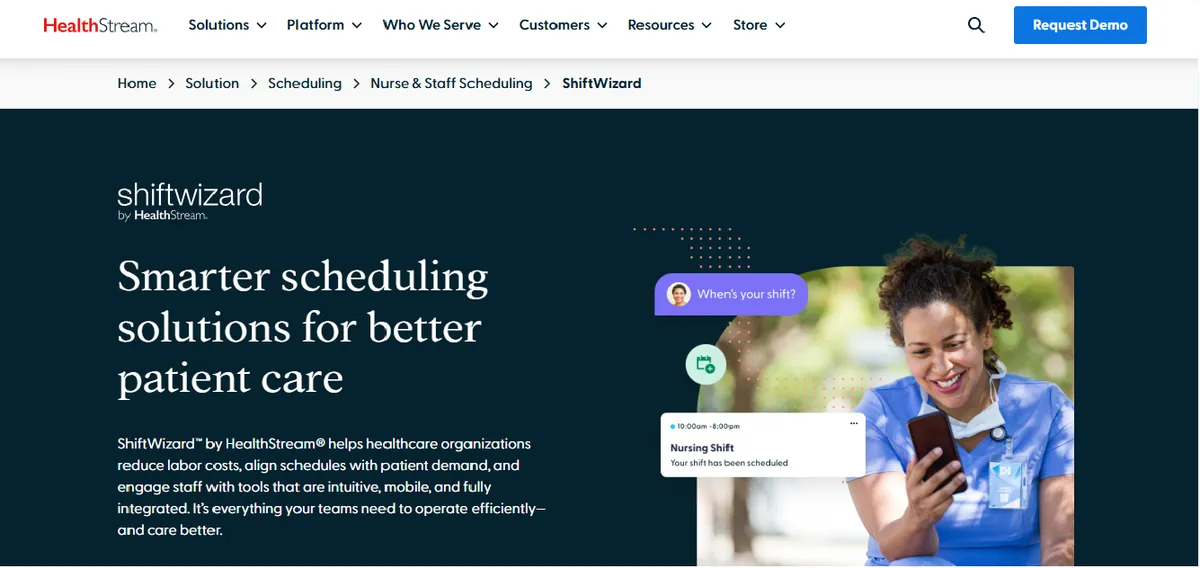
ShiftWizard holds 4.4/5 on Capterra from 723 reviews and is purpose-built for hospital nurse scheduling. It is the closest like-for-like replacement for TCP TimeClock+‘s scheduling function in the hospital segment, designed for nursing workflows rather than adapted from a general workforce management platform. It covers float pool management, hospital-specific credential fields, and department-level scheduling.
Best for: Hospital nurse managers who want direct platform control and a scheduling-first design rather than a time-and-attendance tool with scheduling added on.
Key advantages:
Built specifically for hospital scheduling workflows; reviewers note it feels designed for nursing environments
Float pool and per diem management documented on the product page
Strong overall ratings (4.4/5 Capterra, 723 reviews) with high reviewer satisfaction across hospital users
Positive reviewer feedback on hospital fit:
“ShiftWizard was designed by nurses which is why it is fantastic to use.”
Jennifer C., Director of Emergency Services, July 15, 2024, Capterra
Key limitations:
App performance. A subset of reviewers note lag during active schedule periods.
“Can be slow and glitchy, making inputting schedule difficult and stressful.”
Erika A., Registered Nurse, July 9, 2024, Capterra
Self-serve operating model: the nurse manager remains the operator and schedule builder. Switching from TCP TimeClock+ to ShiftWizard does not change the operating model or reduce weekly scheduling labor.
Switching still requires a full configuration and training cycle comparable to the original TCP setup.
Verdict: Right choice if your primary TCP complaint is that the scheduling interface is not hospital-specific. Less likely to fit if your complaint is the number of hours scheduling takes each week.
Cost: Pricing not listed publicly. Contact for a quote.
Aladtec by TCP
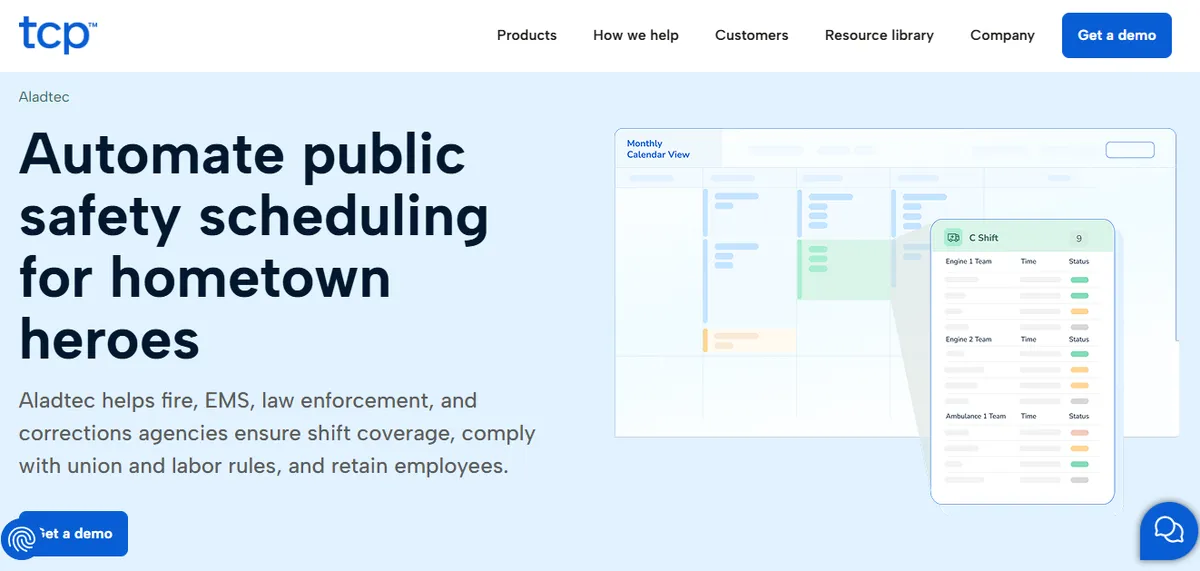
Aladtec by TCP is a separate TCP Software product designed specifically for healthcare and public safety scheduling. It is not a rebrand of TCP TimeClock+: TCP Software acquired Aladtec in October 2021, and both products remain separately maintained. Aladtec holds 4.5/5 on G2 (94 reviews) and 4.6/5 on Capterra (17 reviews; small sample). If your primary frustration with TCP TimeClock+ is that its scheduling features are too basic for healthcare-specific needs, Aladtec by TCP is the purpose-built TCP alternative worth evaluating before switching vendors entirely.
Best for: Facilities that want to stay within the TCP Software ecosystem but need a scheduling tool designed specifically for healthcare and EMS operations rather than general workforce management.
Key advantages:
Designed for healthcare and public safety scheduling rather than adapted from general T&A
Credential and certification tracking with documented healthcare workflows
Customer support noted as strong by some reviewers.
“Their customer support team is better than any other support team I have ever had to deal with.”
Jody S., Security Management, August 14, 2025, Capterra
Key limitations:
Setup complexity reported by some administrators.
“It was a bit complicated to figure out from the administrator side.”
Jeanne C., Administrative Coordinator, May 7, 2019, Capterra
Small Capterra review sample (17 reviews) for a hospital-nursing assessment; G2 sample is larger but still limited
The most recent hospital-context Capterra reviews are several years old; CAHs should request a current hospital-nursing reference customer before purchasing
Verdict: Worth evaluating if you need a scheduling-first tool and prefer staying with TCP Software. If the complaint is operational burden rather than platform fit, switching to a different TCP product does not solve the self-serve operating model problem.
Cost: Pricing not listed publicly. Contact for a quote.
See our full Aladtec alternatives post for a complete breakdown of Aladtec by TCP’s feature set. For CAHs evaluating broader scheduling platforms alongside TCP, see our QGenda alternatives (physician + nurse scheduling), Deputy alternatives for healthcare (general workforce scheduling), and UKG alternatives for Critical Access Hospitals (enterprise workforce management).
NurseGrid
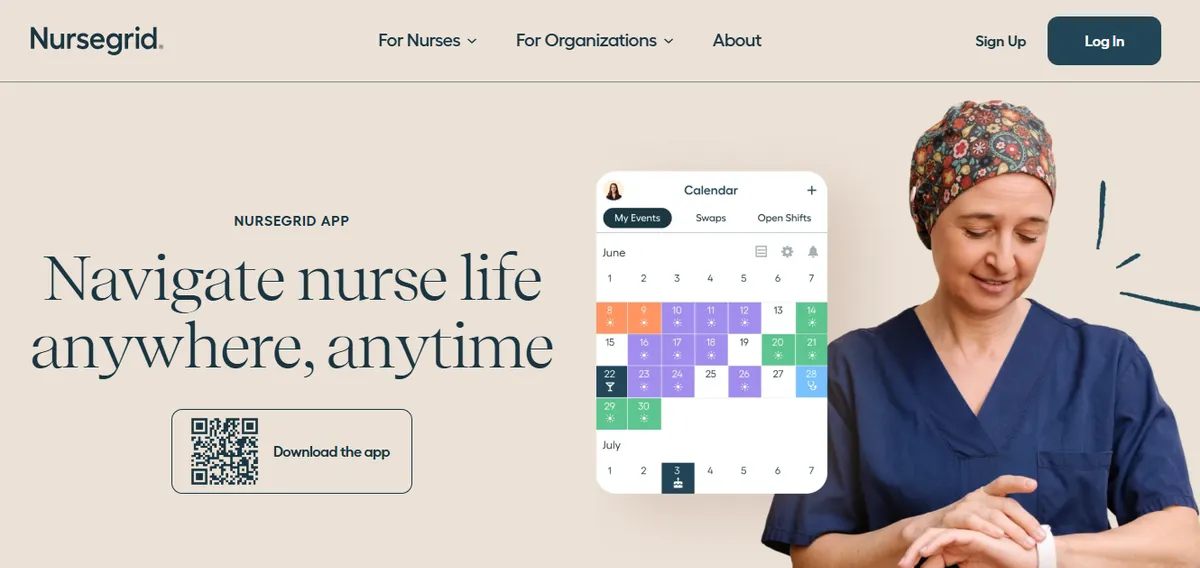
NurseGrid is positioned as a mobile-first nurse-facing app for per diem and shift-trading workflows. The NurseGrid Manager tier holds 4.2/5 on Capterra (13 reviews; small sample). It is generally a different category of tool from TCP TimeClock+: a nurse-facing scheduling layer rather than a full time-and-attendance and scheduling platform. CAHs evaluating NurseGrid as a primary scheduling system should confirm directly with NurseGrid sales which compliance and management capabilities are supported in their hospital tier.
Best for: Facilities where mobile shift trading and nurse-facing schedule visibility are the primary need, often used alongside a separate primary scheduling or time tracking system.
Key advantages:
- Strong nurse-facing mobile experience for individual schedule viewing and shift trading
- Easier to roll out to staff than self-serve enterprise platforms
- Freemium tier for individual nurses
Key limitations:
- Not designed as a primary scheduling and compliance record system for a CAH
- Small review sample makes ratings less reliable as a signal
- Limited credential and certification tracking for hospital compliance workflows
Verdict: Right for facilities with primarily per diem shift management needs. Not right for a CAH that needs a complete scheduling and compliance record with CMS documentation.
Cost: Pricing not listed publicly. Contact for a quote.
SimpleScheduleAI
SimpleScheduleAI is an AI-native nurse scheduling service, not a self-serve platform. The AI generates the weekly schedule; a scheduling specialist handles configuration and roster maintenance and checks the schedule. The nurse manager reviews drafts and approves. This is the only option in this list that does not require the nurse manager to operate scheduling software on an ongoing basis.
Best for: CAH nurse managers who want the scheduling work handled rather than a better tool to do the work themselves.
Key advantages:
- Onboarding in 3 to 5 business days from your staff roster, first schedule inside two weeks
- Weekly scheduling time drops to 1-2 hours of reviewing and approving
- FLSA overtime thresholds and CMS §485.635 audit trail included by default
- Callout coverage shortlists delivered pre-ranked with competency and overtime constraints applied
Key limitations:
- No nurse-facing mobile app; staff receive schedules through the facility’s existing communication method
- Less direct platform control than self-serve tools; the nurse manager approves but does not build
- Not appropriate if staff self-service features are a hard requirement
Verdict: Right choice if scheduling labor is the primary burden. Wrong choice if nurses using an app to view schedules or submit availability is a priority. Watch the AI build a compliant schedule and rank a callout shortlist live in the interactive simulator, or see how the managed service works.
Cost: Starting pricing available at how it works.
What Are the Four Questions to Ask Any TCP Alternative?
Four questions should anchor every TCP TimeClock+ alternative evaluation at a Critical Access Hospital: how long until the first live schedule, who owns the configuration work, what does the callout coverage workflow look like at 5am under real constraints, and what CMS documentation does the system produce automatically. These questions reveal whether a platform solves the operational problem or just changes the tool the nurse manager uses to do the same work.
Four questions separate the platforms that will actually improve a CAH nurse manager’s scheduling situation from the ones that look promising in a demo but replicate the same operational burden with a different interface.
| Ask this | A good answer sounds like | The answer that should worry you |
|---|---|---|
| How long until my first operational schedule? | Days for a managed service, weeks for a self-serve platform | Anything measured in months, which means an enterprise product |
| Who does the configuration work? | A named person on the vendor side, with hours quoted | ”Your team”, without anyone quantifying what that costs you |
| What does the callout workflow look like at 5am? | A walked-through scenario, step by step | A feature list, rather than the actual sequence a manager follows |
| What CMS documentation does it produce automatically? | A sample audit trail you can look at | ”We have compliance features” |
How long until my first operational schedule? The answer should be in days (managed service) or weeks (self-serve platform). Anything measured in months is an enterprise product not designed for CAH scale.
Who does the configuration work? If the answer is “your team,” understand what that means in hours for your specific facility size and scheduling complexity. Configuration time is a real cost that rarely appears in a sales conversation.
What does the callout coverage workflow look like at 5am? Walk through the specific scenario: a nurse calls out 2 hours before a shift. What does the manager do step by step? What does the platform or service provide, and what does she do manually? Ask about constraints: overtime status, certification, fair distribution.
What CMS documentation does it produce automatically? Ask to see a sample audit trail output. “We have compliance features” is not the same as automatically logged, timestamped change documentation that a CMS surveyor can review under §485.635.
Sources
[1] TCP TimeClock+ ratings: 4.4/5 on Capterra (271 reviews). Vendor page: tcpsoftware.com. Verified 2026-04-30.
[2] Karen L., Payroll (Hospital & Health Care), TCP TimeClock+ review. Capterra, June 2025.
[3] Donna L., TCP TimeClock+ review. Capterra, April 2026.
[4] ShiftWizard ratings: 4.3/5 on G2, 4.4/5 on Capterra (723 reviews). Vendor: HealthStream. Verified 2026-04-30.
[5] Jennifer C., Director of Emergency Services, ShiftWizard review. Capterra, July 15, 2024.
[6] Erika A., Registered Nurse, ShiftWizard review. Capterra, July 9, 2024.
[7] Aladtec by TCP ratings: 4.5/5 on G2 (94 reviews), 4.6/5 on Capterra (17 reviews; small sample). Vendor page: tcpsoftware.com. Verified 2026-07-15.
[8] Jody S., Security Management, Aladtec review. Capterra, August 14, 2025.
[9] Jeanne C., Administrative Coordinator, Aladtec review. Capterra, May 7, 2019.
[10] NurseGrid Manager: 4.2/5 on Capterra (13 reviews; small sample). Vendor page: nursegrid.com. Verified 2026-04-30.
[11] CMS Conditions of Participation §485.635 for Critical Access Hospitals. eCFR.
Methodology note: Vendor offerings, ratings, and product capabilities change over time. CAHs evaluating any specific platform should verify current capabilities directly with the vendor before deciding.
Our Take
The best TCP alternative for a 25-bed CAH is the one that matches the operational reality, not the one with the most checkboxes. TCP TimeClock+ is a competent unified-platform tool for hospitals with the staff to run unified platforms. For most Critical Access Hospitals, scheduling overhead is the problem, and the platform that removes it best is the one that does not need a scheduling administrator.
What to Do This Week
- Clarify what TCP problem you are actually trying to solve. Is it cost, configuration complexity, lack of CAH-specific compliance, or the absence of a managed delivery model? The right alternative depends on the actual gap, not on switching for the sake of switching.
- Request a full data export from your current TCP product. Roster with credentials, 12 months of schedule history, callout records, overtime calculations, and any custom rule configurations. The export format requires cleaning regardless of which alternative you choose.
- Score three alternatives against your specific TCP gap. Setup time in weeks, not months. FLSA overtime and CMS §485.635 built in by default. Callout shortlist generated automatically. No IT integration required. Willingness to pilot before contract.
- Calculate total cost of ownership, not just license fee. Subscription plus implementation labor plus ongoing maintenance labor plus the nurse manager’s weekly scheduling hours at her loaded rate. Most TCP buyers underestimate the labor side. Use the SimpleScheduleAI ROI calculator to model the comparison.
- See how SimpleScheduleAI works if you are a Texas Critical Access Hospital. The managed service delivers a compliant schedule each cycle without configuration, IT setup, or TCP-style implementation overhead. Start at how it works.
Switching off TCP at CAH scale
SimpleScheduleAI delivers the scheduling outputs TCP buyers needed without the configuration burden. Flat monthly pricing. No IT integration. No commitment.
See how it works →Frequently Asked Questions
The five questions below cover what Critical Access Hospital administrators most often ask when comparing TCP TimeClock+ and alternative scheduling solutions.
Is TCP TimeClock+ the same product as Aladtec?
No. TCP Software owns both products, but they are separate tools with different purposes. TCP TimeClock+ is a time and attendance platform with basic scheduling. Aladtec by TCP is a scheduling platform designed specifically for healthcare and public safety operations. TCP acquired Aladtec in October 2021; both products remain independently maintained. A hospital evaluating either should confirm which product is being proposed and understand the distinction before purchasing.
What is the fastest way to switch from TCP TimeClock+ to a new scheduling solution?
Switching to a managed service is the fastest path: 3 to 5 business days of onboarding from roster upload and a first schedule inside two weeks, with the service team handling configuration. Switching to another self-serve platform runs longer because the nurse manager or a team member must handle the new platform’s setup and training. Confirm TCP contract terms and renewal dates before starting any transition.
Does SimpleScheduleAI replace TCP TimeClock+‘s staff-facing features?
No. SimpleScheduleAI does not have a nurse-facing mobile app. Nurses at facilities using SimpleScheduleAI receive schedules through the facility’s existing communication method (email, group text, posted schedule). If nurse-facing self-service features are important, a hybrid approach, or a platform with a nurse app, is the right fit.
What compliance documentation does a TCP TimeClock+ alternative need to produce for a CAH?
At minimum: an automatically maintained log of every schedule change with timestamp, who made the change, and the before and after state. This is what CMS surveyors request when reviewing staffing records under §485.635. Confirm any alternative produces this automatically, not through manual export.
What is the main scenario where staying with TCP TimeClock+ makes sense over switching?
If your nurse manager is comfortable with TCP TimeClock+, has a manageable weekly scheduling routine, and staff self-service on mobile for time clocking and schedule viewing is important to your facility, staying with TCP makes sense. Switching has transition costs: time, learning curve, and parallel running. If the current situation is tolerable and the mobile app matters, the benefits of switching may not justify those costs.
Is ShiftWizard or Aladtec by TCP better for a 25-bed hospital?
They serve different purposes. ShiftWizard is a general hospital scheduling platform with a strong nurse-facing design. Aladtec by TCP is designed for healthcare and public safety scheduling, though its recent public reviewer base skews toward fire, EMS, and law enforcement rather than hospital nursing, so ask for a current reference at your scale. Both are self-serve platforms where the nurse manager remains the operator. If your primary need is scheduling-first design with a modern interface, ShiftWizard is the stronger comparison. If you want to stay in the TCP Software ecosystem and need healthcare-specific scheduling depth, Aladtec by TCP is worth evaluating.
Pradeep Pandey is the co-founder of SimpleScheduleAI, an AI-native nurse scheduling service for Critical Access Hospitals in Texas. He writes about scheduling operations, CAH compliance, and workforce management for small hospitals.


