By Pradeep Pandey · Co-Founder · 26 min read · Updated
6 Best Aladtec Alternatives for Critical Access Hospitals (2026)
The best Aladtec alternatives for a 25-bed critical access hospital are tools built for hospital nursing rather than public safety, runnable with no IT team. Aladtec's reviewed customer base skews to fire and EMS. This guide compares six options across fit, setup, and CAH compliance, with honest limitations for each.

Your IT contractor configured Aladtec around the EMS dispatch workflow that came with the install. Your nurse manager actually deals with credential-filtered callout coverage at 2 AM and CMS §485.635 documentation at survey time. Aladtec was built for fire and EMS dispatch. No amount of configuration turns it into hospital nursing software.
This guide compares 6 alternatives for a 25-bed CAH that needs hospital-nursing fit, not a better version of an EMS-shaped tool.
Key Takeaways
- For a Critical Access Hospital that needs a self-serve platform designed specifically for hospital nurse scheduling workflows, ShiftWizard is a stronger fit than Aladtec. For a facility staying within the TCP ecosystem, TCP Scheduling is the direct upgrade path with a longer implementation. For a hospital that needs the scheduling handled rather than a better tool to do it themselves, SimpleScheduleAI is the managed service alternative.
- Aladtec by TCP holds 4.5/5 on G2 (94 reviews) and 4.6/5 on Capterra (17 reviews).[1] The platform’s documented customer base on Capterra skews toward fire, EMS, law enforcement, and security users; the most recent hospital-context reviews on Capterra are several years old.
- TCP Scheduling is the enterprise-tier product from the same parent company; data migration within the TCP ecosystem is simpler than switching vendors entirely, but configuration depth and implementation effort are higher.
- SmartLinx, with documented focus on long-term care, post-acute, senior care, and behavioral health, is a self-serve option for hospitals at 50-100 beds with IT capacity for a longer implementation.
- When I Work, Homebase, and Deputy are general workforce scheduling tools used across many industries; healthcare buyers should confirm with each vendor which clinical compliance capabilities (HIPAA, BAA, CMS §485.635 audit trail, credential constraints) are covered in their tier and contract.
Table of Contents
- Why Hospitals Switch Away from Aladtec?
- Quick Comparison: Aladtec vs. The Alternatives
- What Are the 6 Best Aladtec Alternatives for Critical Access Hospitals?
- 1. SimpleScheduleAI
- 2. TCP Scheduling
- 3. SmartLinx
- 4. When I Work
- 5. Homebase
- 6. Deputy
- When to Stay with Aladtec?
- How SimpleScheduleAI Compares to Aladtec?
- What to Do This Week
- Frequently Asked Questions About Aladtec Alternatives
For a 25-bed critical access hospital, the best Aladtec alternatives are tools built for hospital nursing rather than public safety, and runnable without an IT team. ShiftWizard is the strongest self-serve hospital-nursing fit, TCP Scheduling is the in-ecosystem upgrade path, and SimpleScheduleAI is the managed-service option when the goal is removing the scheduling work rather than buying a better tool to do it yourself.
Aladtec is a scheduling platform built for emergency services organizations and small healthcare teams. The product page covers shift management, time and attendance, overtime tracking, certification tracking, and reporting across fire, EMS, law enforcement, and hospital settings. The platform’s heritage is in 24/7 shift-work environments outside of nursing; its hospital-nursing deployment is a more recent expansion of the original use case.
The questions that matter when a hospital evaluates a switch are operational fit: how much weekly capacity does your nurse manager have for ongoing configuration; what compliance capabilities does your facility actually need for CMS surveys; and whether vendor-stated setup timelines hold at your specific scale.
If your priority is critical access hospital scheduling compliance, CMS documentation, FLSA overtime, credential-filtered callouts, review what those requirements actually demand before choosing a platform. For the broader treatment of how AI-built nurse schedules work, see AI nurse scheduling. Our nurse scheduling software for critical access hospitals guide covers the specific features a 25-bed hospital needs that general scheduling tools do not provide.
Here is how the alternatives compare before we go deeper:
Why Hospitals Switch Away from Aladtec?
Hospitals switch away from Aladtec because the platform’s heritage is in public-safety scheduling, not hospital nursing. CAH nurse managers report that routine schedule edits require too many clicks, the initial configuration is harder than expected, and the Capterra reviewer base skews toward fire, EMS, and law enforcement rather than acute hospital nursing. Configuration maintenance burden and limited CMS compliance automation are the two most common specific complaints from hospital users.
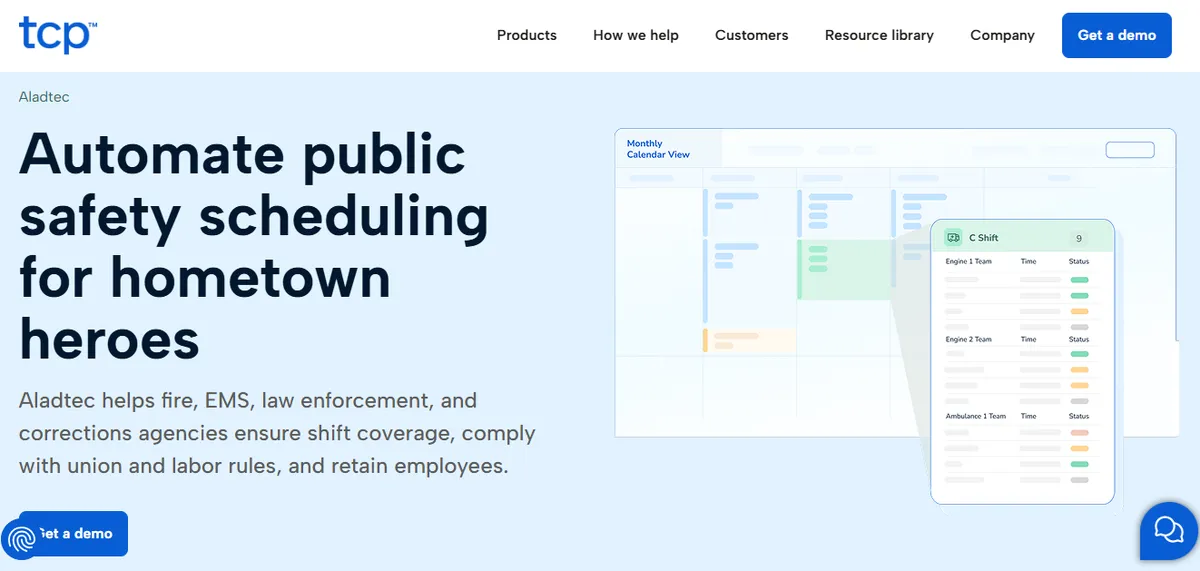
Aladtec by TCP holds 4.5/5 on G2 (94 reviews) and 4.6/5 on Capterra (17 reviews).[1] The overall ratings are strong, but the Capterra reviewers skew heavily toward fire, EMS, and law enforcement users. The minority of negative reviews from hospital users cluster around two recurring themes worth probing specifically during a CAH demo.
Online User Complaints
Click-Heavy Workflow Complaints. Some reviewers describe high click counts for routine schedule edits.
“When editing the schedule there are a lot of clicks involved.”
Amanda F., Nurse Manager (Hospital & Health Care), posted October 13, 2020 on Capterra [2]
Setup Complexity Complaints. Some administrators describe the initial configuration as harder than expected.
“It was a bit complicated to figure out from the administrator side.”
Jeanne C., Administrative Coordinator, posted May 7, 2019 on Capterra [3]
A note on the Aladtec sample: the most recent hospital-context reviews on Capterra are several years old, and the recent Capterra reviews skew toward fire, EMS, and law-enforcement users. CAHs evaluating Aladtec should request a current hospital-nursing reference customer at CAH scale and ask the vendor for documented support response-time SLAs, especially given the post-TCP-acquisition timeline.
A representative positive review (from a public-safety user):
“Their customer support team is better than any other support team I have ever had to deal with.”
Jody S., Security Management, posted August 14, 2025 on Capterra [4]
For a hospital nurse manager evaluating Aladtec, the operational questions worth probing in the demo include configuration maintenance ownership as the roster changes, the workflow for assembling CMS §485.635 documentation, and the callout workflow when overtime status needs to be verified before placing calls.
Quick Comparison: Aladtec vs. The Alternatives
The table below covers setup time and public ratings across the six alternatives. Ratings are from G2 and Capterra at the time of writing (May 2026). For platforms without dedicated public listings, verify current ratings directly with the vendor.
| Platform | Best For | Public Ratings | Setup Time |
|---|---|---|---|
| Aladtec by TCP (current) | Public safety, EMS, fire, small healthcare | G2: 4.5/5 (94 reviews) Capterra: 4.6/5 (17 reviews) | 2-4 weeks |
| SimpleScheduleAI | Critical Access Hospitals, Texas | New service; no public reviews yet | 3 to 5 business days |
| TCP Scheduling | Mid-market healthcare, hospitals 75-200 beds | Enterprise product; limited public reviews. Verify with TCP Software directly. | Confirm with vendor |
| SmartLinx | LTC, post-acute, senior care, behavioral health | Capterra: 4.5/5 (6 reviews; small sample) | 3-4 months |
| When I Work | Retail, hospitality, small business | Capterra: 4.5/5 (1,289 reviews) | Hours to days |
| Homebase | Retail, restaurant, service industry | G2: 4.4/5 (271 reviews) Capterra: 4.6/5 (1,147 reviews) | Hours to days |
| Deputy | Retail, hospitality, food service, healthcare | G2: 4.6/5 (1,400+ reviews) Capterra: 4.6/5 (765 reviews) | Hours to days |
What Are the 6 Best Aladtec Alternatives for Critical Access Hospitals?
The six strongest Aladtec alternatives for a Critical Access Hospital are SimpleScheduleAI, TCP Scheduling, SmartLinx, When I Work, Homebase, and Deputy. The right choice depends on whether your primary need is compliance automation, configuration simplicity, or cost reduction. Each platform serves a different hospital size and administrative capacity. The comparison table above covers ratings and setup time; the profiles below cover fit by scenario.
1. SimpleScheduleAI
SimpleScheduleAI is a new service, without public G2 or Capterra reviews yet. It is a managed nurse scheduling service built specifically for Critical Access Hospitals in Texas. Unlike a self-serve platform, SimpleScheduleAI requires no configuration work from the nurse manager: the AI builds draft schedules each cycle, while a scheduling specialist handles setup from an Excel roster upload, checks each draft, and maintains the system as the roster changes.
The service implements the hospital’s rules, maintains them as staff changes occur, and updates them when policies change. CMS §485.635 staffing documentation is logged automatically throughout each scheduling cycle. Callout replacement generates a ranked shortlist cross-referenced against current-week hours and FLSA overtime thresholds.
Best for: Critical Access Hospitals that are leaving Aladtec because of configuration maintenance burden, CMS documentation prep time, or manual callout overtime calculations.
Key advantages:
- Eliminates configuration maintenance burden: the service maintains scheduling rules as staff and policies change
- CMS §485.635 documentation is automatic, not a manual export process before each survey
- Callout shortlist is ranked by overtime risk without any manual calculation from the manager
- Excel-based roster upload means the transition from Aladtec does not require IT involvement
- FLSA overtime threshold tracking and CMS CAH requirements are built in as defaults
Key limitations:
- Managed service model means less direct manager control than Aladtec; schedule changes go through the service rather than being adjustable in real time by the manager
- No staff-facing mobile app; nurses do not view schedules or submit shift trades directly through SimpleScheduleAI. If nurse-facing mobile self-scheduling is a priority, evaluate a self-serve platform or pair SimpleScheduleAI with a separate staff communication tool
- Not designed for hospitals with complex multi-department or physician scheduling needs beyond nursing
Verdict: The strongest alternative for a CAH nurse manager who leaves Aladtec primarily because the configuration and compliance burden has exceeded what one person can manage while also taking clinical shifts. SimpleScheduleAI eliminates those specific pain points by design. See the AI build a compliant schedule and rank a callout shortlist live in the interactive simulator, or see how it works for CAHs that want to test before committing.
Cost: Flat monthly price by roster size: $1,000/month for up to 20 nurses, $1,500/month for 21 to 40 nurses. No per-nurse or setup fees.
2. TCP Scheduling
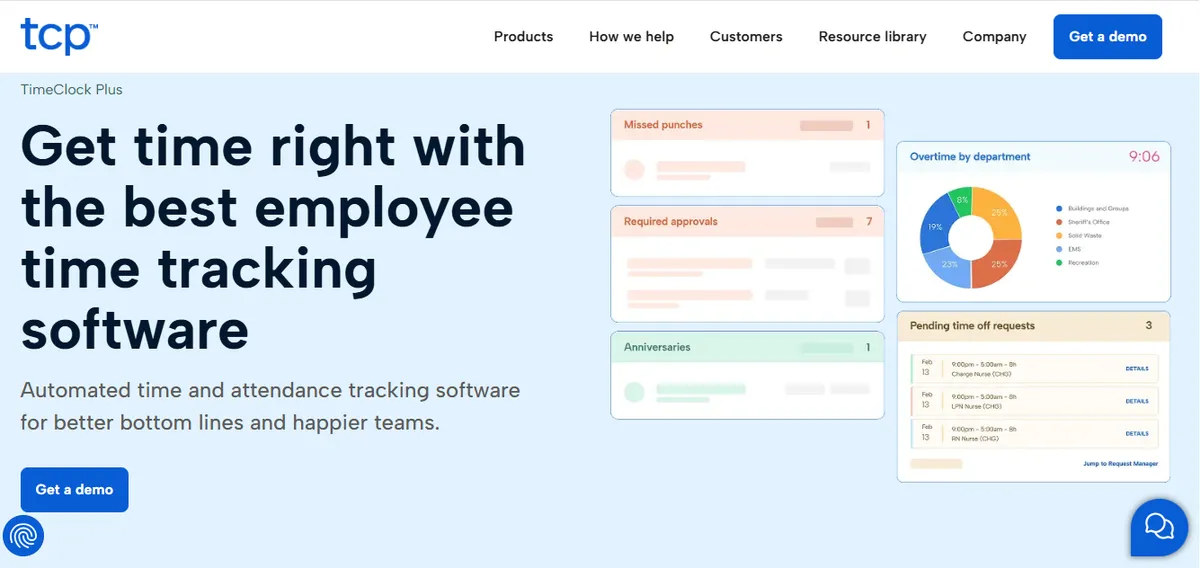
Aladtec by TCP holds 4.5/5 on G2 (94 reviews) and 4.6/5 on Capterra (17 reviews). TCP Software owns Aladtec, and TCP Scheduling is their enterprise-tier product, more powerful, more configurable, and significantly more complex than Aladtec. For a hospital that wants to stay within the TCP vendor ecosystem but needs capabilities that Aladtec does not provide, TCP Scheduling is the direct upgrade path.
The tradeoff is considerable. TCP Scheduling requires a longer implementation, IT involvement, and ongoing configuration expertise. It is designed for mid-size and larger healthcare organizations, not for 25-bed CAHs. If the reason for leaving Aladtec is configuration burden, moving to TCP Scheduling does not solve the problem, it moves you to a more configurable tool that requires even more configuration management.
Best for: Hospitals at 75-200 beds that are outgrowing Aladtec’s scheduling capacity, have IT resources for a full implementation, and want to stay within the same vendor relationship.
Key advantages:
- Same parent company as Aladtec; data migration within the TCP ecosystem is simpler than switching vendors entirely
- Configuration depth and analytics scale to mid-market nursing rosters
- Broader documented integration options with EHR and payroll systems
Key limitations:
Click-Heavy Workflow. Aladtec itself is click-heavy for routine edits; TCP Scheduling is the more configurable upgrade and typically requires more administrator capacity, not less.
“When editing the schedule there are a lot of clicks involved.”
Amanda F., Nurse Manager, Hospital & Health Care, October 13, 2020, Capterra [2]
Setup Complexity. Initial configuration takes longer than expected for some administrators.
“It was a bit complicated to figure out from the administrator side.”
Jeanne C., Administrative Coordinator, May 7, 2019, Capterra [3]
TCP Scheduling is positioned by the vendor as enterprise-tier; CAHs should request a current reference customer under 50 beds and a documented onboarding timeline before deciding.
Verdict: A reasonable upgrade path for hospitals growing toward 75-200 beds with IT capacity for a longer implementation. CAHs at 25-bed scale should weigh whether the configuration depth fits their administrative bandwidth. See our deeper SmartLinx alternatives guide for Critical Access Hospitals.
Cost: Pricing not listed. Contact TCP Software for a quote.
3. SmartLinx
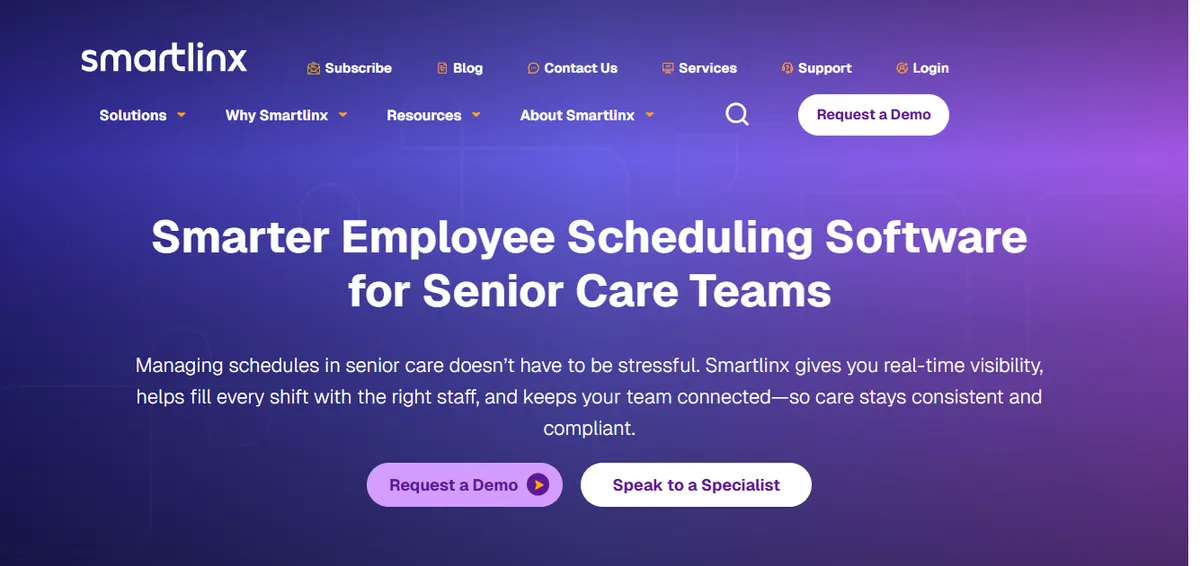
SmartLinx holds 4.5/5 on Capterra (6 reviews; small sample). The vendor describes the platform as “purpose-built for the long-term care, post-acute care, senior care, and behavioral health industries” (smartlinx.com). It addresses more of Aladtec’s hospital-specific gaps than When I Work or Homebase, with stronger healthcare compliance logic, more automated credential tracking, and integrated time and attendance. The tradeoff is a significantly longer and more complex implementation.
Hospitals that leave Aladtec because of configuration burden and then adopt SmartLinx often find the initial implementation takes longer than Aladtec did. The difference is that SmartLinx’s long-term maintenance burden is lower once configured, because the rules are more automated.
Best for: Hospitals in the 50-100 bed range with an IT resource who can manage a 3-4 month implementation, and who need better compliance automation than Aladtec provides but want to remain on self-serve software.
Key advantages:
Vendor-documented industry focus on long-term care, post-acute, senior care, and behavioral health
Integrated time and attendance reduces double-entry and simplifies payroll reconciliation
Implementation includes dedicated project management and user training.
“Implementation was a breeze with resources helping and project management and user training are all included. Customer Support is very responsive and always delivers resolution quickly.”
Carol G., Director of IT Services, Hospital & Health Care, March 22, 2021, Capterra
Key limitations:
Implementation Complexity. Experience varies; some customers describe initial setup as more involved than expected.
“Implementation was much more complex that expected and end result still was full of errors on first payroll. Some changes can only be made on the back end.”
Daniel C., CFO, Hospital & Health Care, March 16, 2021, Capterra
CMS Reporting. Some users report issues with PBJ reporting for CMS compliance.
“Not the best at calculating PBJ for CMS - had some issues that cost money and star ratings.”
Rebecca K., HR, Hospital & Health Care, September 27, 2019, Capterra
Vendor’s own positioning skews toward post-acute care; hospital-acute reference customers should be requested directly. The Capterra sample is small (6 reviews); ratings on a single source are less reliable than larger samples.
Verdict: A reasonable Aladtec upgrade for hospitals growing toward 75-100 beds with IT capacity for a 3-4 month implementation. CAHs at 25-bed scale should weigh whether the implementation effort fits their administrative bandwidth.
Cost: Pricing not listed on website. Contact for a quote.
4. When I Work
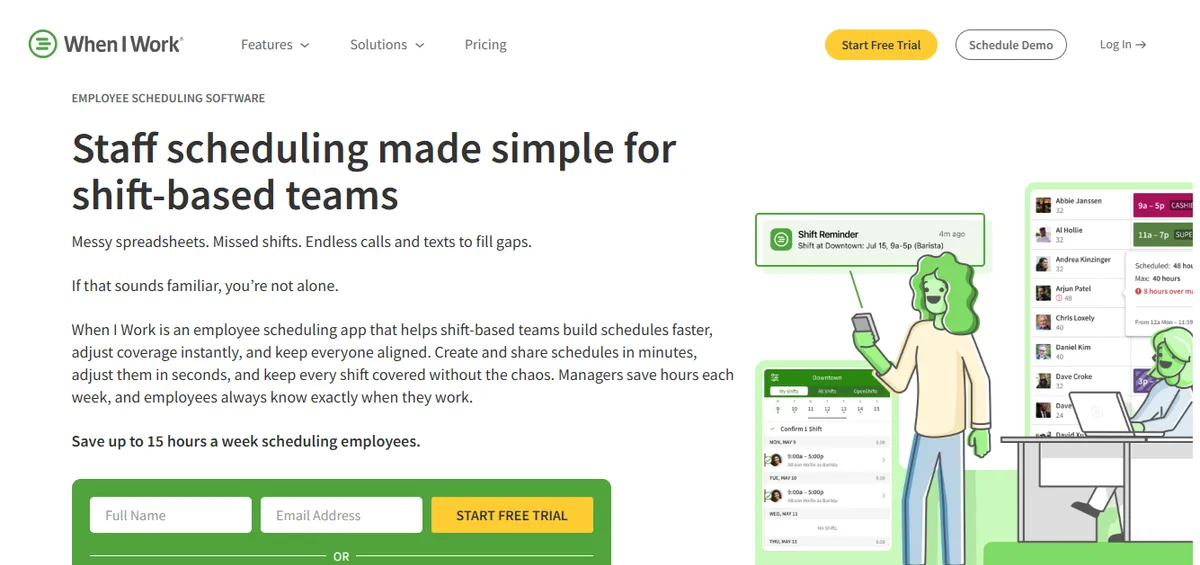
When I Work is a scheduling app positioned across retail, hospitality, and small-business workforce scheduling (wheniwork.com). The mobile app is well-designed, shift pickup and communication features are documented as core, and setup is described as fast.
Best for: Small outpatient clinics or non-acute healthcare facilities leaving Aladtec because scheduling complexity is low and ease of use is the primary need.
Key advantages:
- Documented as fast to set up without IT support
- Mobile app with shift pickup, swap requests, and availability features
- Transparent per-user pricing with a free tier for small teams
Key limitations:
- When I Work’s product page does not specifically describe HIPAA, BAA, CMS §485.635 audit-trail support, FLSA 8-and-80 tracking, or credential-based constraint enforcement in the documented page content. Hospitals with active CMS or HIPAA obligations should confirm directly with When I Work sales which compliance capabilities are covered in their tier and contract.
Audit trail. A hospital IT reviewer flagged the absence of audit logging:
“No Auditing capability to see if unauthorized changes were made, and does not work for complex workflows.”
Jonathan R., IT Admin, Hospital & Health Care, February 25, 2026, Capterra
Time-off request visibility. A clinical operations manager noted a workflow limitation:
“I don’t like that when providers have time off requests, they cannot view shifts.”
Mallory S., Clinical Operations Manager, Hospital & Health Care, February 12, 2026, Capterra
- Documented industry focus skews toward retail, hospitality, and small business rather than acute hospital nursing; CAHs should request a current hospital-context reference customer before relying on it as a primary scheduling system.
Verdict: A genuine simplification over Aladtec for facilities where scheduling complexity is low. CAHs with active CMS obligations should specifically verify with the vendor which compliance capabilities are supported before deciding.
Cost: $2.50 per user per month (Essentials) to $4.00 per user per month (Pro).
5. Homebase
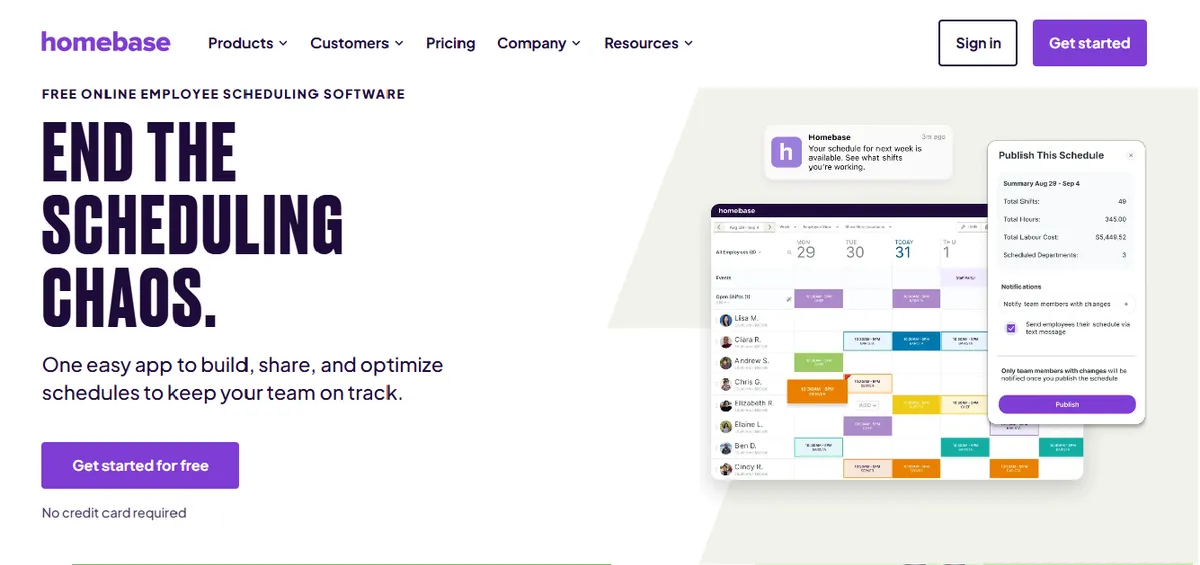
Homebase is positioned primarily for retail, restaurant, and service industry scheduling (joinhomebase.com). The free tier and low cost make it attractive as a pure cost-reduction option for very small care settings with minimal scheduling complexity. For what the free tiers across this category do and do not cover, see our guide to free nurse scheduling software.
Best for: Outpatient clinics or very small care settings with 5-15 staff and minimal scheduling complexity, where cost reduction is the primary goal and compliance is handled through separate processes.
Key advantages:
- Free plan available for unlimited employees at a single location; paid plans start low
- Documented as simple to set up without IT
- Basic time clock, PTO tracking, and schedule publishing work for simple rosters
Key limitations:
Homebase’s product page does not specifically describe HIPAA, BAA, CMS §485.635 audit-trail support, FLSA 8-and-80 tracking, or credential constraints in the documented page content. Hospitals with active CMS or HIPAA obligations should confirm directly with Homebase sales which capabilities are covered in their tier.
Documented industry focus is retail, restaurant, and service, not hospital nursing. Unit-based scheduling, charge nurse designation, and clinical constraint logic are not described as part of the standard product. CAHs should verify clinical capability fit directly with the vendor before deciding.
Healthcare reviewers note scheduling limitations in the mobile app.
“I did not like that I could not do scheduling on the app”
Amber B., Executive Director, Hospital & Health Care, March 26, 2025, Capterra
Verdict: Appropriate as a cost-cutting move for clinics with the simplest possible scheduling needs. Hospitals with active CMS survey obligations should confirm with the vendor whether the compliance capabilities they need are supported before relying on Homebase as a scheduling system.
Cost: Free for one location; paid plans from $20-80 per month depending on features.
6. Deputy
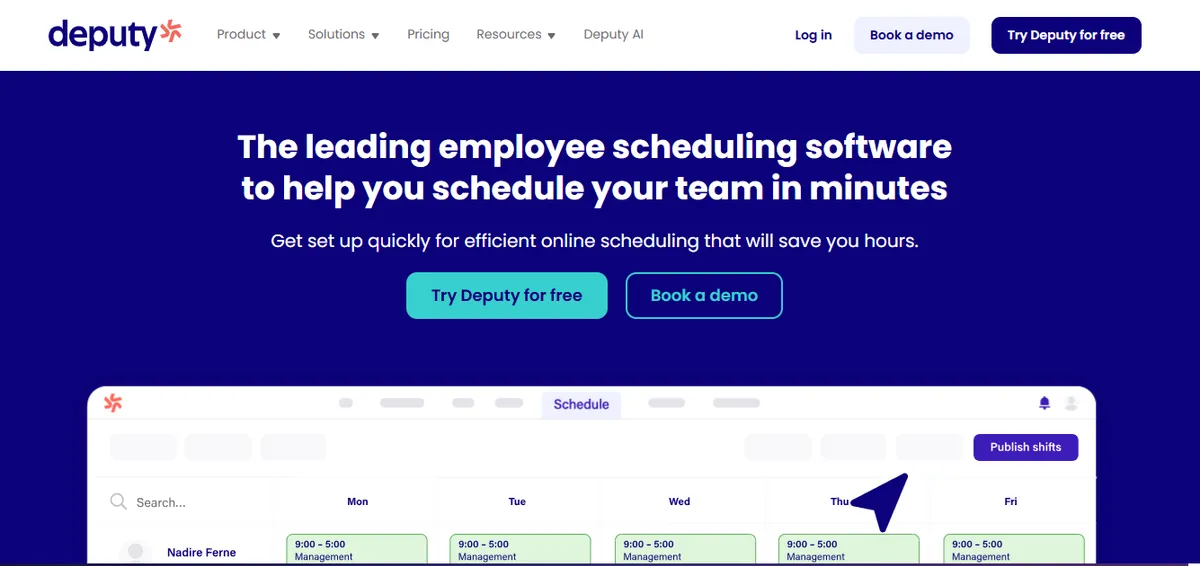
Deputy holds 4.6/5 on G2 (1,400+ reviews) and 4.6/5 on Capterra (765 reviews), a strong overall rating across a large general workforce sample.[5] Deputy markets a healthcare segment page covering hospitals, clinics, and nursing facilities. Compared to Aladtec, Deputy is simpler to configure and lower in cost. The documented healthcare feature set is narrower than Aladtec’s clinical-specific capability.
A representative review from a hospital nursing user:
“Deputy makes scheduling very easy and organised. It’s simple to use, and I like how I can see my shifts clearly and get updates quickly.”
Portia A., Nurse, Hospital & Health Care, April 8, 2026, Capterra
Best for: Small hospitals or outpatient clinics leaving Aladtec because the configuration burden is high relative to actual scheduling complexity, and who need schedule visibility and communication.
Key advantages:
- Strong overall ratings (4.6/5 on both G2 and Capterra)
- Much simpler to configure and maintain than Aladtec; a manager without IT support can run it independently
- Per-user pricing is the most transparent and predictable at small roster sizes
- Strong mobile app with shift acknowledgment, availability marking, and swap requests
Key limitations:
Deputy’s healthcare page (deputy.com/industry/healthcare) does not specifically describe HIPAA, BAA, or CMS §485.635 audit-trail support in the documented page content. Hospitals with active CMS or HIPAA obligations should confirm directly with Deputy sales which compliance capabilities are covered in their tier and contract.
Credential tracking and clinical compliance documentation are not described as core features on Deputy’s healthcare page. Hospitals leaving Aladtec specifically because they need stronger compliance automation should verify Deputy’s current capabilities directly with the vendor before deciding.
Some healthcare users report app performance issues during schedule loading.
“Sometimes the app can be a bit slow or glitchy, especially when trying to load shifts.”
Portia A., Nurse, Hospital & Health Care, April 8, 2026, Capterra
Verdict: Strong general workforce scheduling tool. Aladtec users leaving primarily because of configuration burden may find Deputy a simpler alternative; users leaving because they need stronger clinical compliance automation should verify Deputy’s current healthcare-tier capabilities directly with the vendor. See our deeper Deputy alternatives guide for healthcare.
Cost: $4.50 per user per month.
When to Stay with Aladtec?
Switching platforms has a real cost in time, training, and configuration rebuild. Aladtec is the right choice to keep when the configuration is current and the primary scheduling needs are coverage visibility and shift communication rather than automated compliance documentation.
| Stay with Aladtec if | Consider an alternative if |
|---|---|
| Configuration is complete and actively maintained | Configuration has drifted or gone unmaintained |
| No active CMS §485.635 compliance obligations | CMS survey prep takes more than 2 hours of manual work per cycle |
| Dedicated time for ongoing configuration maintenance | Nurse manager also takes clinical shifts with no admin buffer |
| Primary need is scheduling visibility and shift communication | Primary need is automated compliance or callout overtime ranking |
Aladtec is worth keeping if:
- The initial configuration is complete, accurate, and regularly maintained. A well-configured Aladtec instance handles the core scheduling, availability, and coverage functions effectively.
- The hospital is not a CAH or does not have CMS §485.635 compliance obligations that require automated documentation.
- The nurse manager has dedicated time for configuration maintenance as staff and policy changes occur.
- The primary pain point is not compliance or overtime management, but scheduling visibility and shift communication.
If all four of these conditions apply, the switch cost and learning curve of an alternative are unlikely to deliver a positive return.
How SimpleScheduleAI Compares to Aladtec?
The core difference is the operating model. Aladtec is a self-serve platform where the manager configures and maintains the system. SimpleScheduleAI is an AI-native nurse scheduling service where a scheduling specialist handles setup, rule maintenance, and draft generation. The table below maps that difference across the specific requirements a 25-bed CAH cares about.
| Feature | Aladtec | SimpleScheduleAI |
|---|---|---|
| Schedule construction | Manager builds, tool assists | 3 drafts delivered in 48 hrs |
| CMS §485.635 documentation | Manual export required | Automatic, always current |
| Callout overtime ranking | Manual check required | Automated, built into shortlist |
| Configuration maintenance | Manager/IT responsibility | Service responsibility |
| FLSA overtime thresholds (Texas) | Configurable (requires setup) | Built in as default |
| Implementation time | 4-6 weeks to fully configured | Excel upload, days to first draft |
| Pricing model | $200-450/month, per roster | Not listed, contact for quote |
| Manager control | Full, direct control | High-level, via draft selection |
The core tradeoff between Aladtec and SimpleScheduleAI is control versus overhead. Aladtec gives the manager full control over every scheduling decision but requires her to maintain the system that makes those decisions manageable. SimpleScheduleAI delivers the scheduling outputs without the maintenance burden, but the manager selects from drafts rather than building the schedule herself.
For a nurse manager at a 25-bed CAH who takes clinical shifts, the overhead model typically fails over time because there is no spare capacity for configuration maintenance. For a nurse manager at a larger hospital with dedicated scheduling time and no CMS compliance obligations, Aladtec’s control model may be preferable.
Our Take
Most Aladtec evaluations at a 25-bed CAH start with feature comparisons against the next platform. The harder question is operational: can your nurse manager configure and maintain whichever platform you choose while also covering clinical shifts? Configuration drift is the real failure mode of small-hospital scheduling software, and the right alternative is not necessarily the one with the best features. It is the one your hospital can actually sustain after week 6.
What to Do This Week
Identify the specific Aladtec gap driving the switch consideration. Is it configuration maintenance burden, CMS documentation prep time, callout overtime checking, or something else? The right alternative depends on which gap is the priority, not all alternatives solve all gaps equally well.
Audit your Aladtec configuration accuracy. Check three things: Are credential expiration dates current for all staff? Do your minimum staffing rules reflect your current float and per diem policies? Do your overtime thresholds match your FLSA model? If more than one answer is “no,” configuration drift is already affecting your scheduling reliability.
Calculate your current CMS survey prep time. How long does it take to assemble staffing documentation from Aladtec before a survey? If the answer is more than two hours, that time cost is a quantifiable reason to consider an alternative with automated documentation.
Request a demo of SimpleScheduleAI and explain your current Aladtec setup. Describe what you have configured in Aladtec, what is not working, and what your CMS survey cycle looks like. Ask how SimpleScheduleAI would handle the same scenarios. See how it works or contact us directly.
If you want to stay on self-serve software, request a SmartLinx evaluation. SmartLinx requires more implementation investment than Aladtec, but ongoing maintenance is lower once configured because compliance logic is more automated. Alternatively, TCP Scheduling is worth evaluating if you want to stay within the TCP vendor ecosystem and have IT capacity for a longer implementation.
Leaving Aladtec? Built for what Aladtec doesn't cover.
SimpleScheduleAI eliminates the configuration burden, automates CMS §485.635 documentation, and ranks callout replacements by overtime risk. Designed for CAH nurse managers who cannot afford to maintain a scheduling system while also taking clinical shifts.
Sources
[1] Aladtec by TCP ratings: 4.5/5 on G2 (94 reviews), 4.6/5 on Capterra (17 reviews; small sample). Vendor page: tcpsoftware.com. Verified 2026-07-15.
[2] Amanda F., Nurse Manager (Hospital & Health Care), Aladtec review. Capterra, October 13, 2020.
[3] Jeanne C., Administrative Coordinator, Aladtec review. Capterra, May 7, 2019.
[4] Jody S., Security Management, Aladtec review. Capterra, August 14, 2025.
[5] Deputy ratings: 4.6/5 on G2 (1,400+ reviews), 4.6/5 on Capterra (765 reviews). Vendor page: deputy.com. Verified 2026-04-30.
[6] ShiftWizard, NurseGrid, and additional competitor ratings sourced from G2 and Capterra on 2026-04-30. Vendor capabilities cross-referenced against each vendor’s product page on the same date. AllNurses.com and iOS App Store reviews referenced where cited inline.
Methodology note: Vendor offerings, ratings, and product capabilities change over time. CAHs evaluating any specific platform should verify current capabilities directly with the vendor before deciding.
Frequently Asked Questions About Aladtec Alternatives
Is SimpleScheduleAI better than Aladtec for a Critical Access Hospital?
For CAHs specifically, SimpleScheduleAI addresses the two gaps in Aladtec that are most operationally significant for small hospitals: CMS compliance documentation and automated overtime ranking during callouts. Aladtec requires manual work for both. SimpleScheduleAI automates both as defaults. The tradeoff is that SimpleScheduleAI is an AI-native nurse scheduling service with less direct manager control than Aladtec’s self-serve model. For a nurse manager who also takes clinical shifts, the managed service model typically produces a better time outcome than the self-serve model even at the cost of some control.
How hard is it to migrate from Aladtec to a new platform?
The migration effort depends primarily on how complex your current Aladtec configuration is and how current your data is. For a managed service like SimpleScheduleAI, migration is straightforward: the nurse manager provides a current roster in Excel and the service handles setup. For a self-serve platform like SmartLinx, migration requires reconfiguring your scheduling rules, credential tracking, and minimum staffing requirements in the new system. Budget 4-8 weeks for a self-serve migration that includes a parallel run period.
Can you upgrade from Aladtec to TCP Scheduling without switching vendors?
Yes. TCP Software owns both Aladtec and TCP Scheduling. For hospitals that want more capability but prefer to stay within the same vendor relationship, TCP Scheduling is the direct upgrade path. The migration is typically simpler than switching vendors entirely. However, TCP Scheduling is more complex to implement and maintain than Aladtec, so it is best suited for hospitals with 75 or more beds and dedicated IT or HRIS support.
What does Aladtec cost compared to its alternatives?
Aladtec costs approximately $200-450 per month for a typical small hospital roster. Deputy is significantly cheaper at $4.50 per user per month (roughly $90-110/month for a 20-25 nurse roster). NurseGrid Manager runs $150-300/month. SmartLinx and QGenda are both higher cost than Aladtec and require quotes. SimpleScheduleAI uses flat monthly pricing: $1,000 for up to 20 nurses and $1,500 for 21 to 40 nurses, with no per-nurse or setup fees.
Is Aladtec HIPAA compliant?
Aladtec is designed to be HIPAA compliant for scheduling purposes. Its documentation and business associate agreement (BAA) cover the scheduling data it processes. This is a standard consideration for any scheduling platform used in a healthcare environment and not a differentiating factor among the alternatives reviewed here.
Pradeep Pandey is the co-founder of SimpleScheduleAI, an AI-native nurse scheduling service built for Critical Access Hospitals in Texas. He serves as Deputy General Manager of Operations at Apollo Hospitals and holds an MBA from IIM Trichy. LinkedIn →