By Pradeep Pandey · Co-Founder · 25 min read · Updated
Best Deputy Alternatives for Critical Access Hospitals (2026)
Deputy is a general-purpose workforce scheduling platform used across retail, hospitality, and some healthcare settings. For hospital nurse scheduling, the features that matter most in a clinical environment are not documented on its product page: credential enforcement, CMS compliance documentation, automated overtime tracking, and callout replacement logic suited to acute care urgency. This guide reviews the five best Deputy alternatives for healthcare organizations with clinical scheduling requirements.

Deputy’s product page describes shift scheduling and time tracking for healthcare. Your hospital’s CMS surveyor asks to see defensible staffing records. Those two descriptions cover different work, and the gap shows up at week 8 when the audit binder does not assemble itself from the same data the staff app uses.
This guide compares 6 Deputy alternatives for a Critical Access Hospital where general workforce scheduling is not enough and HIPAA, BAA, and §485.635 audit-trail requirements are not optional.
Key Takeaways
- Deputy is a well-designed general workforce scheduling tool. For hospital nurse scheduling, its gaps are significant: credential enforcement, CMS compliance documentation, FLSA healthcare overtime configuration, and callout ranking by credential or overtime status are not documented on its product page. Verify current capabilities with Deputy before evaluating for a clinical environment.
- Hospitals often adopt Deputy for nurse scheduling because they needed a tool quickly and it was easy to deploy. The compliance and credential gaps accumulate as a hidden cost, manual work that someone is absorbing without it appearing in the scheduling software budget.
- SimpleScheduleAI is the strongest alternative for Critical Access Hospitals (CAHs). It provides competency-filtered callout replacement, automated CMS §485.635 documentation, and FLSA overtime threshold tracking as defaults, none of which are documented on Deputy’s product page.
- For hospitals that want self-serve healthcare scheduling software, Aladtec provides the strongest small-roster alternative with meaningful credential and coverage tracking.
- When I Work, Connecteam, and Homebase are similar in simplicity to Deputy but do not solve the healthcare compliance gaps. They make sense only for outpatient or non-clinical settings where compliance requirements are minimal.
- Deputy is appropriate for non-clinical or outpatient settings, but any hospital with active CMS obligations should move to a purpose-built healthcare scheduling tool.
Table of Contents
- Why Hospitals Move Away from Deputy?
- Quick Comparison: Deputy vs. The Alternatives
- What Are the 5 Best Deputy Alternatives for Critical Access Hospitals?
- 1. SimpleScheduleAI
- 2. Aladtec
- 3. When I Work
- 4. Connecteam
- 5. Homebase
- When Deputy Is Still Adequate for Healthcare?
- How SimpleScheduleAI Compares to Deputy?
- What to Do This Week
- Frequently Asked Questions
Deputy is a general workforce scheduling platform used across retail, hospitality, and some healthcare settings. Its combination of fast deployment, clear interface, and per-user pricing makes it an accessible entry point for organizations that need scheduling software immediately. Many healthcare organizations, including small hospitals, deploy Deputy because it is easy, not because it is the right fit.
The problem with using Deputy for hospital nurse scheduling is not that it is poorly made. It is that it was designed for a completely different set of operational requirements. Retail stores and restaurants using Deputy do not need credential enforcement, FLSA healthcare overtime rules, or CMS compliance documentation. Hospitals do. Every one of those requirements is a manual process outside of Deputy.
If your facility needs purpose-built critical access hospital scheduling, not a general workforce tool adapted for clinical use, the evaluation criteria are different from standard software comparisons. For the broader treatment of how AI-built nurse schedules work, see AI nurse scheduling. Our nurse scheduling software for critical access hospitals guide covers what CAH-specific compliance features to require before signing with any platform.
Here is how the alternatives compare before we go deeper:
Why Hospitals Move Away from Deputy?
Hospitals move away from Deputy when CMS compliance obligations grow beyond what a general workforce scheduling tool can support. Deputy does not document credential enforcement, FLSA 8-and-80 overtime configuration, or CMS §485.635 audit trail support on its product pages. For hospital nursing units where those features are required, every gap becomes a manual compliance process the nurse manager absorbs outside the scheduling system.
Hospitals move away from Deputy when clinical compliance requirements exceed its general workforce scheduling model. Common gaps are CMS staffing documentation that must be maintained manually outside the tool, credential enforcement that is not described on the product page, and FLSA 8-and-80 overtime configuration that Deputy does not document in its public materials.
CMS compliance documentation still entirely manual. Hospitals using Deputy for scheduling must maintain CMS staffing documentation through a completely separate process, typically spreadsheets or manual logs. Every survey preparation cycle requires assembling that documentation by hand because Deputy has no concept of CMS compliance requirements. These gaps are based on product page verification as of May 2026; credential enforcement, FLSA 8-and-80 configuration, and CMS documentation tooling are not described on Deputy’s public product pages.
Credential enforcement not documented on the product page. Deputy’s product page does not document credential-based assignment logic. Without a credential enforcement layer, a nurse without ACLS certification could accept a posted ED shift, a floor nurse without ICU competency could be assigned to the ICU, and a non-charge-designated nurse could fill a charge shift. Verify current credential checking capabilities with Deputy directly before deploying for clinical nursing.
FLSA healthcare overtime configuration not documented. The FLSA 8-and-80 rule for healthcare employers allows a different overtime calculation threshold than the standard 40-hour weekly rule. Deputy does not document FLSA 8-and-80 configuration on its product page. Verify current overtime tracking capabilities with Deputy directly before relying on it for healthcare FLSA compliance.
App reliability in acute care settings. For hospitals relying on Deputy to fill shift coverage gaps, app performance determines how quickly a callout can be resolved. How the app category compares for nursing specifically is covered in our best nurse scheduling app guide. One hospital nurse using Deputy noted:
“Sometimes the app can be a bit slow or glitchy, especially when trying to load shifts.”
Portia A., Nurse, Hospital & Health Care, April 8, 2026, Capterra [6]
In retail scheduling, a slow shift-loading experience is an inconvenience. In an acute care setting where an uncovered shift creates a patient safety exposure, the same delay becomes an operational risk.
Quick Comparison: Deputy vs. The Alternatives
SimpleScheduleAI and Aladtec are the only options in this list with documented healthcare-specific scheduling capabilities. When I Work, Connecteam, and Homebase are general workforce tools without documented clinical compliance features. Deputy is included as the baseline for comparison. Ratings are sourced from Capterra and G2 as of May 2026.
| Platform | Best For | Ratings | CMS Docs | Cost/Month |
|---|---|---|---|---|
| Deputy (current) | General workforce scheduling | Capterra: 4.6/5 (772 reviews) | Not documented | $4.50/user |
| SimpleScheduleAI | CAHs, managed service | New service; no public reviews yet | Yes, automatic | Not listed |
| Aladtec | Small rosters, self-serve | Capterra: 4.6/5 (17 reviews; small sample) | Manual export | $200-450 |
| When I Work | Simple teams, low complexity | G2: 4.4/5 (361 reviews) Capterra: 4.5/5 (1,289 reviews) | Not documented | $2.50-4/user |
| Connecteam | Deskless workforce, mobile teams | Capterra: 4.6/5 (5,150 reviews) | Not documented | Free-$99/month |
| Homebase | Very small teams, single location | G2: 4.4/5 (271 reviews) Capterra: 4.6/5 (1,147 reviews) | Not documented | Free-$80/month |
What Are the 5 Best Deputy Alternatives for Critical Access Hospitals?
The five alternatives are ranked by clinical appropriateness for hospital nurse scheduling. SimpleScheduleAI and Aladtec address the compliance and credential gaps that cause hospitals to leave Deputy. When I Work, Connecteam, and Homebase are appropriate only for outpatient or non-clinical settings where the compliance requirements that matter in an inpatient hospital do not apply.
Which one to shortlist depends on why you are leaving Deputy in the first place.
| If this is why you are leaving | Shortlist |
|---|---|
| Callout replacement ignores skill mix, and CMS documentation is manual | SimpleScheduleAI, at a Texas critical access hospital |
| You want to stay self-serve but need healthcare credential rules | Aladtec, the most natural upgrade path from Deputy |
| Deputy works well enough and you want a like-for-like swap | When I Work, which shares Deputy’s model and setup speed |
| You need mobile-first tooling for deskless staff and a broader feature set | Connecteam |
| You are a small clinic or outpatient setting and cost is the constraint | Homebase, positioned for retail and service rather than for hospitals |
1. SimpleScheduleAI
SimpleScheduleAI addresses every gap that causes hospitals to leave Deputy: skill-mix enforcement in callout replacement, automated CMS documentation, FLSA healthcare overtime tracking, and a callout model built for acute care urgency rather than broadcast-and-wait.
The AI-native, human-verified model means the hospital does not install software or maintain configuration. The nurse manager uploads a roster in Excel, the AI builds three schedule drafts and our scheduling team checks each one before delivery, she selects one, and the AI callout module handles coverage gaps with a ranked shortlist filtered by unit competency and overtime status. See how it works for the full service model. Watch the AI build a schedule and generate a competency-filtered callout replacement shortlist in the interactive simulator.
Best for: Critical Access Hospitals that deployed Deputy as a quick scheduling solution and are now experiencing the compliance and credential gaps that accumulate as the hospital’s CMS obligations increase.
Key advantages:
- competency-filtered replacement list: replacements are filtered by unit competency requirements before the list is generated
- CMS §485.635 documentation is maintained automatically, eliminating manual survey prep entirely
- FLSA overtime threshold tracking is the default, not a configuration option
- Managed service eliminates implementation cost and ongoing IT dependency
- Texas-specific compliance (Texas Labor Code Chapter 62) is a built-in default for TX CAHs
Key limitations:
- Managed service model with less direct manager control than Deputy’s self-serve platform
- Higher cost than Deputy’s per-user pricing model; the compliance value must justify the cost difference
Verdict: The most complete hospital scheduling alternative to Deputy. The cost increase versus Deputy is offset by eliminating the hidden cost of manual compliance work that Deputy leaves to the manager.
Ratings: New service; no public reviews yet.
Cost: Flat monthly price by roster size: $1,000/month for up to 20 nurses, $1,500/month for 21 to 40 nurses. No per-nurse or setup fees.
2. Aladtec
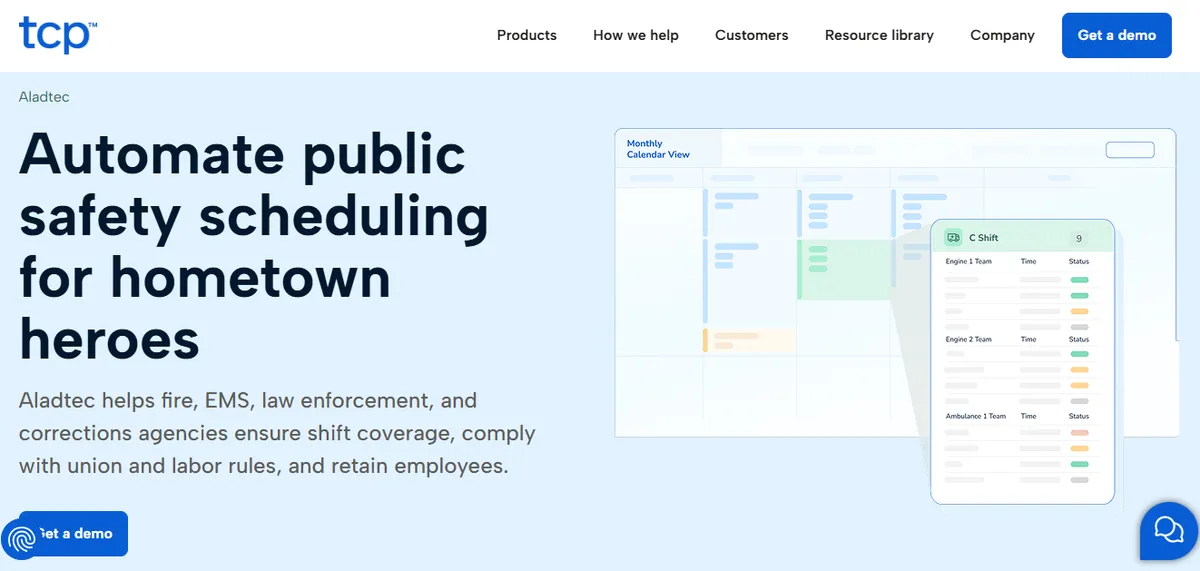
Aladtec is the most natural upgrade path from Deputy for small hospitals that want to stay on self-serve software but need healthcare-specific credential tracking and coverage rules. It is more expensive than Deputy but significantly less expensive than SmartLinx or QGenda, and it offers a healthcare-oriented scheduling model that Deputy does not.
The migration from Deputy to Aladtec is straightforward: export your current staff roster from Deputy, reconfigure in Aladtec with credential profiles and minimum staffing rules, and run a parallel period before switching fully.
Best for: Small hospitals that deployed Deputy for its low cost and ease of use but need credential tracking, healthcare-specific scheduling rules, and a minimum staffing enforcement model that Deputy does not provide.
Key advantages:
- Credential and qualification tracking per employee profile, configurable for any certification type
- Minimum staffing rules enforce coverage thresholds and flag when callouts would create gaps
- Direct-outreach callout model more suited to acute care urgency than Deputy’s broadcast shift posting
- 24/7 coverage model designed for environments where coverage cannot lapse between shifts
Key limitations:
Scheduling interface friction. The scheduling edit workflow requires multiple steps per change. Modifying an existing schedule involves more clicks than a drag-and-drop interface. Verify whether the current interface meets your workflow expectations before migrating.
“When editing the schedule there are a lot of clicks involved.”
Amanda F., Nurse Manager, Hospital & Health Care, October 13, 2020, Capterra
Administrator setup complexity. The administrator-side configuration can require time to learn, particularly for facilities transitioning from manual or paper-based workflows.
“It was a bit complicated to figure out from the administrator side.”
Jeanne C., Administrative Coordinator, Hospital & Health Care, May 7, 2019, Capterra
CMS compliance documentation and initial credential configuration require setup time. Confirm current CMS documentation export capabilities with Aladtec directly.
Verdict: The best self-serve upgrade from Deputy for small hospital nurse scheduling. Aladtec provides the healthcare credential and coverage logic that Deputy is missing, without the implementation complexity of SmartLinx or QGenda. See our deeper Aladtec alternatives guide for Critical Access Hospitals.
Ratings: Capterra: 4.6/5 (17 reviews; small sample) [2]
Cost: $200-450 per month. Pricing requires a quote.
3. When I Work
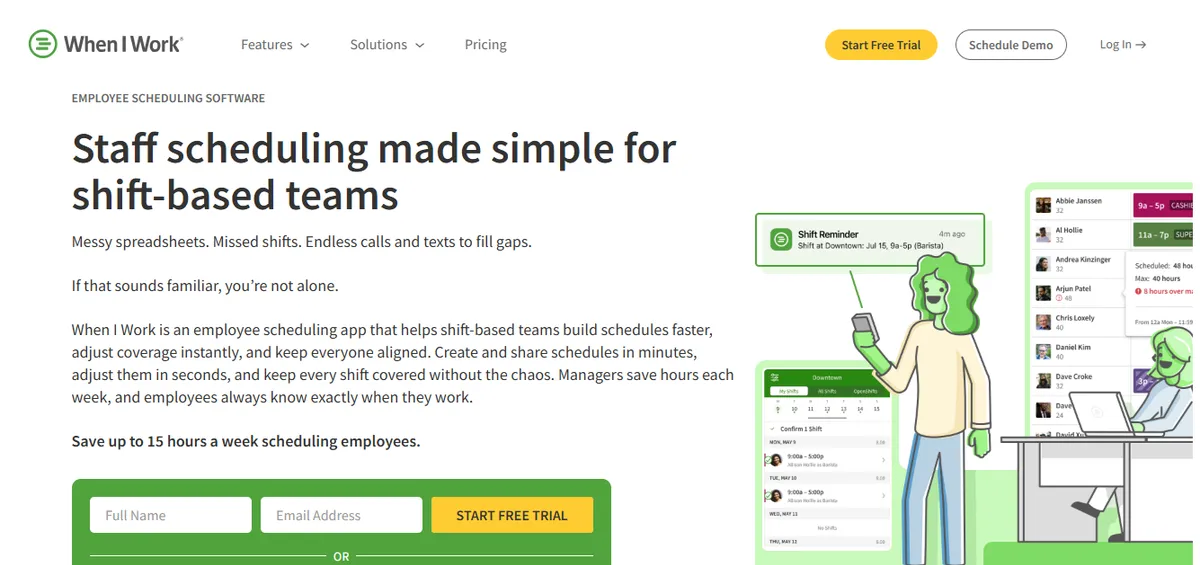
When I Work is the most direct like-for-like alternative to Deputy in the general workforce scheduling category. It shares Deputy’s model: fast setup, per-user pricing, strong mobile app, and shift communication without healthcare compliance features. The distinction is interface design and specific features like scheduling templates and shift-pool management.
For healthcare organizations using Deputy primarily for schedule publishing and communication, and handling compliance manually, When I Work offers equivalent capability at a slightly lower price point. It does not solve the healthcare compliance gaps; it provides the same category of tool with a different interface.
Best for: Outpatient clinics, home health agencies, and non-clinical healthcare departments that are using Deputy primarily for schedule visibility and communication, and want a comparable tool at a lower cost.
Key advantages:
- Comparable feature set to Deputy for general scheduling and shift communication
- Slightly lower per-user pricing in most plan tiers
- Shift templates and scheduling wizards simplify recurring schedule patterns
- Free plan available for very small teams
Key limitations:
Healthcare compliance tooling. When I Work is a general workforce scheduling platform. Credential enforcement, FLSA healthcare overtime tracking, and CMS documentation are not featured on the product page. Hospital users have noted the absence of audit capability:
“No Auditing capability to see if unauthorized changes were made, and does not work for complex workflows.”
Jonathan R., IT Admin, Hospital & Health Care, February 25, 2026, Capterra
Hospital-specific scheduling logic. When I Work does not feature acute care callout ranking or unit-based credential filtering. Time-off request visibility for providers has been flagged as a gap by clinical staff:
“I don’t like that when providers have time off requests, they cannot view shifts.”
Mallory S., Clinical Operations Manager, Hospital & Health Care, February 12, 2026, Capterra
Verdict: A reasonable Deputy alternative for non-clinical healthcare settings where compliance is not the driver of the switch. For hospital nursing, it solves none of the problems that make Deputy inadequate.
Ratings: G2: 4.4/5 (361 reviews) / Capterra: 4.5/5 (1,289 reviews) [3]
Cost: $2.50 per user per month (Essentials) to $4.00 per user per month (Pro).
4. Connecteam
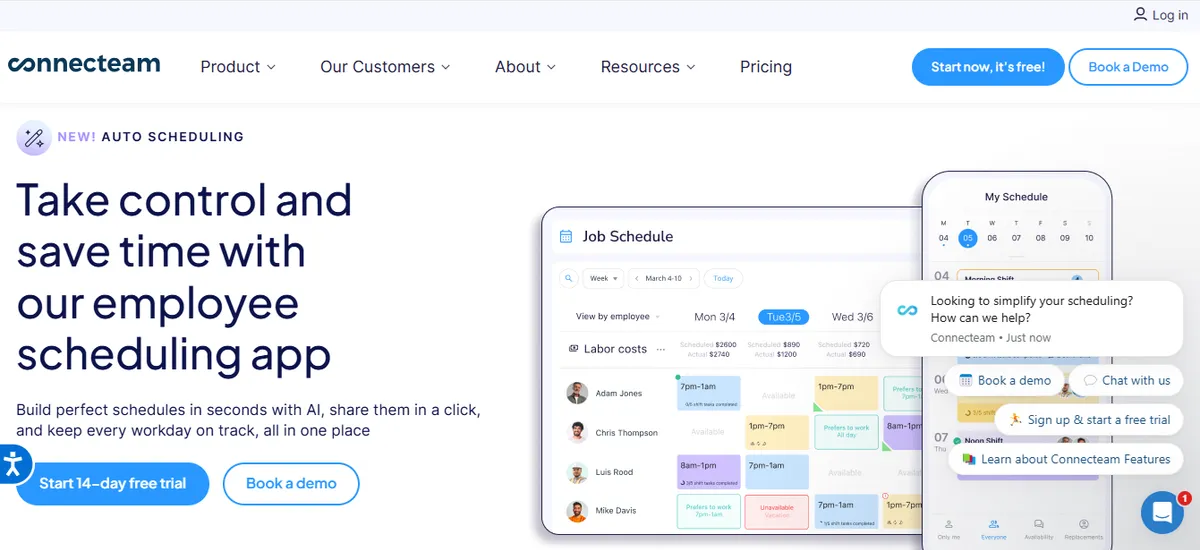
Connecteam is a mobile-first workforce management platform designed for deskless and distributed teams. It has a broader feature set than Deputy, including training and onboarding tools, internal communications, and task management alongside scheduling, at a comparable price. For healthcare organizations using Deputy primarily as a communication and coordination tool, Connecteam’s broader feature surface may be useful.
Like Deputy and When I Work, Connecteam does not document healthcare-specific compliance features on its product page. Its broader tool set is useful for administrative and operational teams, but credential enforcement, FLSA tracking, and CMS documentation are not described in its public materials.
Best for: Healthcare-adjacent operations teams or outpatient clinics that need schedule management alongside staff communication and task tracking, and do not have acute care nursing compliance requirements.
Key advantages:
- Broader feature set than Deputy: task management, training tools, and internal communication alongside scheduling
- Free plan for up to 10 users
- Strong mobile app designed specifically for deskless and distributed workforces
Key limitations:
Healthcare compliance tooling. Connecteam is designed for deskless and distributed teams across industries. Credential enforcement, CMS documentation, and FLSA healthcare overtime tracking are not featured on the product page. Verify current capabilities with Connecteam directly.
Hospital nursing scheduling scope. Connecteam does not feature unit-based assignment logic or acute care callout ranking. Confirm with Connecteam whether these capabilities exist before evaluating for clinical nursing use.
Verdict: A strong choice for administrative and operational deskless teams within a healthcare organization. Not a suitable replacement for hospital nurse scheduling regardless of the broader feature set.
Ratings: Capterra: 4.6/5 (5,150 reviews) [4]
Cost: Free for up to 10 users; paid plans from $29-99 per month for the first 30 users.
5. Homebase
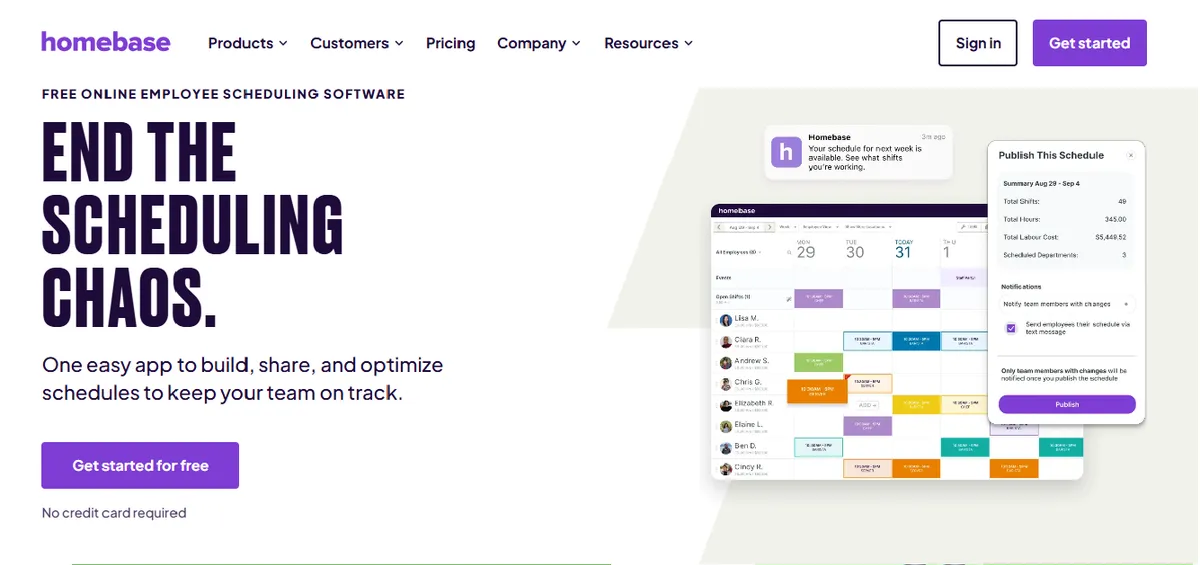
Homebase is designed for retail and service industry scheduling but is used by some small clinics and outpatient settings as a lower-cost alternative to Deputy. It has fewer features than Deputy, a simpler interface, and a free tier that makes it the lowest-cost general scheduling option in this list.
For any hospital nursing environment, Homebase is the wrong category of tool. Healthcare-specific features are not documented on Homebase’s product page, and it does not address the compliance gaps that make Deputy inadequate for hospital scheduling.
Best for: Outpatient medical offices and clinics with very simple scheduling needs, minimal staff, and no compliance requirements beyond basic time tracking. The free tier makes it viable for operations that previously used a spreadsheet.
Key advantages:
- Free plan for unlimited employees at a single location
- Integrated time clock, basic PTO tracking, and payroll export
- Extremely simple setup with no configuration learning curve
Key limitations:
Healthcare compliance tooling. Homebase is designed for retail and service teams. Healthcare-specific compliance features are not documented on the product page. Verify current capabilities with Homebase before evaluating for any clinical setting.
Scheduling feature depth. Homebase targets very simple single-location teams. Mobile scheduling and multi-location tracking have been flagged by hospital users as gaps:
“I did not like that I could not do scheduling on the app”
Amber B., Executive Director, Hospital & Health Care, March 26, 2025, Capterra
“Homebase did not allow us to track hours across multiple locations unless we paid extra for it. It was not able to limit number of people on a shift, to our knowledge.”
Angela P., Director, Mental Health Care, September 10, 2025, Capterra
Verdict: A cost reduction move for the simplest possible scheduling environments. Any hospital nursing context requires a purpose-built tool, not a retail scheduling app.
Ratings: G2: 4.4/5 (271 reviews) / Capterra: 4.6/5 (1,147 reviews) [5]
Cost: Free for one location; paid plans from $24-80 per month depending on features.
When Deputy Is Still Adequate for Healthcare?
Deputy remains adequate for non-clinical healthcare settings: outpatient clinics without inpatient care, home health agencies with stable caregiver pools, and administrative staff scheduling within a hospital. In each of these contexts, the credential enforcement, FLSA healthcare overtime, and CMS documentation requirements that create gaps in a hospital do not apply.
Deputy remains adequate for healthcare organizations in four scenarios:
Outpatient clinics and medical offices without inpatient care. CMS §485.635 applies to inpatient care. An outpatient clinic scheduling clinical staff does not have the same compliance obligations as a hospital. Deputy’s general scheduling features are adequate for simple outpatient scheduling.
Home health agencies with a stable caregiver pool and no certification requirements. Home health scheduling does not require ACLS or CCRN tracking. If the primary scheduling challenge is matching caregivers to patients on a daily basis, Deputy’s availability and assignment model works.
Administrative and non-clinical staff scheduling within a hospital. Hospitals that use one system for clinical nursing (with credential requirements) and a separate, simpler system for housekeeping, dietary, and administrative scheduling can reasonably use Deputy for the non-clinical scheduling pool without compliance risk.
Multi-site outpatient networks with administrative staff only. Healthcare organizations operating networks of outpatient clinics where scheduling covers only administrative and support staff, with no clinical credentialing requirements, can use Deputy for that population. Deputy’s per-user pricing scales well for large administrative rosters where healthcare compliance features are not the primary driver.
In all four cases, the hospital must be certain that the clinical nursing scheduling population is handled by a separate, clinically appropriate tool, not by Deputy.
How SimpleScheduleAI Compares to Deputy?
SimpleScheduleAI is purpose-built for clinical nurse scheduling where Deputy is a general workforce tool. The core differences are competency-filtered callout replacement, automatic CMS §485.635 documentation, and healthcare FLSA overtime as a default calculation. For hospitals where those features represent real compliance risk, SimpleScheduleAI addresses what Deputy was not designed to solve.
Deputy vs. SimpleScheduleAI: Hospital Nurse Scheduling
| Feature | Deputy | SimpleScheduleAI |
|---|---|---|
| Healthcare competency enforcement | Confirm with vendor | Yes, in replacement list |
| CMS §485.635 documentation | Not documented | Yes, automatic |
| FLSA overtime threshold tracking | Not documented; confirm with vendor | Yes, default for CAHs |
| Callout replacement model | Broadcast open shift | Ranked shortlist, 2 min |
| Implementation burden | Minimal, days to deploy | Low, Excel upload, days |
| Target environment | General workforce | CAH, acute care nursing |
| Texas Labor Code compliance | Not documented | Yes, built-in default for TX CAHs |
| Pricing | $4.50/user/month | Not listed, contact for quote |
The comparison above illustrates the category difference between Deputy and SimpleScheduleAI. Deputy is fast to deploy and low cost because the healthcare-specific features hospital nursing requires are not documented on its product page. SimpleScheduleAI’s value is precisely in those features, skill-mix enforcement, CMS documentation, healthcare FLSA, and acute care callout management, that Deputy was never designed to provide.
For hospitals where those features represent real operational risk and real manual labor cost, the price difference between Deputy and SimpleScheduleAI is offset by what the hospital is currently paying in manual compliance work and credential management that lives outside the scheduling system.
Our Take
Deputy is a well-rated general workforce tool. The Critical Access Hospital question is whether general workforce tooling fits a licensed clinical environment with active CMS survey obligations. The honest answer for most CAHs is no - not because Deputy is bad software, but because the compliance and credential logic a hospital needs is not what Deputy was built for. The right alternative depends on whether you need shift visibility or staffing-record defensibility.
One honest limitation: SimpleScheduleAI is not the right fit for healthcare practices outside the acute hospital context, retail-style shift swapping use cases, or facilities that specifically need a low-cost general workforce tool rather than a managed nurse-scheduling service.
What to Do This Week
Start by calculating the full cost of Deputy for your hospital. Add the monthly subscription to the staff time spent on manual CMS documentation, credential verification for each callout, and FLSA overtime calculation outside the system. That total is what Deputy actually costs. Use it as the baseline when evaluating whether a purpose-built clinical scheduling tool is cost-neutral.
Calculate the true cost of Deputy for your hospital. Add the monthly Deputy subscription to the estimated staff hours per month spent on: manual CMS documentation, manual credential verification for each callout, manual FLSA overtime calculation, and manual survey prep. The total is the real cost of Deputy for your nursing schedule.
Document your last three CMS survey prep experiences. How long did each take? What records had to be assembled manually from sources outside Deputy? If survey prep takes more than two hours, that time cost repeats with every survey cycle for as long as you are on Deputy.
Check whether any credential mismatches have occurred under Deputy. Pull your callout history from the last 90 days and verify that every replacement nurse held the credentials required for the shift they filled. If you cannot verify this from Deputy’s records, the credential check did not happen systematically.
Request a demo of SimpleScheduleAI and frame it as a compliance gap assessment. Describe your current Deputy setup, your CMS compliance obligations, and your credential requirements. Ask specifically how SimpleScheduleAI handles each gap. See how it works.
If you want to stay on self-serve software, request an Aladtec trial. Deploy Aladtec in parallel with Deputy for one scheduling cycle. Compare the time investment required in Aladtec to configure credential tracking and coverage rules against the time you are currently spending on manual compliance outside of Deputy.
The hospital scheduling upgrade from Deputy
SimpleScheduleAI provides competency-filtered callout replacement, automatic CMS §485.635 documentation, and FLSA healthcare overtime tracking as defaults. Built for Critical Access Hospitals that need clinical scheduling compliance, not a general workforce scheduling tool applied to a clinical environment.
Sources
[1] Deputy ratings: 4.6/5 on Capterra (772 reviews). Vendor page: deputy.com and healthcare segment page. Verified May 2026.
[2] Aladtec by TCP ratings: 4.6/5 on Capterra (17 reviews; small sample). Vendor page: tcpsoftware.com. Verified May 2026.
[3] When I Work ratings: 4.4/5 on G2 (361 reviews), 4.5/5 on Capterra (1,289 reviews). Vendor page: wheniwork.com. Verified May 2026.
[4] Homebase ratings: 4.6/5 on Capterra (5,150 reviews). Vendor page: joinhomebase.com. Verified May 2026.
[5] TCP TimeClock+ ratings: 4.4/5 on G2 (271 reviews), 4.6/5 on Capterra (1,147 reviews). Vendor page: tcpsoftware.com. Verified May 2026.
[6] Portia A., Nurse (Hospital & Health Care), Deputy review. Capterra, April 8, 2026.
[7] FLSA 8-and-80 healthcare overtime rule. U.S. Department of Labor, Wage and Hour Division, FLSA guidance.
[8] CMS Conditions of Participation §485.635 for Critical Access Hospitals. eCFR, Title 42, Chapter IV, Subchapter G, Part 485, Subpart F.
Methodology note: Capability descriptions for all platforms are based on publicly available product pages, verified May 2026. Compliance-specific limitations for Deputy (credential enforcement, FLSA 8-and-80, CMS documentation) are based on product page verification; no hospital-context reviewer complaints about these gaps were found on Capterra or G2 during research for this post. Features change; verify current capabilities with each vendor before finalizing an evaluation.
Frequently Asked Questions
Is Deputy HIPAA compliant?
Deputy provides HIPAA compliance features and offers a Business Associate Agreement (BAA) for healthcare customers. The scheduling data that flows through Deputy can be managed in a HIPAA-compliant manner. However, HIPAA compliance in the scheduling context addresses data security, not clinical appropriateness of assignments. A HIPAA-compliant scheduling tool that assigns uncredentialed nurses to clinical units is still creating a safety gap.
Is Aladtec or SimpleScheduleAI a better Deputy alternative for a small hospital?
Aladtec is the better alternative for hospitals that want to remain on self-serve software and have a nurse manager who will invest in configuration and maintenance. SimpleScheduleAI is the better alternative for hospitals where the nurse manager also takes clinical shifts and cannot spend 6-10 hours per week maintaining a scheduling system. Both address the healthcare compliance gaps that Deputy does not.
Can Deputy track nurse credentials for scheduling purposes?
Deputy has an employee profile system where credential information can be entered as notes. Credential enforcement that automatically blocks assignment based on credential status is not documented on the product page. Verify current credential tracking capabilities with Deputy directly before evaluating for clinical use.
What is the cost difference between Deputy and healthcare scheduling software?
At a 20-nurse roster, Deputy costs approximately $90 per month ($4.50 per user). Aladtec starts around $200-450 per month. NurseGrid Manager runs approximately $150-300 per month. SmartLinx does not publish pricing and requires a quote; SimpleScheduleAI uses flat monthly pricing, $1,000 for up to 20 nurses and $1,500 for 21 to 40 nurses. For most hospitals, the labor cost of manual compliance work that Deputy requires exceeds the price difference between Deputy and a healthcare-specific tool, making the upgrade cost-neutral or positive when total cost is calculated.
Does Deputy work for hospital scheduling if I configure it correctly?
Credential tracking enforcement, FLSA healthcare overtime configuration, CMS documentation, and charge nurse logic are not documented on Deputy’s product page. Verify current capabilities with Deputy directly. For hospitals with clinical scheduling requirements, confirm whether Deputy’s current feature set covers those needs before relying on it for compliance-sensitive scheduling.
Pradeep Pandey is the co-founder of SimpleScheduleAI, an AI-native nurse scheduling service built for Critical Access Hospitals in Texas. He serves as Deputy General Manager of Operations at Apollo Hospitals and holds an MBA from IIM Trichy. LinkedIn →