By Pradeep Pandey · Co-Founder · 28 min read · Updated
6 Best NurseGrid Alternatives for Critical Access Hospitals (2026)
The best NurseGrid alternatives for a 25-bed Critical Access Hospital are tools that cover manager-side scheduling, FLSA overtime tracking, and CMS documentation, not just a nurse-facing app. NurseGrid is strong for nurse mobile schedule viewing; reviewers report the manager app was removed and Android support is weak. This guide compares six options across fit, setup, and CAH compliance.

NurseGrid is the highest-adoption nurse-facing scheduling app. It is also the app the CAH nurse manager cannot use as her primary scheduling system, because the manager-side capability has been quietly narrowed across recent releases. Several Capterra reviewers describe losing the Manager App entirely.
This guide compares 6 alternatives for a Critical Access Hospital that needs nurse-facing communication AND manager-side scheduling control AND CMS §485.635 documentation, not just one of the three.
Key Takeaways
- NurseGrid’s strength is the nurse-facing mobile experience: schedule viewing, availability, and shift-trade requests. Reviewers on Capterra report the manager-facing mobile app was removed in mid-2024 and that desktop login is now required for schedule edits.
- For a Critical Access Hospital, the gap is not the nurse app. It is manager-side scheduling, FLSA overtime tracking before posting, CMS §485.635 documentation, and credential-filtered callout coverage, capabilities not documented on NurseGrid’s product page as part of the nurse-facing app.
- NurseGrid holds 4.2/5 on Capterra (13 reviews; small sample).[1] Treat single-source ratings on a small sample as directional, not definitive, and probe the manager workflow specifically in any demo.
- The six strongest alternatives reviewed here are SimpleScheduleAI, ShiftWizard, TCP Scheduling (Aladtec), Deputy, Homebase, and When I Work. The right pick depends on whether compliance automation, hospital-nursing fit, or cost reduction is the priority.
- A hybrid is viable for CAHs that value nurse self-service: keep a communication tool for the staff-facing layer and run a compliance-focused service or platform for scheduling management and CMS documentation.
- SimpleScheduleAI is the managed-service option: the AI builds the schedule, our scheduling team checks and maintains it, and the manager approves it. The honest tradeoff is no nurse-facing mobile app, so confirm whether staff self-service is a hard requirement before switching.
Table of Contents
- Why Hospitals Switch Away from NurseGrid?
- Quick Comparison: NurseGrid vs. The Alternatives
- What Are the 6 Best NurseGrid Alternatives for Critical Access Hospitals?
- 1. SimpleScheduleAI
- 2. ShiftWizard
- 3. TCP Scheduling (Aladtec)
- 4. Deputy
- 5. Homebase
- 6. When I Work
- When to Stay with NurseGrid?
- How SimpleScheduleAI Compares to NurseGrid?
- What to Do This Week
- Frequently Asked Questions About NurseGrid Alternatives
For a 25-bed Critical Access Hospital, the best NurseGrid alternatives are tools that cover the manager side of scheduling rather than only the nurse-facing app. ShiftWizard is the strongest self-serve hospital-nursing fit. TCP Scheduling is the more management-capable platform path, if TCP confirms it supports hospital nursing. SimpleScheduleAI is the managed-service option when the goal is removing the scheduling work rather than buying a better tool to do it yourself.
NurseGrid is a scheduling tool built primarily for nurses, with a paid manager tier reviewed in what NurseGrid Manager does and costs. Its strongest feature is the nurse-facing mobile experience: nurses view schedules, manage availability, and request shift trades through a mobile app. It is lighter-weight than enterprise scheduling platforms and faster to get nurses using. NurseGrid is owned by HealthStream. For clinics with simple scheduling needs and no inpatient CMS obligations, NurseGrid works well as a communication layer.
The questions that matter when a Critical Access Hospital evaluates a switch are operational fit: how much weekly capacity does your nurse manager have to build and maintain schedules; what compliance capabilities does your facility actually need for CMS surveys; and whether the manager-side workflow holds up at your specific scale and on the devices your staff carry.
If your priority is critical access hospital scheduling compliance, CMS documentation, FLSA overtime, and credential-filtered callouts, review what those requirements actually demand before choosing a platform. Our nurse scheduling software for critical access hospitals guide covers the specific features a 25-bed hospital needs that a nurse-facing app does not provide.
Why Hospitals Switch Away from NurseGrid?
Hospitals switch away from NurseGrid because it is built for the nurse-facing communication layer, not for manager-side scheduling operations. Capterra reviewers report the manager mobile app was removed in mid-2024, that desktop login is now required for edits, and that Android compatibility is weak. For a Critical Access Hospital, the structural gaps are no FLSA overtime tracking before posting, no CMS §485.635 audit trail, and no credential-filtered callout logic.
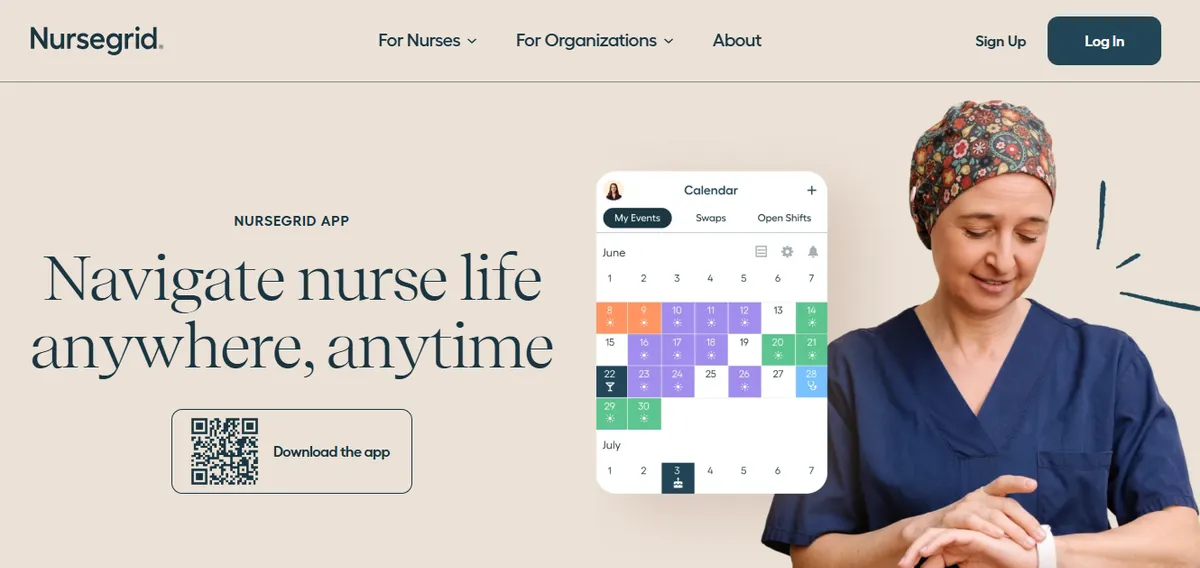
NurseGrid holds 4.2/5 on Capterra (13 reviews; small sample).[1] With a sample that small on a single source, the rating is directional rather than definitive. The hospital-context reviews cluster around two themes worth probing specifically during a CAH evaluation: the manager-app change and device compatibility.
Manager App Removal
The most frequently raised hospital issue is the removal of the manager-facing mobile app, which moved schedule editing to desktop login.
“It no longer has the manager app so I have to login to desktop.”
Chief Nursing Officer, Hospital & Health Care, June 13, 2024, Capterra [6]
“they took away the Manager App for your phone.”
Staffing Coordinator, Medical Practice, June 11, 2024, Capterra [6]
For a nurse manager who also takes clinical shifts, losing the phone-based manager workflow matters. Schedule edits and callout responses that previously happened on a phone between patient care tasks now require sitting at a desktop. At a CAH with no dedicated scheduler, that change in workflow location is not cosmetic, it changes when and how the manager can react to coverage gaps. Confirm the current manager workflow directly with the vendor before relying on NurseGrid as a primary scheduling system.
Device Compatibility and Cost for Small Facilities
Reviewers from hospital settings flag Android compatibility and cost for smaller facilities as friction points worth verifying before committing.
“Does not work well with androids. The texting function doesn’t work.”
Inpatient Director, Hospital & Health Care, June 17, 2024, Capterra
“cost is too expensive for small centers.”
Administrator, Hospital & Health Care, June 17, 2024, Capterra
A balanced read of the same review pool also includes positive operational feedback on the core nurse-facing function.
“Ease of loading schedules and posting open shifts.”
Inpatient Director, Hospital & Health Care, June 17, 2024, Capterra
The pattern is consistent with the product’s design intent. NurseGrid is built well for the nurse-facing layer and is not positioned as a manager-side compliance system. For a CAH, the operational questions worth probing in a demo are how schedule edits are made now that the manager app is gone, whether the staff devices in use are iOS or Android, and how FLSA overtime and CMS §485.635 documentation would be handled outside the app.
Quick Comparison: NurseGrid vs. The Alternatives
The table below covers customer focus, public ratings, and setup time across NurseGrid and the six alternatives. Ratings are from G2 and Capterra at the time of writing (May 2026). For platforms without dedicated public listings, or where capabilities are not documented on the public product page, verify current details directly with the vendor.
| Platform | Best For | Public Ratings | Setup Time |
|---|---|---|---|
| NurseGrid (current) | Nurse-facing schedule viewing and shift trades | Capterra: 4.2/5 (13 reviews; small sample) | Hours to days |
| SimpleScheduleAI | Critical Access Hospitals, Texas | New service; no public reviews yet | 3 to 5 business days |
| ShiftWizard | Hospital nurse scheduling, self-serve | G2: 4.3/5 (Spring 2026 Leader) Capterra: 4.4/5 (723 reviews) | Weeks |
| TCP Scheduling (Aladtec) | Public safety agencies (fire, EMS, law enforcement) | G2: 4.5/5 (94 reviews) Capterra: 4.6/5 (17 reviews) | 2-4 weeks |
| Deputy | Retail, hospitality, food service, healthcare | G2: 4.6/5 (1,400+ reviews) Capterra: 4.6/5 (765 reviews) | Hours to days |
| Homebase | Retail, restaurant, service industry | G2: 4.4/5 (271 reviews) Capterra: 4.6/5 (1,147 reviews) | Hours to days |
| When I Work | Retail, hospitality, small business | Capterra: 4.5/5 (1,289 reviews) | Hours to days |
What Are the 6 Best NurseGrid Alternatives for Critical Access Hospitals?
The six strongest NurseGrid alternatives for a Critical Access Hospital are SimpleScheduleAI, ShiftWizard, TCP Scheduling (Aladtec), Deputy, Homebase, and When I Work. The right choice depends on whether your priority is compliance automation, hospital-nursing fit, or cost reduction. Each platform serves a different facility size and administrative capacity. The comparison table above covers ratings and setup; the profiles below cover fit by scenario, with honest limitations for each.
1. SimpleScheduleAI
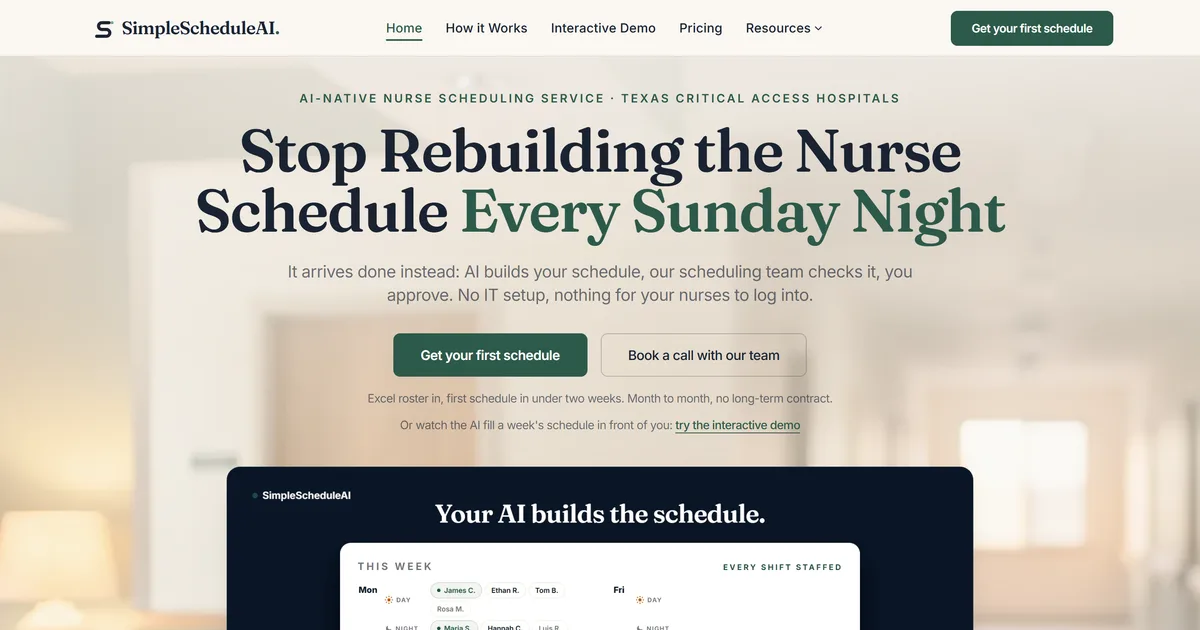
SimpleScheduleAI is a new service, without public G2 or Capterra reviews yet. It is a managed nurse scheduling software service built specifically for Critical Access Hospitals in Texas. Unlike a nurse-facing app, the work is on the manager side: the AI builds draft schedules each cycle, while a scheduling specialist handles setup from an Excel roster upload, checks each draft, and maintains the system as the roster changes.
Where NurseGrid serves the nurse communication layer, SimpleScheduleAI covers the manager-side scheduling and compliance layer that a CAH cannot leave uncovered. The service implements the hospital’s rules, maintains them as staff changes occur, and updates them when policies change. CMS §485.635 staffing documentation is logged automatically throughout each scheduling cycle, and callout replacement generates a ranked shortlist cross-referenced against current-week hours and the 40-hour weekly FLSA overtime threshold. See how the managed service works and how AI nurse scheduling is applied at CAH scale. Watch the AI fill a weekly grid and rank callout replacements in the live simulator.
Best for: Critical Access Hospitals leaving NurseGrid because the manager-side workflow, compliance documentation, and callout overtime checks are not covered by a nurse-facing app.
Key advantages:
- Manager-side scheduling is delivered as drafts, not built by the nurse manager, which removes the construction time entirely
- CMS §485.635 documentation is automatic, not a manual export process before each survey
- Callout shortlist is ranked by overtime risk and filtered by unit competency requirements without any manual calculation
- Excel-based roster upload means the transition from NurseGrid does not require IT involvement
- FLSA overtime threshold tracking and CMS CAH requirements are built in as defaults
Key limitations:
- No nurse-facing mobile app. Nurses do not view schedules or submit shift trades directly through SimpleScheduleAI. If the nurse-facing mobile experience is the primary reason your facility uses NurseGrid, that function does not transfer; pair SimpleScheduleAI with a separate staff communication tool or evaluate a self-serve platform
- Managed service model means less real-time manager control than a self-serve tool; mid-week changes route through the service rather than being edited instantly
- Not designed for hospitals with complex multi-department or physician scheduling needs beyond nursing
Verdict: The strongest alternative for a CAH nurse manager who leaves NurseGrid because the manager-side scheduling and compliance burden has exceeded what one person can manage while also taking clinical shifts. The honest gap is the missing nurse app; weigh that against the compliance and time return. See how it works.
Ratings: New service; no public G2 or Capterra listing yet.
Cost: Flat monthly price by roster size: $1,000/month for up to 20 nurses, $1,500/month for 21 to 40 nurses. No per-nurse or setup fees.
2. ShiftWizard
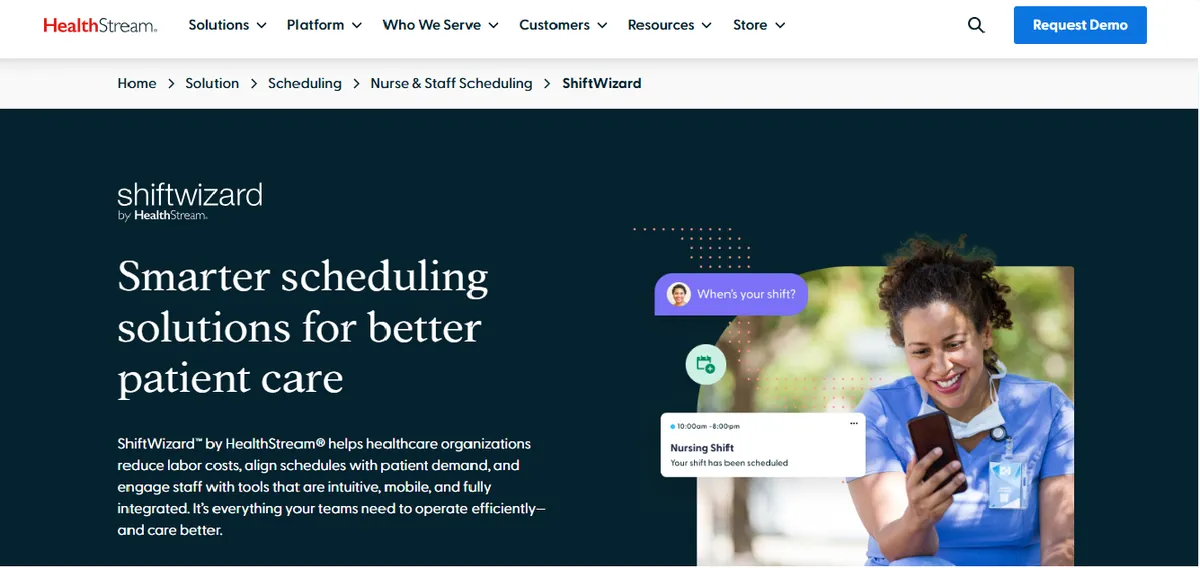
ShiftWizard holds 4.3/5 on G2 and 4.4/5 on Capterra (723 reviews).[2] It is a hospital nurse scheduling platform, owned by HealthStream, the same parent company as NurseGrid, and is designed specifically for hospital nursing rather than the nurse-facing app niche. It has a more developed manager-side workflow than NurseGrid and covers more hospital scheduling features in a single self-serve product.
For a CAH switching from NurseGrid specifically because of the manager-app removal, ShiftWizard keeps a nurse-facing experience while adding the manager-side depth NurseGrid does not provide. The tradeoff is a longer implementation than a lightweight app and a mobile manager experience that reviewers say is worth scrutinizing before committing.
Best for: CAHs where the nurse-facing experience remains a priority and manager-side hospital scheduling depth is needed, and where direct platform control is preferred over a managed service.
Key advantages:
Designed specifically for hospital nursing, not adapted from a general or nurse-only app
More developed manager-side scheduling workflow than a nurse-facing app
Large Capterra review base (723 reviews) gives a more reliable rating signal than NurseGrid’s small sample
Built by nurses, per reviewers, which reviewers cite as a usability strength.
“ShiftWizard was designed by nurses which is why it is fantastic to use.”
Jennifer C., Director of Emergency Services, July 15, 2024, Capterra
Key limitations:
Mobile Login and Messaging. Some reviewers describe repeated login entry and messaging gaps on mobile.
“I wish the messaging was better, and that I have to input my info every time I log in.”
Melissa R., LVN, Hospital & Health Care, July 26, 2024, Capterra
App Performance. Some reviewers describe slow or glitchy schedule entry.
“Can be slow and glitchy, making inputting schedule difficult and stressful.”
Erika A., Registered Nurse, July 9, 2024, Capterra
Shift Type Configuration. Some reviewers describe friction adding new shift types.
“We do not like when we have to put in a new shift type that it comes across as a code.”
Amanda M., QA Process Improvement Manager, July 15, 2024, Capterra
CMS §485.635 audit-trail export and FLSA 8-and-80 tracking are not described on the public product page in those specific terms; CAHs should confirm current compliance capabilities directly with the vendor before deciding.
Verdict: The strongest self-serve hospital-nursing replacement for a CAH that wants to keep a nurse-facing experience and gain manager-side depth. CAHs leaving NurseGrid because of mobile manager problems should test ShiftWizard’s own mobile manager workflow first. See our deeper ShiftWizard alternatives guide for Critical Access Hospitals.
Ratings: G2: 4.3/5 (Spring 2026 Leader). Capterra: 4.4/5 (723 reviews).
Cost: Pricing not listed on website. Contact for a quote.
3. TCP Scheduling (Aladtec)
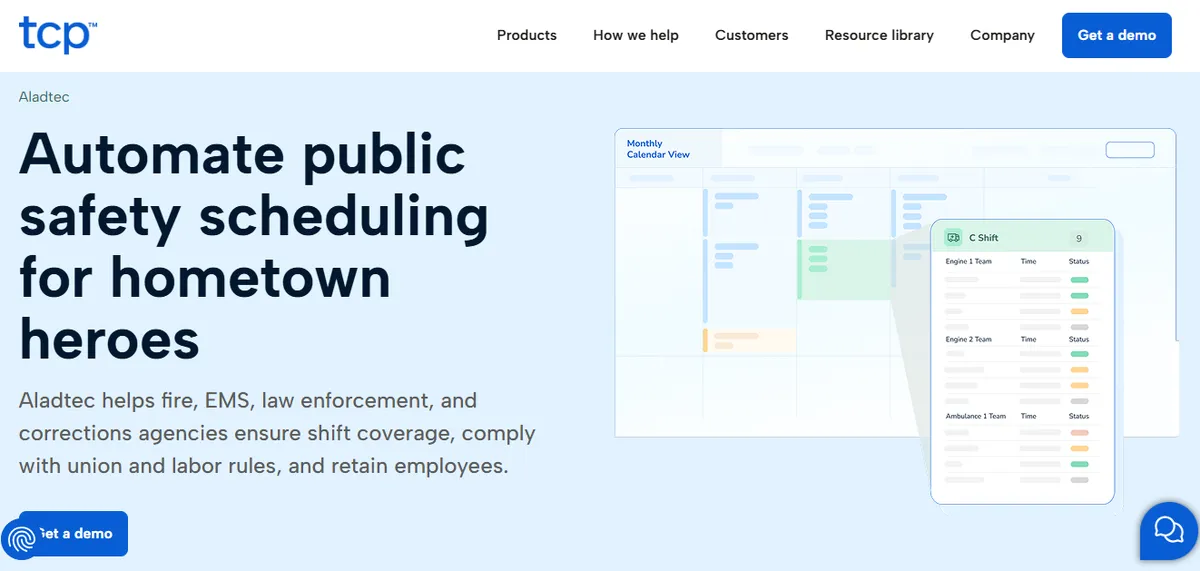
Aladtec by TCP holds 4.5/5 on G2 (94 reviews) and 4.6/5 on Capterra (17 reviews).[3] It covers manager-side scheduling functions that a nurse-facing app does not: shift management, certification tracking, overtime visibility, and basic reporting. The trade-off is a more configuration-heavy platform with a 2-4 week setup and ongoing operation by the nurse manager.
If you are switching from NurseGrid because you need manager-side scheduling and compliance capability rather than a better nurse app, TCP Scheduling provides those functions while keeping a self-serve model. Aladtec, now sold by TCP Software, is marketed to fire, EMS, law enforcement and corrections agencies. TCP markets a different product, Humanity Schedule, to healthcare. Aladtec’s nurse-facing experience is also more limited than NurseGrid’s, which may frustrate staff who adopted NurseGrid for its mobile app.
Best for: Hospital-run EMS services, or hospitals TCP confirms it will support, that need manager-side scheduling NurseGrid lacks and can accept a 2-4 week setup.
Key advantages:
- Manager-side shift management, certification tracking, and overtime visibility in one self-serve platform
- Strong overall public ratings across a moderate G2 sample (94 reviews)
- Established product with documented 24/7 shift-work heritage
Key limitations:
Click-Heavy Workflow. Some reviewers describe high click counts for routine schedule edits.
“When editing the schedule there are a lot of clicks involved.”
Amanda F., Nurse Manager, Hospital & Health Care, October 13, 2020, Capterra
Setup Complexity. Some administrators describe the initial configuration as harder than expected.
“It was a bit complicated to figure out from the administrator side.”
Jeanne C., Administrative Coordinator, May 7, 2019, Capterra
The most recent hospital-context reviews on Capterra are several years old and the recent reviewer base skews to public safety; CAHs should request a current hospital-nursing reference customer at CAH scale before deciding.
Verdict: Worth evaluating only if TCP confirms it would sell and support Aladtec for hospital nursing. If it does, it is a reasonable self-serve path for a CAH that needs manager-side scheduling NurseGrid does not provide. Probe the nurse-facing experience and a current hospital reference before committing. See our deeper Aladtec alternatives guide for Critical Access Hospitals.
Ratings: G2: 4.5/5 (94 reviews). Capterra: 4.6/5 (17 reviews).
Cost: Pricing not listed. Contact TCP Software for a quote.
4. Deputy
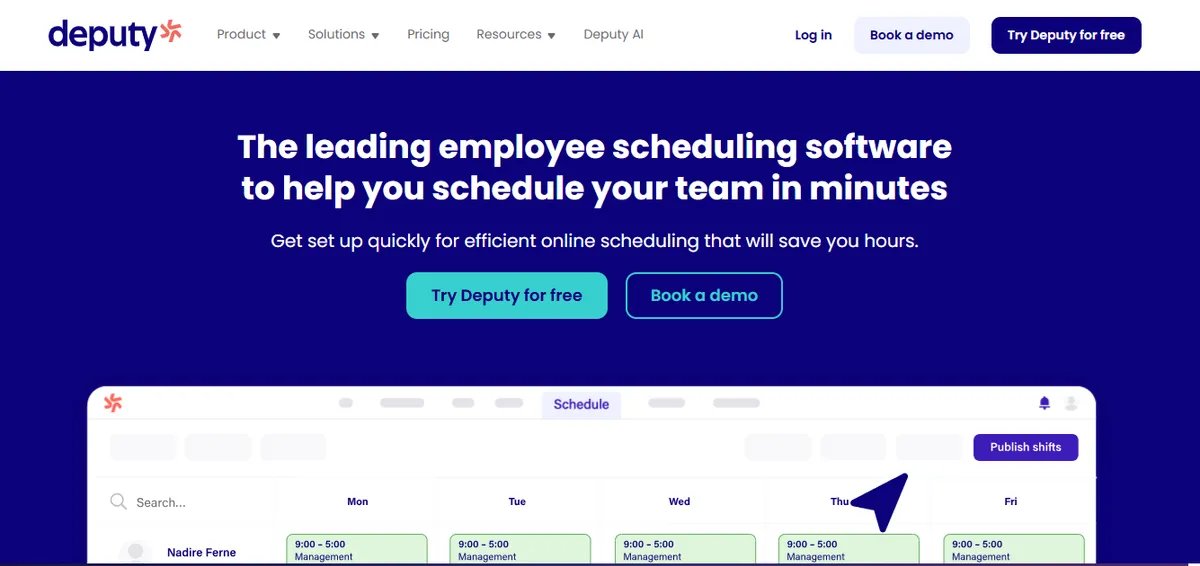
Deputy holds 4.6/5 on G2 (1,400+ reviews) and 4.6/5 on Capterra (765 reviews), a strong overall rating across a large general workforce sample.[4] Deputy markets a healthcare segment page covering hospitals, clinics, and nursing facilities. Compared to NurseGrid, Deputy adds a manager-side scheduling workflow and a documented mobile app for both staff and managers.
For a CAH leaving NurseGrid because the manager workflow is now desktop-only, Deputy’s mobile manager experience is a relevant point of comparison. The documented healthcare feature set is narrower than a hospital-nursing-specific platform, so clinical constraint logic should be verified directly with the vendor.
Best for: Small hospitals or outpatient clinics leaving NurseGrid because they want a mobile manager workflow plus staff schedule visibility, with low scheduling complexity.
Key advantages:
Strong overall ratings across very large G2 and Capterra samples (4.6/5 on both)
Mobile app for both staff and managers with shift acknowledgment, availability, and swaps
Per-user pricing is transparent and predictable at small roster sizes
Positive hospital-nursing feedback on day-to-day clarity.
“Deputy makes scheduling very easy and organised. It’s simple to use, and I like how I can see my shifts clearly and get updates quickly.”
Portia A., Nurse, Hospital & Health Care, April 8, 2026, Capterra
Key limitations:
App Performance. Some healthcare users report slow or glitchy shift loading.
“Sometimes the app can be a bit slow or glitchy, especially when trying to load shifts. Also, some features are not very clear at first.”
Portia A., Nurse, Hospital & Health Care, April 8, 2026, Capterra
Time-Off and PTO Workflow. Some users describe the PTO review workflow as clunky.
“Setting up PTO and other time off requests is clunky and not easy to intuitively review.”
Jackie D., Practice Manager, Medical Practice, March 24, 2025, Capterra
Deputy’s healthcare page does not specifically document HIPAA, BAA, CMS §485.635 audit-trail support, or FLSA 8-and-80 tracking in the documented page content; CAHs with active CMS or HIPAA obligations should confirm directly with Deputy sales which compliance capabilities are covered in their tier and contract.
Verdict: A strong general workforce tool that restores a mobile manager workflow NurseGrid removed. CAHs leaving NurseGrid for stronger clinical compliance automation should verify Deputy’s current healthcare-tier capabilities directly with the vendor. See our deeper Deputy alternatives guide for healthcare.
Ratings: G2: 4.6/5 (1,400+ reviews). Capterra: 4.6/5 (765 reviews).
Cost: $4.50 per user per month.
5. Homebase
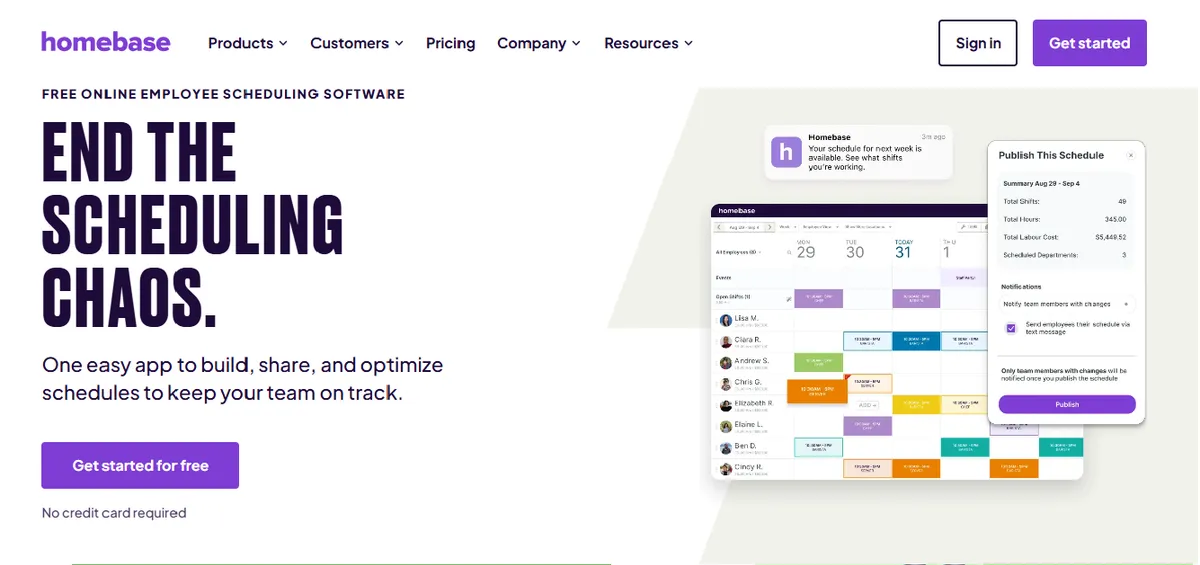
Homebase holds 4.4/5 on G2 (271 reviews) and 4.6/5 on Capterra (1,147 reviews).[5] It is positioned primarily for retail, restaurant, and service industry scheduling (joinhomebase.com). The free tier and low cost make it attractive as a pure cost-reduction option for very small care settings where NurseGrid’s paid tier is hard to justify. Our guide to free nurse scheduling software compares what those free tiers cover.
For a CAH, Homebase is a cost play, not a compliance play. It is documented for simple rosters and basic schedule publishing, not for hospital-nursing clinical constraints or CMS documentation.
Best for: Outpatient clinics or very small care settings with 5-15 staff and minimal scheduling complexity, where cost reduction is the primary goal and compliance is handled through separate processes.
Key advantages:
- Free plan available for unlimited employees at a single location; paid plans start low
- Documented as simple to set up without IT
- Basic time clock, PTO tracking, and schedule publishing work for simple rosters
Key limitations:
Mobile Scheduling Workflow. A hospital user noted the inability to do scheduling in the app.
“I did not like that I could not do scheduling on the app”
Amber B., Executive Director, Hospital & Health Care, March 26, 2025, Capterra
Multi-Location Tracking. A care-setting director noted multi-location and shift-cap limits.
“Homebase did not allow us to track hours across multiple locations unless we paid extra for it. It was not able to limit number of people on a shift, to our knowledge.”
Angela P., Director, Mental Health Care, September 10, 2025, Capterra
Documented industry focus is retail, restaurant, and service, not hospital nursing. Unit-based scheduling, charge-nurse designation, and CMS §485.635 documentation are not described as part of the standard product; CAHs should verify clinical capability fit directly with the vendor before deciding.
Verdict: Appropriate as a cost-cutting move for clinics with the simplest possible scheduling needs. Hospitals with active CMS survey obligations should confirm with the vendor whether the compliance capabilities they need are supported before relying on Homebase as a scheduling system.
Ratings: G2: 4.4/5 (271 reviews). Capterra: 4.6/5 (1,147 reviews).
Cost: Free for one location; paid plans from $20-80 per month depending on features.
6. When I Work
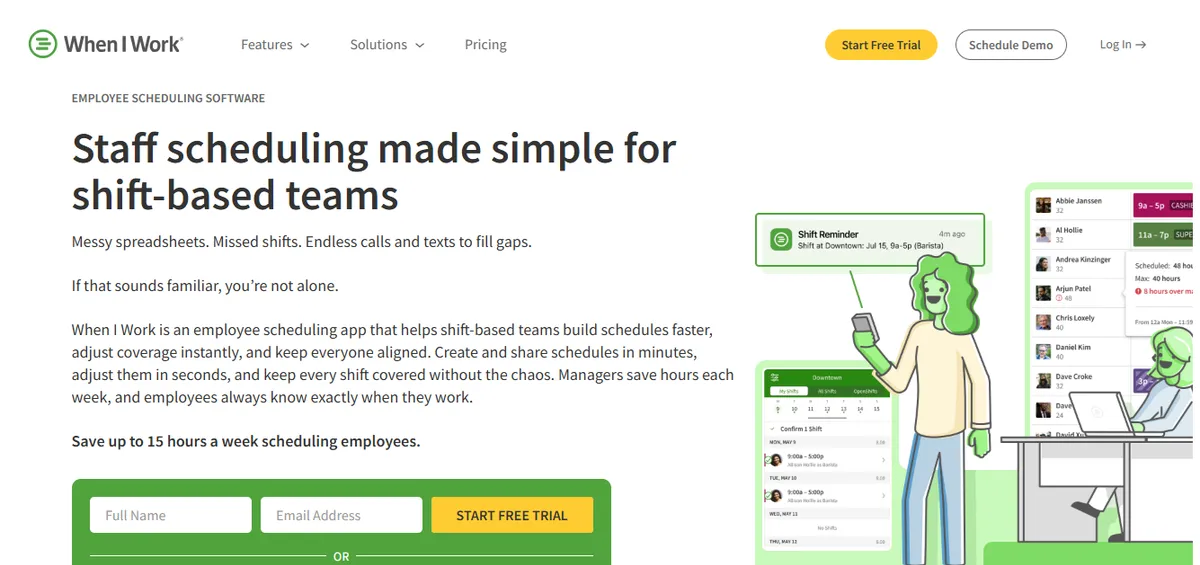
When I Work holds 4.5/5 on Capterra (1,289 reviews). It is a scheduling app positioned across retail, hospitality, and small-business workforce scheduling (wheniwork.com). The mobile app is well-designed, shift pickup and communication are documented as core, and setup is described as fast, similar in spirit to NurseGrid but with a more developed manager scheduling view.
For a CAH, When I Work is a like-for-like simplicity swap rather than a compliance upgrade. It restores a mobile manager workflow but does not add clinical compliance documentation.
Best for: Small outpatient clinics or non-acute facilities leaving NurseGrid because scheduling complexity is low and ease of use plus a working mobile manager view is the priority.
Key advantages:
- Documented as fast to set up without IT support
- Mobile app with shift pickup, swap requests, and availability features for staff and managers
- Transparent per-user pricing with a free tier for small teams
Key limitations:
Audit Capability. A hospital IT reviewer flagged the absence of audit logging.
“No Auditing capability to see if unauthorized changes were made, and does not work for complex workflows.”
Jonathan R., IT Admin, Hospital & Health Care, February 25, 2026, Capterra
Time-Off Visibility. A clinical operations manager noted a workflow limitation.
“I don’t like that when providers have time off requests, they cannot view shifts.”
Mallory S., Clinical Operations Manager, Hospital & Health Care, February 12, 2026, Capterra
When I Work’s product page does not specifically describe HIPAA, BAA, CMS §485.635 audit-trail support, or FLSA 8-and-80 tracking in the documented page content; CAHs with active CMS or HIPAA obligations should confirm directly with the vendor which capabilities are covered in their tier.
Verdict: A genuine simplification with a working mobile manager view for facilities where scheduling complexity is low. CAHs with active CMS obligations should verify with the vendor which compliance capabilities are supported before relying on it as a primary scheduling system.
Ratings: Capterra: 4.5/5 (1,289 reviews).
Cost: Pricing not listed on website. Contact for a quote.
When to Stay with NurseGrid?
Switching has a real cost in time, training, and staff adoption. NurseGrid is the right tool to keep when the nurse-facing communication layer is the actual need and manager-side scheduling, FLSA tracking, and CMS documentation are handled elsewhere or not required for the facility.
| Stay with NurseGrid if | Consider an alternative if |
|---|---|
| The need is nurse-facing schedule viewing and shift trades | The need is manager-side scheduling and compliance documentation |
| No active CMS §485.635 documentation obligations | CMS survey prep takes more than 2 hours of manual work per cycle |
| Staff carry iOS devices and the manager works from a desktop | Staff carry Android devices or the manager needs a mobile manager workflow |
| Overtime and callout coverage are handled in a separate system | Overtime and credential-filtered callout coverage must be in the scheduling system |
NurseGrid is worth keeping if:
- The actual requirement is the nurse-facing communication layer: schedule viewing, availability, and shift-trade requests. NurseGrid is built well for this and staff generally adopt it quickly.
- The facility is not a CAH, or does not have CMS §485.635 documentation obligations that require an auto-logged audit trail.
- Staff carry iOS devices and the manager is comfortable doing schedule edits from a desktop rather than a phone.
- FLSA overtime tracking and credential-filtered callout coverage are handled in a separate system or are not operational requirements.
If all four conditions hold, the switch cost and staff retraining of an alternative are unlikely to deliver a positive return.
How SimpleScheduleAI Compares to NurseGrid?
The core difference is scope and operating model. NurseGrid is a self-serve, nurse-facing app for the communication layer. SimpleScheduleAI is an AI-native nurse scheduling service where a specialist handles manager-side setup, rule maintenance, draft generation, and compliance documentation. The table below maps that difference across the requirements a 25-bed CAH cares about.
| Feature | NurseGrid | SimpleScheduleAI |
|---|---|---|
| Primary scope | Nurse-facing communication layer | Manager-side scheduling and compliance |
| Schedule construction | Manager builds (desktop login) | Three scored drafts delivered every cycle |
| CMS §485.635 documentation | Not documented on product page | Automatic, always current |
| FLSA overtime tracking | Confirm with vendor | Built in as default |
| Callout overtime ranking | Not documented on product page | Automated, built into shortlist |
| Nurse-facing mobile app | Yes, core strength (iOS-focused) | No nurse-facing app |
| Configuration maintenance | Manager responsibility | Service responsibility |
| Implementation time | Hours to days | 3 to 5 business days via Excel roster |
| Manager control | Full, direct control | High-level, via draft selection |
The core tradeoff is scope versus self-service. NurseGrid gives nurses a clean mobile experience and keeps the manager in direct control, but it does not cover the manager-side compliance functions a CAH is accountable for. SimpleScheduleAI covers those functions and removes the construction work, but it has no nurse-facing app, so the staff communication layer has to be handled separately.
For a nurse manager at a 25-bed CAH who takes clinical shifts, the manager-side compliance burden is usually the binding constraint, not the nurse app. For a facility where nurse self-service is the entire reason NurseGrid is in place, a hybrid, keeping NurseGrid for staff communication and adding a compliance-focused service for scheduling management, is the more realistic path.
Our Take
NurseGrid is genuinely good at what it was built for: a staff-facing app for nurses to view shifts and trade. The CAH question is whether a staff-facing app can be the primary scheduling system. For most small hospitals the answer is no - the manager-side capability needed for compliance documentation, credential-filtered callouts, and FLSA overtime tracking is a different category of work. NurseGrid as a communication layer alongside a real scheduling system is fine. NurseGrid as the only scheduling tool is a coverage risk.
What to Do This Week
Define what NurseGrid is actually doing for you today. Separate the nurse-facing function (schedule viewing, trades) from the manager-side function (building schedules, callouts, compliance). Most CAHs find NurseGrid covers the first and not the second; that split tells you whether you need a replacement or an addition.
Check device reality and the manager workflow. Confirm whether your staff carry iOS or Android devices and how schedule edits are made now that the manager app is gone. If managers are doing edits on a desktop they cannot always reach, that is a quantifiable operational cost worth documenting.
Calculate your current CMS survey prep time. Measure how long it takes to assemble CMS §485.635 staffing documentation outside NurseGrid before a survey. If it exceeds two hours per cycle, that is a measurable reason to consider a system that maintains it automatically.
Request a demo of SimpleScheduleAI and describe your NurseGrid setup. Explain what nurses use NurseGrid for, what the manager does outside it, and how callout and CMS documentation work today. Ask how SimpleScheduleAI would handle the same scenarios. See how it works.
If you want to keep self-serve software, shortlist ShiftWizard and TCP Scheduling. ShiftWizard is the hospital-nursing-specific path with a larger review base. TCP Scheduling adds manager-side scheduling capability with a 2-4 week setup, if TCP confirms it will support Aladtec for hospital nursing. Test the mobile manager workflow in both before deciding.
Leaving NurseGrid? Built for the manager side NurseGrid doesn't cover.
SimpleScheduleAI builds your nurse schedules, automates CMS §485.635 documentation, and ranks callout replacements by overtime risk. Designed for CAH nurse managers who cannot maintain a scheduling system while also taking clinical shifts. Setup takes 3 to 5 business days from your Excel roster.
Sources
[1] NurseGrid Manager ratings: 4.2/5 on Capterra (13 reviews; small sample). Vendor page: nursegrid.com. Verified 2026-04-30.
[2] ShiftWizard ratings: 4.3/5 on G2, 4.4/5 on Capterra (723 reviews). Vendor: HealthStream. Verified 2026-04-30; quotes re-verified 2026-05-15.
[3] Aladtec by TCP ratings: 4.5/5 on G2 (94 reviews), 4.6/5 on Capterra (17 reviews; small sample). Vendor page: tcpsoftware.com. Verified 2026-07-15.
[4] Deputy ratings: 4.6/5 on G2 (1,400+ reviews), 4.6/5 on Capterra (765 reviews). Vendor page: deputy.com. Verified 2026-04-30; quotes re-verified 2026-05-15.
[5] Homebase ratings: 4.4/5 on G2 (271 reviews), 4.6/5 on Capterra (1,147 reviews). Vendor page: joinhomebase.com. Verified 2026-04-30; quotes re-verified 2026-05-15.
[6] NurseGrid hospital-context Capterra reviews dated June 2024, the most recent usable hospital reviews on the Capterra NurseGrid listing.
Methodology note: NurseGrid’s Capterra sample is small (13 reviews), so its rating is directional rather than definitive. Documented product capabilities reference each vendor’s own product page as of the verification dates. Vendor offerings, ratings, and product capabilities change over time; CAHs evaluating any specific platform should verify current capabilities directly with the vendor before deciding.
Frequently Asked Questions About NurseGrid Alternatives
What are the biggest problems with NurseGrid for hospital scheduling?
Per Capterra reviews, the manager-facing mobile app was removed in mid-2024 and schedule edits now require desktop login, Android compatibility is weak, and the texting function is reported as unreliable on Android. NurseGrid works well as a nurse-facing communication tool but is not documented as a manager-side compliance system for CMS §485.635 obligations.
Is ShiftWizard or Deputy a better NurseGrid alternative for a small hospital?
ShiftWizard is built specifically for hospital nursing with a larger review base (4.4/5 on Capterra, 723 reviews) and a more developed manager workflow. Deputy is a general workforce tool (4.6/5 on G2 and Capterra) that is simpler and cheaper. Choose ShiftWizard for hospital-nursing depth; choose Deputy for simplicity and a working mobile manager view. Verify compliance with each vendor.
Is NurseGrid free for hospital use?
NurseGrid has a free tier for individual nurses viewing their own schedules. Manager and facility features are in paid tiers, and one reviewer described the cost as too expensive for small centers. The manager-side scheduling and compliance functions a Critical Access Hospital needs are not part of the free nurse-facing tier.
Does NurseGrid track FLSA overtime for a Critical Access Hospital?
FLSA 8-and-80 overtime tracking is not documented on NurseGrid’s product page. NurseGrid is built for nurse-facing schedule viewing and shift trades, not proactive overtime flagging before a schedule is posted. CAHs that need overtime prevented rather than reported should verify this directly with the vendor or use a compliance-capable service.
Does switching from NurseGrid to a managed service require IT support?
No. SimpleScheduleAI onboards from an Excel roster upload in 3 to 5 business days with no IT involvement. There is no integration to configure and no system credentials to manage. The specialist handles the full setup from the roster file, which is why a CAH with limited IT can switch without internal technical resources.
Pradeep Pandey is the co-founder of SimpleScheduleAI, an AI-native nurse scheduling service built for Critical Access Hospitals in Texas. He serves as Deputy General Manager of Operations at Apollo Hospitals and holds an MBA from IIM Trichy. LinkedIn →