By Pradeep Pandey · Co-Founder · 31 min read · Updated
Best ICU Nurse Scheduling Software for Small Hospitals (2026)
An ICU night can be fully staffed on paper and still have nobody experienced on it. We read what eight scheduling platforms document about that problem, and where their pages go quiet.

Key Takeaways
- ICU scheduling software for a small hospital has to check more than license type. It has to know which nurses your hospital has signed off for the unit, put an experienced nurse on every ICU shift, change the nurse count when census changes, and keep charge covered.
- Of the eight platforms reviewed, SimpleScheduleAI is the only one whose documentation describes a rule that puts an experienced nurse on every ICU shift. On the pages we read in November 2026, none of the other seven documents a rule like that.
- The enterprise platforms document staffing to census and acuity. UKG says an add-on can “automatically enforce nurse-patient ratios”, and HealthStream sells ratio matching in a companion product to ShiftWizard.
- For a small hospital that wants to run the tool itself, NurseGrid Manager names critical access hospitals in its marketing and publishes a price: $5 per staff member per month.
- On every demo, ask one question: my most experienced ICU nurse just called out for tonight, and every nurse who is free is new to the unit. What does your product show me?
Table of Contents
- What Makes ICU Nurse Scheduling Different at a Small Hospital?
- Is There a Required ICU Nurse-to-Patient Ratio?
- What Should ICU Nurse Scheduling Software Check?
- How Do the Eight ICU Scheduling Platforms Compare?
- What Are the 8 Best ICU Nurse Scheduling Platforms?
- 1. SimpleScheduleAI
- 2. NurseGrid Manager
- 3. M7 Health
- 4. In-House Health
- 5. ShiftWizard
- 6. QGenda
- 7. symplr Scheduling
- 8. UKG
- Which ICU Scheduling Software Fits Your Hospital?
- What to Do This Week
- Frequently Asked Questions
The best ICU nurse scheduling software for a small hospital is the one that knows who on your roster can safely work the unit tonight, and who can only work it beside someone more experienced. Most scheduling platforms know license type well. Fewer know that two of your RNs are in their first year on the ICU. Fewer still will stop a draft that puts those two nurses on the same night. This guide compares eight platforms on what their own pages document about ICU staffing, and says plainly where that documentation runs out.
This guide is for the minority of small hospitals that run ICU beds. In the most recent national count, 380 of 1,268 critical access hospitals (30.0%) had an intensive care unit, from 2008 to 2009 data (Joynt and colleagues, JAMA, 2011). We found no newer count. For the wider comparison on every unit, see our guide to nurse scheduling software.
What Makes ICU Nurse Scheduling Different at a Small Hospital?
The pool is small and the experience mix matters on every shift. A critical access hospital with an ICU often runs only a handful of beds. A 2005 rural health study interviewed 63 critical access hospitals that provided intensive care. Across those 63 hospitals, the average was 3.5 intensive care beds, ranging from 1 to 9.
A unit that small is staffed by a small group of nurses your hospital has signed off for it. Covering an ICU shift is harder than covering a floor shift for three reasons:
- Unit competency. A fully licensed RN may not have completed your ICU orientation. Software that only knows license type will offer that nurse for an ICU shift.
- Experience on the same shift. Two nurses in their first year on the unit can each be signed off and still be a weak pair for a night. AACN’s 2024 staffing standards say staffing plans and patient assignments “support the unique needs of nurses who are new to the unit.”
- Census swings. In a unit that small, one admission can change the number of nurses you need. The schedule has to change when census does.
Charge adds a fourth problem. Covering charge is hard enough on its own, which our guide to charge nurse scheduling software covers in depth.
Is There a Required ICU Nurse-to-Patient Ratio?
No federal rule sets one. The hospital Conditions of Participation ask for “adequate numbers” of nurses and other staff. That staffing must be enough “to provide nursing care to all patients as needed” (42 CFR 482.23(b)). For a critical access hospital, 42 CFR 485.631(a)(5) requires “a registered nurse, clinical nurse specialist, or licensed practical nurse” on duty whenever there is an inpatient. Neither names a number.
Texas sets no ICU ratio either, as of November 2026. Texas requires every hospital to run a nurse staffing committee, and Texas Health and Safety Code section 257.004 says at least 60 percent of its members must be RNs who give direct patient care. The committee recommends a staffing plan. The chapter has no exemption for small or rural hospitals.
A few states do set ICU numbers. California requires one licensed nurse for every two patients in critical care units “at all times” (22 CCR 70217). Massachusetts sets one nurse to one or two ICU patients, depending on how stable each patient is (M.G.L. c. 111, section 231). Our state-by-state ratio guide has the rest.
The professional standard is AACN’s. Its 2024 standards say “organizational staffing plans anticipate that critically ill or injured patients generally require a ratio of one nurse to two patients.” AACN’s ratio is a planning expectation, not a legal minimum. A second AACN standard matters for the schedule. It says charge nurses “are not included in patient assignments, except in rare crisis situations.” So a unit staffed at one nurse to two patients needs the charge nurse on top of the bedside count. Our guide to nurse staffing ratios at small hospitals covers how to set your own.
What Should ICU Nurse Scheduling Software Check?
Five capabilities separate a tool that staffs an ICU from one that only lists who is working. Use them as your demo questions, because most product pages do not answer them directly.
| What to ask for | Why it matters in a small ICU |
|---|---|
| Unit competency on every ICU shift, not just license type | An RN requirement is met by any RN. Your list of nurses signed off for the ICU is shorter than your RN list. |
| An experienced nurse on every ICU shift, with newer nurses paired beside one | Two nurses new to the unit can fill a night on paper. A manager checking four weeks of shifts by eye will miss the one night they land together. |
| A nurse count that follows census | At one nurse to two patients, going from two patients to three adds a bedside nurse. |
| Charge covered by a qualified nurse | Your charge-qualified group may be four names long, and several of those four are already on the schedule that week. |
| Callout replacements matched to the unit | At 5 p.m. you need the names who can actually work the ICU tonight, not everyone who is free. |
Here is how those checks play out on one night. The hospital in this example is made up. Your ICU has four beds and three patients tonight. At one nurse to two patients, three patients need two bedside nurses. One is your night nurse with eight years on the unit. The other finished ICU orientation in the spring.
At 5 p.m. the eight-year nurse calls out. Every nurse who is free and still under 40 hours this week also finished orientation this year. Any one of those nurses fills the empty slot. Both bedside nurses would then have less than a year on the unit. A tool that checks license type sees a covered shift. A tool that checks experience on the shift sees that nobody experienced is left, which is what you need to know at 5 p.m.
How Do the Eight ICU Scheduling Platforms Compare?
The table below reports what each vendor documents on its own website, checked in November 2026. It does not report what each product can do. Product pages change, so treat it as a starting point for the demo call.
Read the “not documented” cells carefully. NurseGrid publishes a public help center. UKG’s help documents now sit behind a login. For the other platforms we read marketing and product pages. So “not documented” means we searched the vendor’s own pages and found nothing on that question. It does not prove the product cannot do it. Ask on the demo.
| Platform | Who the vendor says it is for | Competency or skill on an ICU shift | Staffing to census | Filling a callout or open shift |
|---|---|---|---|---|
| SimpleScheduleAI | Texas hospitals of 25 beds or fewer | A rule: every ICU shift gets one of your most experienced nurses, and no orientee works the ICU | Your census ranges set the RN count; a busier census level on a shift raises it | Ranked shortlist: nurses who stay under 40 hours first, each shown with their level against the nurse who called out |
| NurseGrid Manager | "critical access hospitals, hospital departments, surgery centers, clinics" | Coverage set by position (RN, LPN, CNA); its help center never mentions skill or competency | Not documented | Eligible staff listed on "Not Working" and "Available to Work" tabs |
| M7 Health | Health systems, "including smaller community and rural hospitals" | Schedules around "clinical requirements"; competency not defined | AI forecasts census and staffing demand | Routes open shifts "only to eligible staff" |
| In-House Health | Hospitals and skilled nursing; names ICUs as a unit it can support | Balances "the skill mix of your available staff" | Forecasts census, acuity and workload per shift | Routes open shifts to the nurses likeliest to pick them up |
| ShiftWizard | "designed for health systems" | Not documented on its scheduling page | Predictive census; ratio and workload matching in a companion product | Qualification filtering not documented |
| QGenda | "from large enterprises to small community facilities" | Skills are visible to whoever fills a shift; a required skill on a shift is not documented | Census and acuity sent in from the EHR | Notifies internal staff "qualified to work" |
| symplr Scheduling | Health systems; every customer named on its pages is a system | Skill mix used to recommend staffing levels | Forecasts checked against each unit's staffing matrix, the table of how many nurses the unit needs | Open shifts "posted to qualified staff automatically," per its Workforce page |
| UKG | Enterprise; "more than 3,500 hospitals and 10,000 post acute care facilities" | Schedules factor in "skills, licensure, experience"; enforces licensure through an add-on | Census and acuity data; says an add-on enforces nurse-patient ratios | "Shift cover functionality" named; how candidates are chosen is not public |
What Are the 8 Best ICU Nurse Scheduling Platforms?
Reviewed below from the closest fit for a small hospital to the large enterprise suites. Each section reports what the vendor documents and what it costs where a price is published. Three platforms from our other guides are left out on purpose: OnShift and SmartLinx sell to senior care, and Aladtec now sells to fire, EMS and law enforcement, all by their own current pages.
1. SimpleScheduleAI
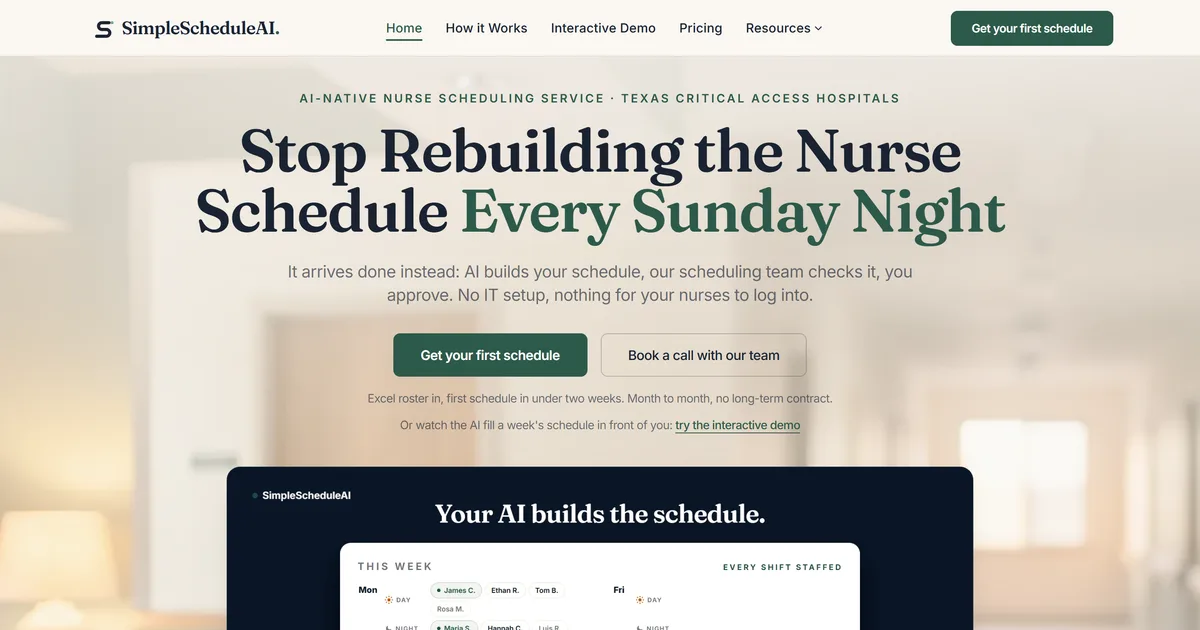
SimpleScheduleAI is AI-native nurse scheduling software, delivered as a service: the AI builds the schedule, a scheduling team checks it, the nurse manager approves. It is built for Texas hospitals of 25 beds or fewer, and how it works is set out step by step. It is new and has no public reviews yet.
Best for: Small hospitals with an ICU, where a handful of experienced nurses cover every night between them.
Key advantages:
- Every nurse on your roster carries a competency level from 1 to 5, set by your hospital. Level 1 is an orientee who needs a preceptor. Level 5 is an expert who can precept and take charge. The levels use the names of Patricia Benner’s novice-to-expert stages.
- Three of the 13 safety rules shape every ICU shift before a draft reaches you. Every ICU shift gets a Level 4 or 5 nurse, placed before the other slots are filled. If none is available, the draft says so instead of filling the shift without one. A Level 1 nurse is never placed on an ICU shift, and a Level 1 nurse on any unit always works beside a Level 5 preceptor.
- The same rules cover any unit that has ICU, ER, ED or Emergency as a word in its name, so your emergency department gets the same checks.
- A charge slot goes only to a nurse your roster lists as charge-qualified and at Level 4 or above. ICU charge shifts are filled first, weekend charge before weekday charge. Filling them last would leave the charge nurses with most of their weekly hours already used.
- Census ranges, set with you at onboarding, say how many RNs the unit needs at each patient count, such as two RNs for three or four patients. Each shift also carries a census level, from Blue to Red, and a busier level raises the number of nurses the draft must place.
- When a nurse calls out, you get a ranked shortlist. Nurses who would stay under 40 hours this week, and so avoid overtime, come first, and each name shows its competency level against the nurse who called out. If the nurse who called out held charge, anyone not charge-qualified is marked ineligible, and if nobody qualifies the shortlist says so.
Key limitations:
- The callout shortlist does not drop a nurse whose level is too low, and it does not check whether the shift still has a Level 4 or 5 nurse after the callout. It shows each nurse’s level next to the level of the nurse who called out. In the 5 p.m. example above, every free nurse would show as below the nurse who called out, and the choice stays with you.
- The rules follow the unit’s name. A unit called CCU or Special Care is not covered unless its name includes ICU.
- Each schedule is built ahead of time from the census level on each shift. It does not read a live census from your EHR.
- Competency levels are your hospital’s judgment. No rule reads certifications such as CCRN or ACLS, and nothing tracks expiry dates. Keep those in your credentialing system.
- It staffs shifts. Which nurse takes which two patients stays with your charge nurse.
- The service covers Texas only, and it does not schedule physicians or intensivists.
Verdict: The strongest fit if your ICU risk is a night with nobody experienced on, and nobody at your hospital has time to maintain scheduling rules. Look elsewhere if you need physician scheduling in the same system or you are outside Texas. Our AI nurse scheduling overview explains how each draft is built.
Cost: $1,000 a month for up to 20 nurses, $1,500 for 21 to 40. One price per hospital, not per nurse.
2. NurseGrid Manager
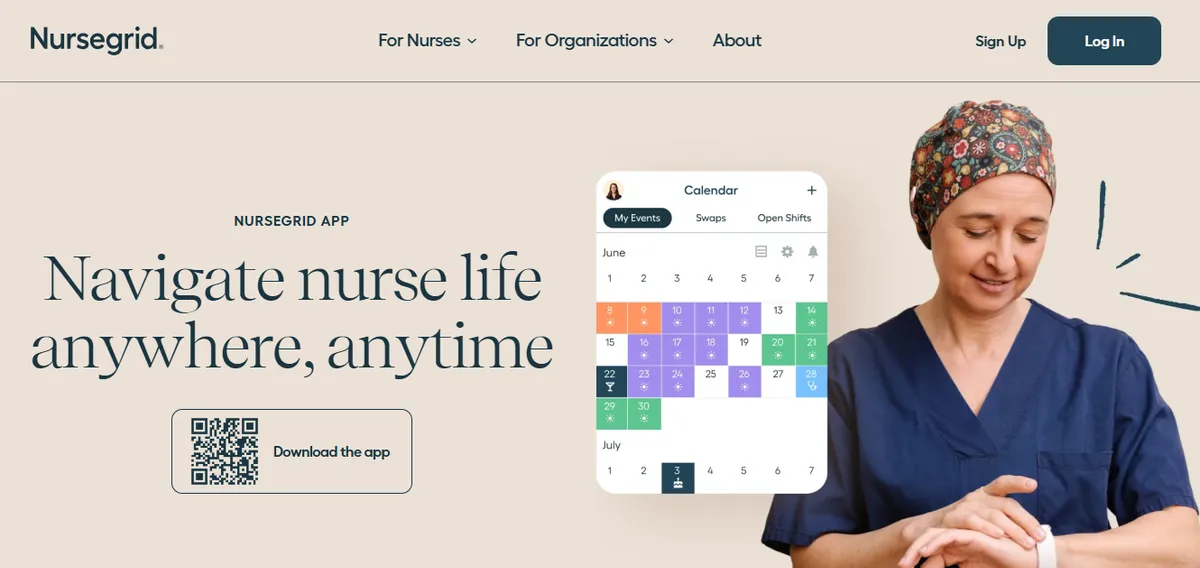
NurseGrid Manager is the manager tier of the NurseGrid app, owned by HealthStream. Our NurseGrid Manager explainer covers how it works. It holds 3.9/5 on Capterra (13 reviews; small sample, checked November 2026). It is the only platform here whose marketing names critical access hospitals: “Usually teams with 250 staff or fewer. Think critical access hospitals, hospital departments, surgery centers, clinics, and more.”
Best for: Small hospitals that want to run the schedule themselves at a published price, with coverage set by position.
Key advantages:
- Coverage requirements are set per position. An unmet one shows before you publish: the cell turns red, with a folded corner in the lower right.
- The requirement also gates self-scheduling. If a Day shift needs an RN, LPNs and CNAs cannot sign up for it.
- Shifts can be marked as charge or preceptor shifts, and staff can be grouped by “charge trained status” when you message them.
- Pricing is public: “$5 per month, per staff member. Got 25 staff? That’s $125/month.”
Key limitations:
Requirements work by position, not by unit competency. The words skill, competency and certification appear in none of its 30 help topics, checked November 2026.
Nothing in its documentation restricts a charge shift to charge-trained staff.
Its own help center says coverage requirements “do not automatically create or approve open shift requests.” A gap shows in the cell, and filling it is up to you.
Census and acuity do not appear in its help center.
An assistant director of nursing reported that only the schedule’s manager can edit it:
“unable to adjust schedule unless you are the manager of the schedule. this is not helpful when other employees have to take call and manage the schedule.”
Reviewer, ADON, June 12, 2024, Capterra
Reviewers report that the manager phone app was removed in 2024.
“It no longer has the manager app so I have to login to desktop to make changes.”
Reviewer, Chief Nursing Officer, June 18, 2024, Capterra
Verdict: The closest self-run option for a small hospital, and the cheapest published price here. It fits if position-level coverage is enough for your ICU, desktop-only manager access is acceptable, and you will check experience on each night yourself.
Cost: $5 per staff member per month.
3. M7 Health
M7 Health describes a “nurse-built scheduling platform that fits how small rural hospitals actually work.” It says it has onboarded critical access hospitals in Utah, Mississippi and Alabama. On the pages we read, it names none of those hospitals. Our M7 Health alternatives guide covers the company in more depth. Ascend Learning announced its acquisition of M7 on September 21, 2026.
M7 has no Capterra reviews, and G2 marks both reviews on its M7 listing as seller-invited, so we have no independent review to quote.
Best for: Rural and community hospitals that want census forecasting and an account manager in one subscription.
Key advantages:
- Census forecasting: “M7’s AI forecasts patient census and staffing demand based on historical patterns.”
- Open shifts go to a filtered group. M7 “routes open shifts only to eligible staff before a gap becomes a crisis.”
- Its platform page says M7 serves “the full range of health systems, including smaller community and rural hospitals,” and its critical access hospital page describes a dedicated account manager.
Key limitations:
- ICU, unit competency and charge do not appear on the product pages we read. “Eligible staff” and “clinical requirements” are not defined, so ask what each one checks.
- No price is published. Its critical access hospital page says only that “M7 is priced to be accessible for smaller facilities.”
- Ask how the new ownership changes the product roadmap and the contract before you sign.
Verdict: The most direct rural competitor in this list. Ask on the demo how “eligible” is decided for an ICU shift, and whether a draft can put two new nurses on the same night.
Cost: Not published. Contact the vendor.
4. In-House Health
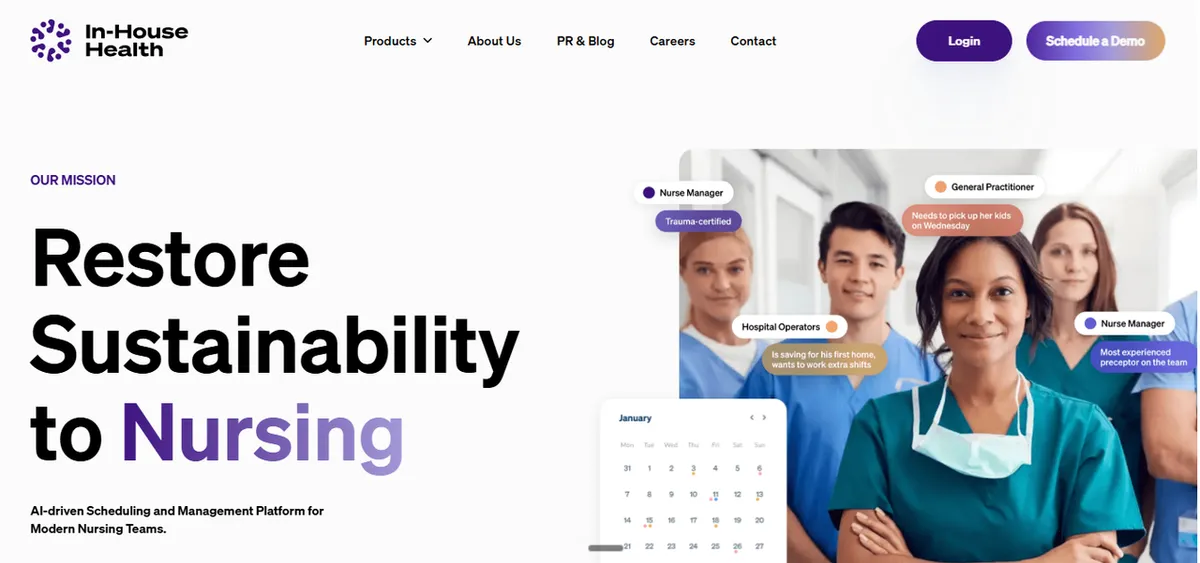
In-House Health sells AI scheduling to hospitals and skilled nursing facilities. Of the seven other platforms here, it is the only one whose product page we found naming the ICU: “In-House can give recommendations even for high acuity units like ICUs.”
In-House Health has no Capterra listing, and its G2 listing has no reviews yet, so we have no reviewer quote to share.
Best for: Hospitals that want staffing forecasts driven by how sick patients are and how busy each shift will be.
Key advantages:
- Forecasting covers census and acuity: “Predictive scheduling uses AI to forecast patient census, acuity levels and staffing needs in advance.”
- Each shift is weighed by workload, “factoring in patient acuity, volume of admits/discharges.”
- Skill mix is part of the balance: its AI “predicts patient workload and balances the skill mix of your available staff.”
Key limitations:
- Skill mix is described as something it balances, not a rule a shift must meet. Charge coverage is not documented on its product page.
- Open shifts go to “those likeliest to pick them up.” Qualification filtering is not documented.
- No price is published, and small or rural hospitals are not named on the pages we read.
Verdict: Worth a look if acuity-driven staffing is your priority. Ask whether a skill-mix requirement can block a draft, or only shape it.
Cost: Not published. Contact the vendor.
5. ShiftWizard
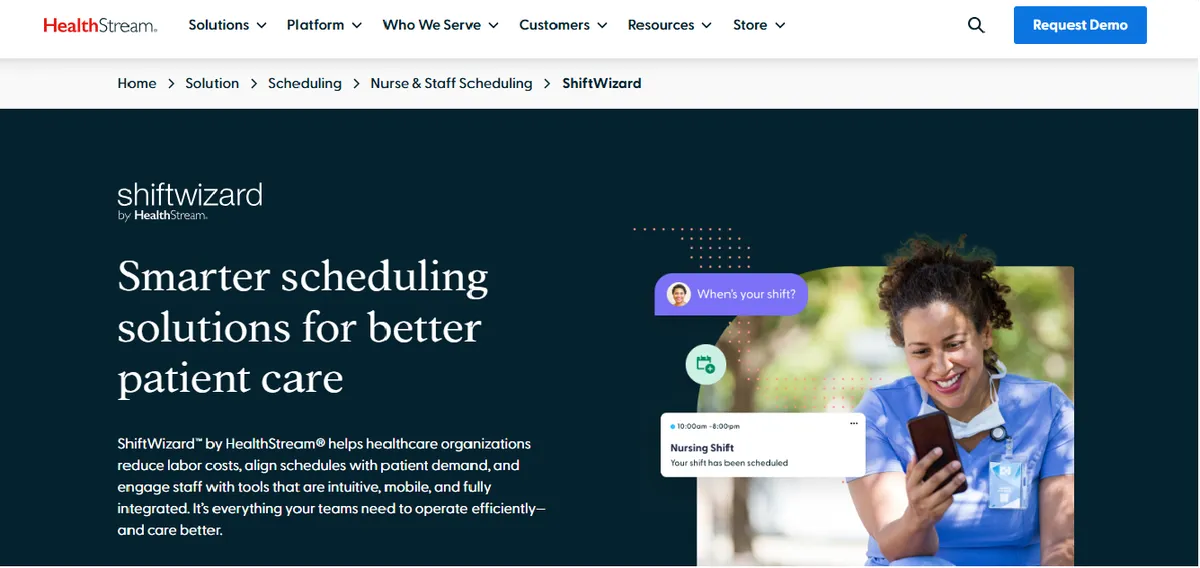
ShiftWizard is HealthStream’s hospital nurse scheduling product. It holds 4.3/5 on Capterra (723 reviews, checked November 2026). Its own FAQ says, “ShiftWizard was designed for health systems, with tools to manage complexity across locations.”
Best for: Hospitals in a system that want nurse scheduling plus a separate acuity and assignment tool from one vendor.
Key advantages:
- Census is built in: “Schedule the right staff every time with Predictive Census.”
- Ratio and workload matching sit in a companion product, Acuity and Assignment Manager, which “continuously updates staffing assignments to align with mandated staffing ratios, nursing hours per patient day, and workload matrices.”
- HealthStream says Acuity and Assignment Manager “is sold with our workforce scheduling solution ShiftWizard,” so both come from one vendor.
Key limitations:
A skill or competency rule is not documented on the ShiftWizard page. Charge is not documented on either product page.
The ratio language belongs to the companion product. Confirm which products a quote includes.
No price is published, and the positioning is health systems rather than small hospitals.
Nurses report friction viewing and marking shifts. A critical care RN wrote:
“I cannot see what unit I am scheduled for in one view. I have to toggle between 2 screens to view my scheduled days.”
Reviewer, Critical Care RN, August 12, 2024, Capterra
An RN who takes charge described a gap in recording callouts:
“if i am in charge, i am unable to put an icon if someone leaves early or calls out sick”
Reviewer, RN, August 7, 2024, Capterra
Verdict: A strong option inside a health system that already uses HealthStream. For a standalone small hospital, ask what the two products cost together.
Cost: Not published. Contact the vendor.
6. QGenda

QGenda started in physician scheduling and now sells nurse and staff scheduling too. It holds 4.2/5 on Capterra (68 reviews, checked November 2026). Its hospital page now says it serves hospitals “from large enterprises to small community facilities.”
Best for: Hospitals that schedule intensivists or hospitalists and nurses together and have someone to own the setup.
Key advantages:
- Census and acuity can come straight from the EHR: “Integration with the EHR automatically sends patient census and acuity data to QGenda to inform staffing and deployment decisions.”
- Whoever fills a shift sees “skills, preferences, hours worked, and work target status” across the system.
- Open shifts go first to internal staff “qualified to work,” before turning to “premium labor options,” the higher-cost staff such as agency nurses.
Key limitations:
Skills are shown to the person scheduling. A required skill or competency on a shift is not documented, and neither is a charge requirement.
Its nurse page reports nurse-to-patient ratios in analytics. Enforcing a ratio is not documented.
No price is published. Rural and critical access hospitals are not named on the pages we read.
Running it can depend on one trained person. A CEO wrote:
“It was a disaster with our staff member who was more versed on it took a vacation. nobody could replace her”
Verified Reviewer, CEO, June 30, 2023, Capterra
A scheduler made a similar point:
“Too complex to manage without Customer support”
Reviewer, Scheduler, May 9, 2024, Capterra
Verdict: Worth it if physician and nurse scheduling belong in one system. For nurse-only ICU scheduling at a small hospital, ask how much of the quote pays for physician scheduling you will not use.
Cost: Not published. Contact the vendor.
7. symplr Scheduling
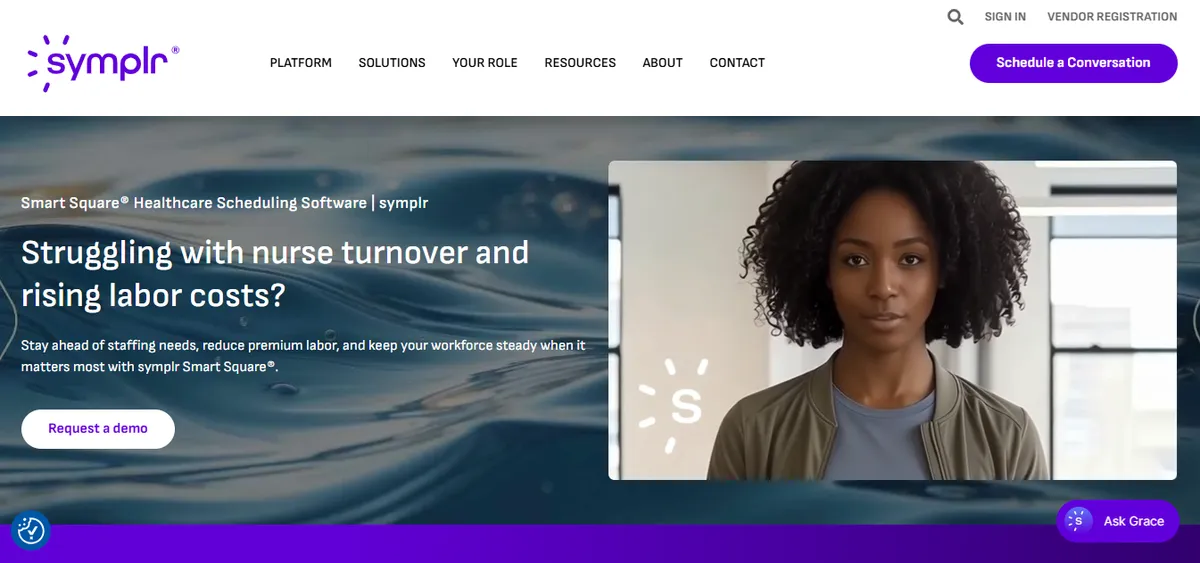
symplr Scheduling is the product formerly sold as Smart Square, and symplr’s page now uses the new name. It holds 4.5/5 on Capterra (19 reviews, checked November 2026), where it is still listed as Smart Square. symplr says the product won Best in KLAS, an annual award from the health IT research firm KLAS, for nurse and staff scheduling in 2025 and 2026. Our explainer on symplr Smart Square covers its history.
Best for: Health systems that want staffing forecasts checked against each unit’s staffing matrix, the table that sets how many nurses the unit needs at each census.
Key advantages:
Skill mix shapes the recommendation: “AI evaluates historical data, patient volume, and skill mix to recommend optimal staffing levels.” Reviewers like seeing skills and gaps at a glance:
“Color coding makes identification of skills easy.”
Reviewer, Director, November 11, 2022, Capterra
“The software allows you too proactively know where you have staffing/scheduling gaps.”
Reviewer, Director of Nursing, November 18, 2022, Capterra
Forecasts respect each unit’s rules: “the predictions pass through the staffing matrices for each unit/service area.”
symplr’s Workforce page says open shifts can be “posted to qualified staff automatically, up to 30 days in advance.”
Key limitations:
- The words ICU, competency and charge do not appear on its scheduling page, checked November 2026. Skill mix is described as a forecasting input rather than a rule a shift must meet.
- Every customer named on its pages is a health system.
- No price is published.
Verdict: A leading enterprise scheduler, sized for systems with many units. A small hospital should ask what setup and support cost for a single ICU.
Cost: Not published. Contact the vendor.
8. UKG

UKG, formerly Kronos, is the enterprise end of this market. It says it has “partnered with more than 3,500 hospitals and 10,000 post acute care facilities.” UKG Pro, the suite’s main Capterra listing, holds 4.1/5 (739 reviews, checked November 2026). The reviews below come from that listing rather than from its scheduling add-ons.
Best for: Hospitals in a health system that already runs UKG and has IT staff to own the configuration.
Key advantages:
- Its Clinical Scheduling Extensions page says the add-on can “automatically enforce nurse-patient ratios, licensure requirements, and labor laws.”
- Schedules factor in “employee skills, licensure, experience, and preferences.”
- Census and acuity feed the forecast. UKG’s page says to “proactively predict patient volume with census, acuity, and churn data,” meaning patients coming and going.
Key limitations:
The clinical features come in layers. Clinical Scheduling Extensions work “when combined with UKG Advanced Scheduler,” so ask for both product names on the quote.
ICU and critical care do not appear on the four UKG pages we read, and a charge requirement is not documented. Its help documents now sit behind a login.
No price is published, and we found no critical access or rural hospital page.
An ICU and ER nursing director reported that shift swap could not be customized by department:
“the shift swap is not working. That it could not be department customized.”
Amy J., RN Director ICU/ER/RT Services, June 7, 2021, Capterra
Weekend support was a problem for a 24-hour hospital:
“Customer support was closed on weekends so managing a 24 hour a day hospital made it hard to get support when needed at certain times.”
Reviewer, Manager, November 17, 2020, Capterra
Verdict: The most capable platform here on paper, and the hardest for a hospital without IT staff to run.
Cost: Not published. Contact the vendor.
Which ICU Scheduling Software Fits Your Hospital?
| If this is your hospital | The honest recommendation |
|---|---|
| 25 beds or fewer in Texas, and nights with nobody experienced on are the worry | SimpleScheduleAI, which checks experience on every ICU shift before you see it |
| You want to run the schedule yourself at a published price | NurseGrid Manager, with coverage set by position rather than unit competency |
| A rural hospital that wants census forecasting and an account manager | M7 Health, after you ask what “eligible staff” means for an ICU shift |
| Acuity-driven workload forecasting is your first priority | In-House Health, the only other vendor we found naming the ICU on its product page |
| You are part of a system that already uses HealthStream | ShiftWizard with Acuity and Assignment Manager |
| You schedule intensivists or hospitalists alongside nurses | QGenda |
| A health system with many units and a staffing office | symplr Scheduling |
| You have an IT department and already run UKG | UKG with Advanced Scheduler and Clinical Scheduling Extensions |
A general scheduling app such as Deputy costs $5 to $9 per user per month and documents training requirements on shift swaps. Charge coverage, census and ratios are not documented on the Deputy pages we read. Our comparison of scheduling software for critical access hospitals covers the same vendors for every unit.
Our Take
The enterprise platforms have put their effort into forecasting how many nurses a unit needs. In a small ICU the count can be the easier half. The harder half is who those two or three nurses are, and whether any one of those nurses is experienced enough to be the senior nurse on the night. AACN's own standards say new nurses need support in the staffing plan. On the pages we read, none of the other seven vendors shows a rule that provides it. Ask the vendor to build a night from nurses who are all new to your ICU, and show you what the product says.
What to Do This Week
- Write down every nurse signed off for your ICU, with the month each one finished orientation. If that list lives only in your head, it is not yet a list a scheduling tool can use.
- Mark your experienced nurses, the ones you would trust to be the most senior nurse on a night. Then count, across last month’s schedule, the ICU nights with none of those experienced nurses on.
- Take one recent ICU callout and write down how you filled it. Note whether the replacement was new to the unit, and whether you had a better name you did not reach in time. Our guide to handling nurse callouts has a fuller method.
- Check your staffing plan against AACN’s expectation of one nurse to two critically ill patients, and decide whether your charge nurse sits inside or outside that count. Our guide to acuity-based staffing shows how to adjust the count for sicker patients.
- On every vendor demo, ask the 5 p.m. question: my most experienced ICU nurse just called out for tonight, and every nurse who is free is new to the unit. What does your product show me? Watch the screen, not the slides. If the honest answer at your hospital is that you check experience on each night by memory, that is the gap the SimpleScheduleAI critical access hospital scheduling service is built to close.
Experience checked on every ICU shift, before you see the draft
Competency pairing and charge coverage are among the 13 safety rules every draft must satisfy. Onboarding takes 3 to 5 business days and your first schedule lands inside two weeks.
See how it works →Frequently Asked Questions
Q: What is the required nurse-to-patient ratio in an ICU? No federal rule sets one, and Texas sets none, as of November 2026. California requires one nurse for every two critical care patients at all times, and Massachusetts sets one or two ICU patients per nurse depending on how stable each patient is. AACN’s 2024 standards say staffing plans should anticipate that critically ill patients generally need one nurse for every two patients.
Q: Does ICU scheduling software check CCRN certification? Some platforms say they factor in licensure, and UKG says an add-on enforces licensure requirements. SimpleScheduleAI does not read certifications such as CCRN in any rule. It uses the competency level your hospital gives each nurse. AACN describes CCRN as a specialty certification, and no federal Condition of Participation requires it to work in an ICU.
Q: Can scheduling software stop two new nurses from working the same ICU night? SimpleScheduleAI does by rule. Every ICU shift gets a Level 4 or 5 nurse, and if none is available the draft says so. A Level 1 nurse is never placed there. None of the other seven platforms here documents a pairing rule like that on the pages we read. Ask each one to show you on a demo.
Q: What is the cheapest ICU nurse scheduling software for a small hospital? NurseGrid Manager publishes the lowest price here, $5 per staff member per month, which is $125 a month for 25 staff. SimpleScheduleAI is $1,000 a month for up to 20 nurses, with the schedule built and checked for you. The other six do not publish prices.
Sources
[1] Joynt KE, Harris Y, Orav EJ, Jha AK. Quality of care and patient outcomes in critical access rural hospitals. JAMA. 2011;306(1):45-52. PubMed. Data from 2008 to 2009.
[2] Freeman V, Walsh J, Rudolf M, Slifkin R. Intensive Care in Critical Access Hospitals. NC Rural Health Research and Policy Analysis Center, Working Paper No. 81, March 2005. Sheps Center.
[3] Massachusetts ICU nurse staffing, M.G.L. chapter 111, section 231. Massachusetts Legislature.
[4] AACN Standards for Appropriate Staffing in Adult Critical Care, announced April 23, 2024. AACN. Checked November 2026.
[5] Hospital nursing services, 42 CFR 482.23, and critical access hospital staffing, 42 CFR 485.631.
[6] Texas Health and Safety Code, chapter 257, nurse staffing committees. FindLaw, section 257.004. Checked November 2026.
[7] California nurse-to-patient ratios, 22 CCR 70217. Cornell LII.
[8] NurseGrid Manager marketing page, pricing and help center. nursegrid.com and the NurseGrid Manager help center. Checked November 2026.
[9] M7 Health platform and critical access hospital pages. m7health.com and the critical access hospital page.
[10] In-House Health product page. inhouse.health.
[11] HealthStream ShiftWizard and Acuity and Assignment Manager pages. healthstream.com and Acuity and Assignment Manager. Checked November 2026.
[12] QGenda nurse and staff scheduling, nurse, and hospital pages. qgenda.com, for nurses and hospitals and health systems. Checked November 2026.
[13] symplr Scheduling and symplr Workforce pages. symplr.com and symplr Workforce. Checked November 2026.
[14] UKG Clinical Scheduling Extensions and healthcare pages. ukg.com, healthcare and hospitals and health systems. Checked November 2026.
[15] Deputy pricing and shift swapping pages. deputy.com and shift swapping. Checked November 2026.
[16] Ascend Learning announcement of its acquisition of M7 Health, September 21, 2026. GlobeNewswire.
[17] Benner P. From novice to expert. American Journal of Nursing. 1982;82(3):402-407. PubMed.
[18] Capterra ratings and reviewer quotes for NurseGrid Manager, ShiftWizard, QGenda, Smart Square and UKG Pro, checked November 3, 2026. Quotes are verbatim, including the reviewers’ spelling. Several quotes are more than a year old; each carries its date. Capterra now shows most reviewers without a name, and the date shown is when Capterra published the review.
Pradeep Pandey is the co-founder of SimpleScheduleAI, an AI-native nurse scheduling service built for Critical Access Hospitals in Texas. He serves as Deputy General Manager of Operations at Apollo Hospitals and holds an MBA from IIM Trichy. LinkedIn →