By Pradeep Pandey · Co-Founder · 16 min read · Updated
What Happens When Your Nurse Scheduling Software Goes Down Before a Holiday Weekend
A scheduling vendor can tell you it is working on an outage. It cannot always tell you when the outage will end. What a small hospital keeps on paper, and who is allowed to use it, decides how a weekend without the system goes.
Key Takeaways
- A scheduling software outage can last for weeks. When the Kronos Private Cloud was hit by ransomware on December 11, 2021, UKG told customers restoring it “may take up to several weeks.”
- The first things to take a hit are the ones you use every shift: the posted schedule, the staff phone list, the callout call order, and the record of hours worked.
- Shannon Medical Center in San Angelo used Kronos for timekeeping and scheduling, and switched to its backup process for running payroll without the system. UMass Memorial Health relied on backup timekeeping, including hours written on paper, for more than a month.
- The fix is a downtime kit that lives outside the software: a printed four-week schedule, a paper phone list, a written callout order, and a paper hours sheet.
- CMS (the Centers for Medicare and Medicaid Services) requires a critical access hospital’s emergency preparedness communication plan to hold staff contact information and an alternate way to reach staff. A phone list that exists only inside the scheduling system does not meet that need during an outage.
Table of Contents
- What Happened When the Kronos Private Cloud Went Down in December 2021?
- What Stops Working at a Small Hospital When the Scheduling Software Goes Down?
- Why Is a Holiday Weekend the Worst Time for a Scheduling Outage?
- What Does CMS Require a Critical Access Hospital to Have if Its Systems Fail?
- What Should a Scheduling Downtime Kit Contain?
- What Should You Ask a Scheduling Vendor About Outages Before You Sign?
- How Does SimpleScheduleAI Handle a Scheduling Outage?
- What to Do This Week
- Frequently Asked Questions
A scheduling software outage at a 25-bed hospital does not arrive with a warning. You open the system to finish the weekend schedule and it will not load. Your nurses need to know who is working Saturday night. The one person who can answer that is you, and your records are inside the system that just went down.
If the vendor hosts the system, nobody at your hospital can bring it back, however good your IT support is. The scheduling vendor’s support line may not answer until Monday. So the real question is what you can still do in the next hour with what is on paper. This guide walks through a real multi-week outage, what breaks first, and the downtime kit that keeps a holiday weekend covered.
What Happened When the Kronos Private Cloud Went Down in December 2021?
Late on Saturday, December 11, 2021, UKG detected a ransomware attack on its Kronos Private Cloud. The attack took down UKG Workforce Central, UKG TeleStaff, Healthcare Extensions and Banking Scheduling Solutions. UKG told customers that restoring the systems “may take up to several weeks.” It told them to put their own backup procedures in place.
That warning came in a customer statement republished by the American Hospital Association two days later. UKG’s exact words were that customers should “evaluate and implement alternative business continuity protocols related to the affected UKG solutions.” In plain terms, the hospitals were on their own until the vendor recovered.
Hospitals felt it right away. Shannon Medical Center in San Angelo, Texas, was one of them. TechTarget reported that the hospital “uses Kronos services for timekeeping and scheduling.” The hospital confirmed it had been hit. It said it “has since implemented payroll downtime procedures.” Downtime procedures are a hospital’s written backup steps for doing the work by hand while a system is down.
The recovery was slow. At UMass Memorial Health, Cybersecurity Dive reported that staff were asked to write their hours “down on paper.” The health system did not go back to Kronos for payroll timekeeping until January 27, 2022. Its first clean payroll after the attack was February 3, 2022.
The problems hospitals reported were mainly with timekeeping and payroll, not with the schedules themselves. Those records matter to scheduling too. The same hours records tell you who worked, who is close to overtime, and who you can call next.
What Stops Working at a Small Hospital When the Scheduling Software Goes Down?
Four things stop working at once: the posted schedule, the staff phone list, the callout call order and the record of hours worked. A large hospital may have a staffing office to share that work. At a 25-bed hospital the nurse manager may have to rebuild all four alone.
The posted schedule. If nurses check their shifts in an app, an outage means they cannot see next week. The printed copy on the unit wall may be two changes out of date.
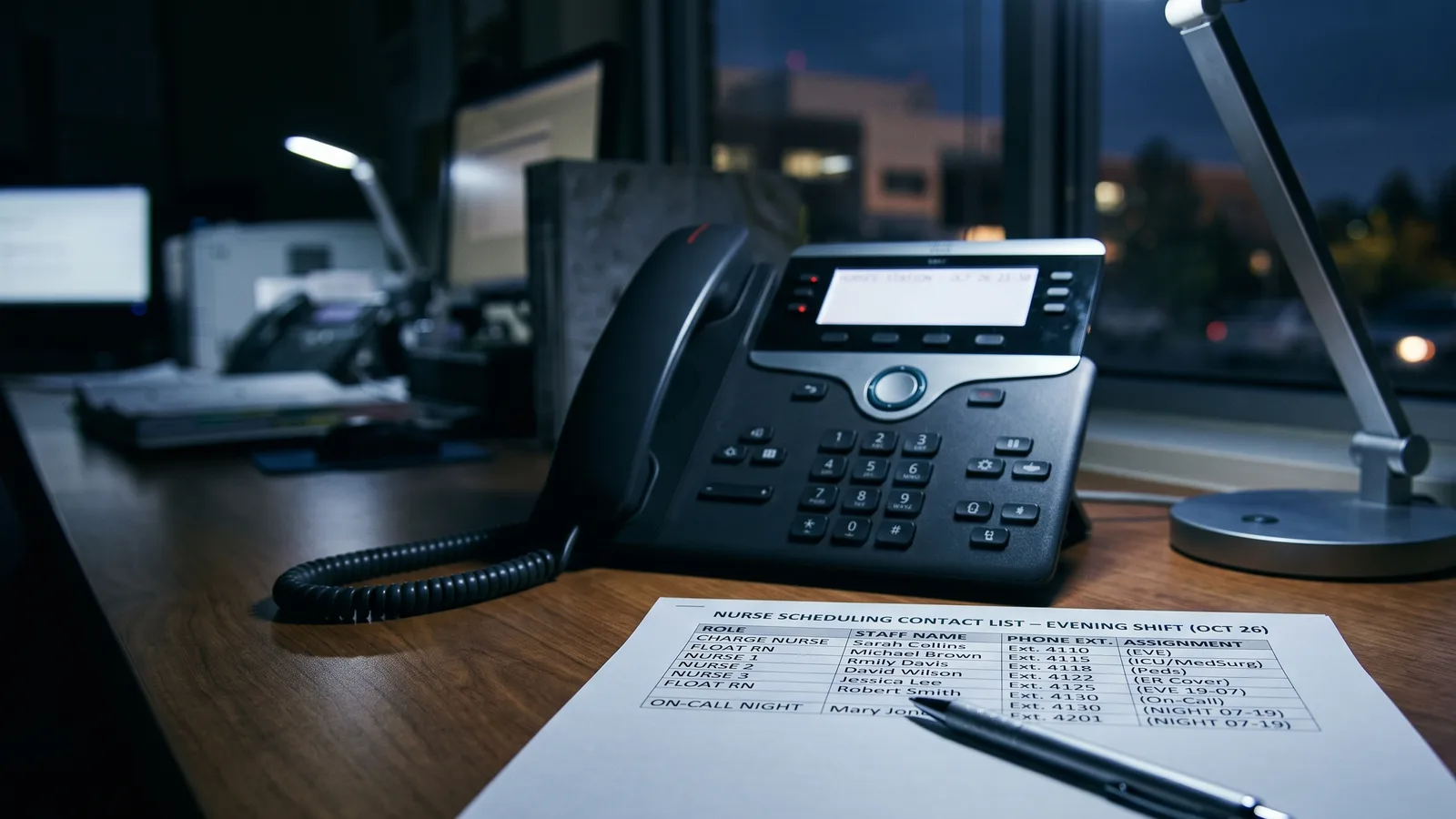
The staff phone list. If phone numbers live only in the scheduling system, an outage takes them with it. You cannot call anyone whose number you do not already know.
The callout call order. When a nurse calls out, you need to know who is eligible, who is rested, and who is close to overtime. If that answer comes from the system, then during an outage you call the same two reliable nurses again, which is how burnout concentrates on your best people.
The hours record. Overtime still has to be paid correctly for every hour worked, as federal overtime rules require. If the time clock feeds the same system, someone has to track hours by hand until it comes back.
Everyday problems are smaller, but they follow the same pattern. A registered nurse reviewing ShiftWizard on Capterra wrote that the app “can be slow and glitchy, making inputting schedule difficult and stressful.” A NurseGrid reviewer, an inpatient director, wrote: “Does not work well with androids. The texting function doesn’t work.” Neither describes an outage. Both describe a tool nurses cannot fully rely on at the moment they need it.
Why Is a Holiday Weekend the Worst Time for a Scheduling Outage?
A holiday weekend is the worst time for a scheduling outage because help is hardest to reach just when coverage is tightest. The vendor’s support team and your own administration may be on reduced holiday hours. Some of your nurses are on planned leave. And CDC says flu activity usually peaks between December and February.
The Kronos attack is the real example. It started on a Saturday night in mid-December, two weeks before Christmas. At UMass Memorial, Kronos did not return as the payroll timekeeping source until January 27, 2022. For hospitals like that one, the Christmas and New Year shifts were worked and paid while the system was down.
Holidays are also when fairness matters most to nurses. A fair rotation depends on knowing who worked which holiday last year. If that record lives only in the software, an outage in December can quietly reset it, and next year’s holiday rotation starts from memory.
For a small hospital, a holiday callout already stretches a thin bench. Our guide to covering callouts from Thanksgiving to New Year covers that problem on its own. An outage on top of it removes the list you would use to solve it.
What Does CMS Require a Critical Access Hospital to Have if Its Systems Fail?
CMS requires every critical access hospital to keep an emergency preparedness plan under its federal emergency preparedness rule, 42 CFR 485.625. Its communication plan must include “Names and contact information” for staff. It must also include “Primary and alternate means for communicating with” the hospital’s staff. Both the plan and the communication plan must be reviewed at least every two years.
The rule does not name scheduling software, so CMS does not require a scheduling downtime plan as such. It does require the staff contact list and the second way to reach staff. If your only copy of staff phone numbers lives inside the scheduling system, that second way does not exist during an outage.
The emergency plan itself must address “continuity of operations, including delegations of authority and succession plans.” For scheduling, we read that as two plain things. Someone other than the nurse manager should know where the downtime kit is kept. That person should also be allowed to approve an overtime shift if the manager cannot be reached.
The same rule requires critical access hospitals to “conduct exercises to test the emergency plan at least twice per year.” A scheduling outage is a cheap scenario for one of those exercises. It needs no patients moved and no outside agencies. It only needs someone to try covering tomorrow’s shifts without opening the software. Pick a weekday and tell the charge nurse the scheduling system is down for two hours. Ask them to cover the next shift using only the downtime kit. Write down every piece of information they had to go looking for, and add it to the kit.
What Should a Scheduling Downtime Kit Contain?
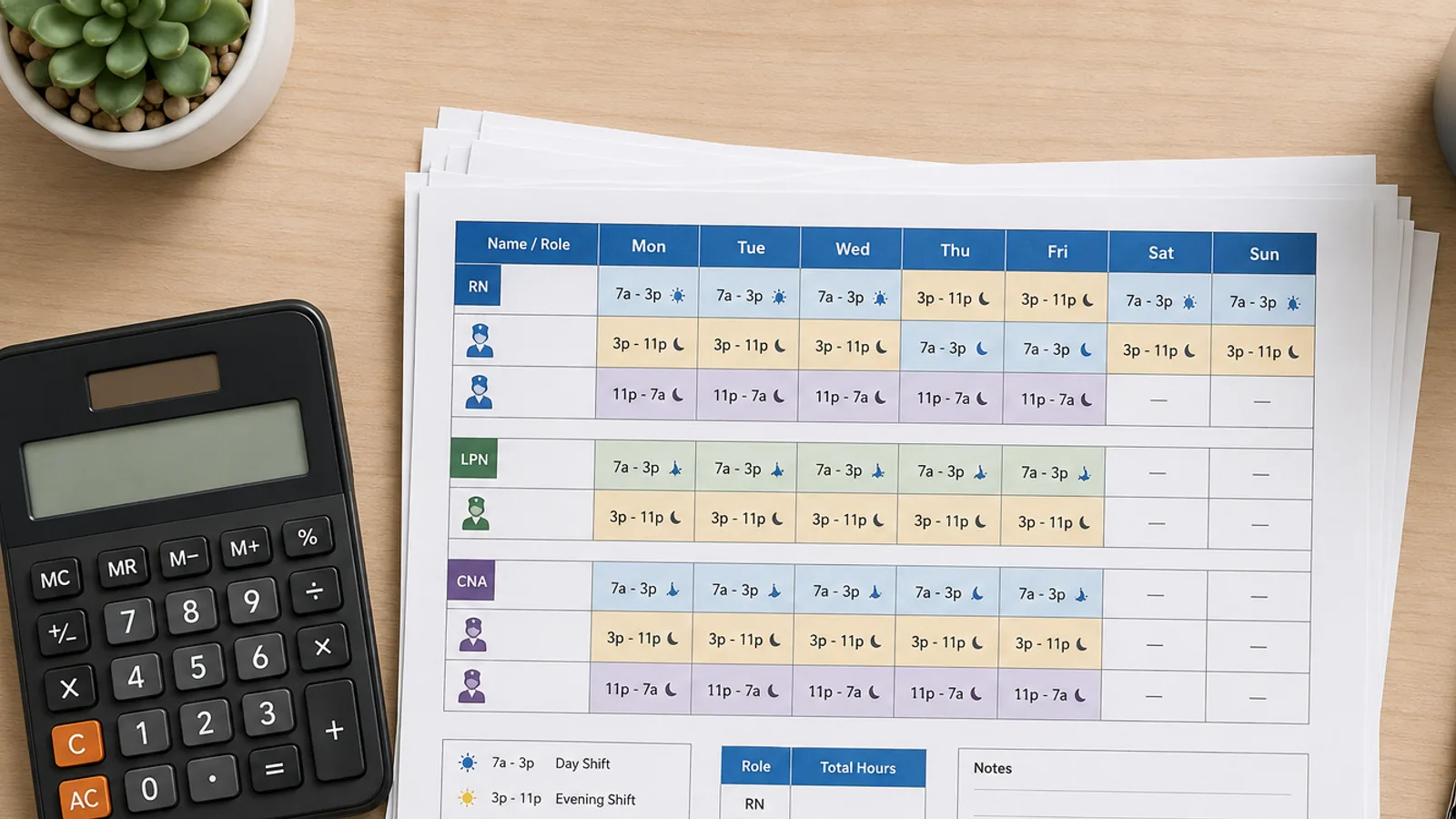
A scheduling downtime kit is a folder that lets anyone cover the next four weeks without the software. It holds a printed four-week schedule, a staff phone list, a written callout call order, a paper hours sheet, and one page naming who can approve overtime. Keep one copy on the unit and one with the administrator.
| What goes in the kit | What it replaces during an outage | How often to refresh it |
|---|---|---|
| Printed schedule for the next four weeks | The app or portal nurses use to check shifts | Every time a new schedule is posted |
| Staff phone list with a second number for each nurse | Contact details stored inside the scheduling system | Monthly, and after every hire or departure |
| Written callout call order by shift type (days, nights, nurses qualified as charge nurse) | The system’s replacement suggestions | Every schedule cycle |
| Paper hours sheet, one line per nurse per shift | The time clock and the overtime tracking that depends on it | Printed blank; filled in only during an outage |
| One page: who approves overtime and agency use if the manager is out | The manager’s approval steps inside the software | Once a year, and when leadership changes |
The printed schedule. Print it every time you post a new schedule, not once a month. A kit with last month’s schedule in it is worse than no kit, because people will trust it.
The callout call order. Write it by shift type. Night callouts and charge-nurse callouts need different lists, because only some nurses are qualified to work as charge nurse. If you already build a ranked list before the night shift, print it into the kit.
The hours sheet. Keep it simple: nurse name, date, shift start, shift end, and a column for anyone who stayed late. Add a running total of each nurse’s hours for the week. Check that total before you call a nurse in, so you can see who is already close to overtime. UMass Memorial asked employees to write their hours down on paper. That gave officials a record to check when they went back to fix pay problems.
Most of the kit is lists you already have. After the first build, keeping it current is one extra print each time you post a schedule.
What Should You Ask a Scheduling Vendor About Outages Before You Sign?
Ask any scheduling vendor four questions before you sign. Where does my schedule live if your system is down? Who do I call at 9pm on a Saturday, and how fast do they answer? Do you publish a status page or an uptime figure? Can I export the full schedule and staff list myself, at any time, in a format I can open without your software?
Two of those terms need a plain meaning. A status page is a public web page that shows whether the vendor’s system is working right now. An uptime figure is the share of time the system was available over the past year. A format you can open without the vendor’s software means a file like Excel or CSV that opens on any hospital computer.
These questions belong in any software evaluation of nurse scheduling software, alongside price and features. They matter most for a small hospital without an IT department, where the nurse manager has no one to hand an outage to.
Watch for two kinds of answers. A vendor who answers with a specific process and a named contact has planned for this. A vendor who says outages are rare has not answered the question.
We ask these questions of ourselves in the next section. Not every answer is yes.
How Does SimpleScheduleAI Handle a Scheduling Outage?
SimpleScheduleAI is an AI-native nurse scheduling service for critical access hospital scheduling. The AI builds the schedule, our scheduling team checks it, and the nurse manager approves it. The AI nurse scheduling guide explains how the drafts are built. Your nurses never log into our software. Each cycle you get the schedule as a PDF and an Excel file. So the posted schedule already lives in your own files and on your unit wall.
If our system is down, the schedule you already have does not change. You can print it, email it and post it without us. The Excel file includes a sheet listing each nurse’s shifts, which drops straight into a downtime kit. Staff phone numbers are not in it, so keep your own phone list.
When something is blocking coverage, you call or text a named contact on a direct number shared at onboarding. Coverage-blocking means an uncovered shift or a schedule that cannot post. Those issues go to the front of our queue, ahead of everything else. The escalation steps are on how it works.
One honest limitation: mid-cycle changes run through us. When a nurse calls out, you log it with our team, and the system returns the top three replacement candidates with reasons. If our system is down at that moment, you can still reach a person. The ranked shortlist itself waits until our system is back, and we do not promise a recovery time. Your written callout call order covers the gap. Keep it in the kit.
Here is how SimpleScheduleAI answers the four vendor questions above:
- Where does my schedule live if your system is down? In your own files, as the PDF and Excel you received.
- Who do I call, and how fast do they answer? A named contact on a direct number. Coverage-blocking issues go to the front of the queue.
- Do you publish a status page or an uptime figure? No, as of September 2026. That is a second limitation.
- Can I export the schedule myself? You do not log in to pull an export. You receive the full schedule file every cycle and keep every copy.
Our Take
Every scheduling system will go down at some point, including ours. What decides how bad that weekend gets is whether the schedule, the phone list and the call order also exist on paper. The Kronos attack showed that a vendor can be out for weeks, and UMass Memorial kept working by writing hours down on paper. Build the kit before the holidays, and refresh it every time you post a schedule.
What to Do This Week
- Print the next four weeks of your schedule and put it in a labeled folder on the unit. Put a second copy in the administrator’s office.
- Export or copy your staff phone list out of the scheduling system. Add a second number for each nurse where you have one.
- Write your callout call order by shift type. Keep separate lists for days, nights and nurses qualified to work as charge nurse.
- Name a backup approver for overtime. Write down who can approve an extra shift when you cannot be reached, and tell that person.
- Ask your current vendor the four outage questions above. Write down the answers, with the date and the name of the person who gave them.
A schedule you already hold, and a named person to call
SimpleScheduleAI delivers each cycle as a PDF and an Excel file, and coverage-blocking issues go to the front of our queue.
See how it works →Frequently Asked Questions
Q: What should I do in the first hour if my scheduling software goes down?
First, check whether the problem is only yours by trying another browser or device. Then open your downtime kit and post the printed schedule. Call the vendor and say it is blocking shift coverage. Start the paper hours sheet for every shift worked until the system is back. Note the time the outage started.
Q: How long can a scheduling software outage last?
There is no typical length, so plan for a long one. The December 2021 ransomware attack took down the Kronos Private Cloud. UKG warned that restoring it “may take up to several weeks.” UMass Memorial Health did not go back to Kronos for payroll timekeeping until January 27, 2022.
Q: Does CMS require a critical access hospital to plan for a scheduling system outage?
Not by name. The CMS emergency preparedness rule, 42 CFR 485.625, requires staff contact information and an alternate way to reach staff in the communication plan. It also requires the plan to address continuity of operations. A paper staff list and callout order are a simple way to meet that need when the scheduling system is down.
Q: Is a paper backup schedule still worth keeping if our software has never gone down?
Yes. Most of the kit is lists you already have, and keeping it current is one extra print each cycle. The Kronos attack gave hospitals no warning, and the outage ran for weeks. A printed schedule also helps with smaller problems, such as a nurse whose phone app will not load before a shift.
Sources
- UKG customer statement on the Kronos Private Cloud ransomware incident, republished by AHA and H-ISAC (the Health Information Sharing and Analysis Center), December 13, 2021. American Hospital Association
- “Kronos Cyberattack Takes Down Healthcare Workforce Management Services,” December 16, 2021. TechTarget HealthTech Security
- Ryan Golden, “The Kronos outage disrupted one employer’s payroll for more than a month,” March 24, 2022. Cybersecurity Dive
- 42 CFR 485.625, Condition of participation: Emergency preparedness (critical access hospitals). Cornell Law School LII
- ShiftWizard reviews, reviewer Erika A., Registered Nurse, July 9, 2024. Capterra
- NurseGrid reviews, reviewer Inpatient Director, Hospital and Health Care, June 17, 2024. Capterra
- Flu season timing. Centers for Disease Control and Prevention
Pradeep Pandey is the co-founder of SimpleScheduleAI, an AI-native nurse scheduling service built for Critical Access Hospitals in Texas. He serves as Deputy General Manager of Operations at Apollo Hospitals and holds an MBA from IIM Trichy. LinkedIn →